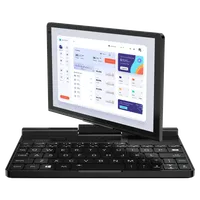
GPD Pocket 3 FAQ
You can find answers to many common questions we are asked or searched for by our visitors. This GPD Pocket 3 FAQ is regularly updated with new Q&A.
Frequently Asked Questions
GPD Pocket 3
What is the maximum resolution of the built-in display?
The GPD Pocket 3 has an 8-inch touchscreen display with a resolution of 1920×1200 pixels
Can I use the GPD Pocket 3 as a tablet?
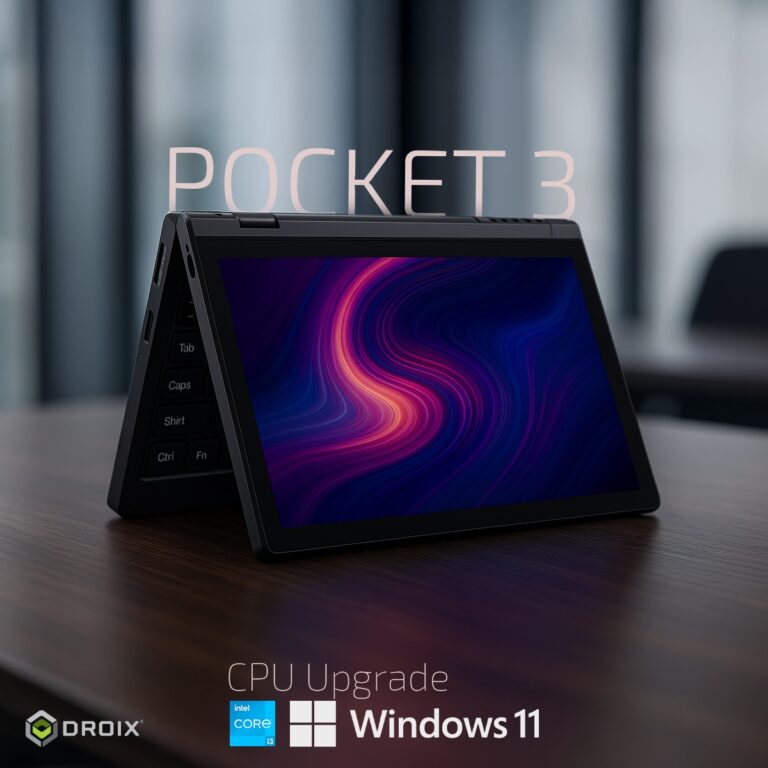
Yes, the GPD Pocket 3 features a 180° rotatable touchscreen display, allowing it to be used in tablet mode
Is the touchscreen compatible with a stylus?
Yes, the GPD Pocket 3 supports an active stylus with 4096 levels of pressure sensitivity
What is the modular port on the GPD Pocket 3 used for?
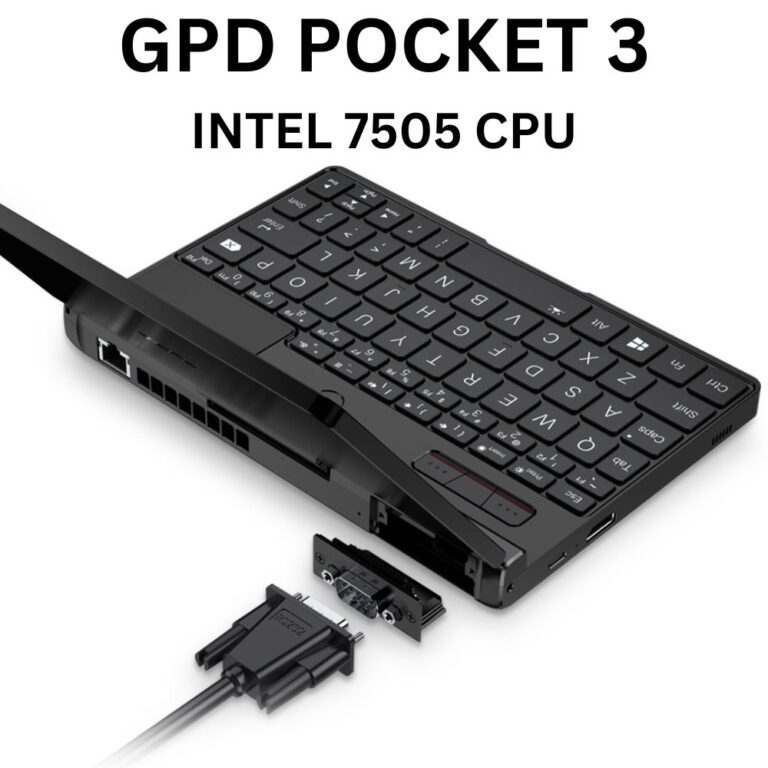
The modular port allows for additional functionality through optional modules, such as RS-232 or KVM (Keyboard, Video, Mouse) capabilities
Does the GPD Pocket 3 support fast charging?
Yes, the GPD Pocket 3 supports 65W PD (Power Delivery) fast charging
What is the battery life of the GPD Pocket 3?
The GPD Pocket 3 has a 38.5Wh battery that provides approximately 8.5 hours of local video playback in real-world tests
Does the GPD Pocket 3 support external displays?
Yes, the GPD Pocket 3 supports external displays via its HDMI 2.0b port and Thunderbolt 4 port (Thunderbold 4 Port is only available on the Intel Core i7 and Intel Gold 7505 Models). It can drive up to two external monitors simultaneously
Can I upgrade the RAM or storage on the GPD Pocket 3?
The RAM is soldered and cannot be upgraded. However, the M.2 2280 NVMe SSD can be replaced or upgraded
What operating systems are compatible with the GPD Pocket 3?
The GPD Pocket 3 comes pre-installed with Windows 10 Home or Windows 11 Home. It also supports Windows 11 and various Linux distributions like Ubuntu MATE
Questions on this guide
4 answeredQuisiera comprar un disco duro para ampliar el almacenamiento de 512 GB a 2 TB mi equipo es una GPD Pocket 3 N6000, si fueran tan amables de indicarme el modelo que les puedo comprar y que quede en dicho equipo gracias
GPD Pocket3 Windows 11 (Ultimate版)のタブレットモードでスリープからの画面タッチで作業復帰出来る設定したいのですがどのようにすれば良いか教えてください。

Pocket 3 で確認しましたが、残念ながらハードウェアはタッチによる起動をサポートしていません。Pocket 4 の試作版も試しましたが、これもサポートされていませんでした。
Can I use the oculink cable and graphics card on my GPd pocket 3 and if so how? I already have the kvm module installed using the HDMI and type c outputs for connection to monitor. Can I also put this on and use my quest 3 headset with it? Otherwise, if not it’s kind of pointless and not very helpful to me. Please let me know
The GPD Pocket 3 (and Pocket 4) do not have OCuLink ports so you would not be able to connect via this method. You can however use the Pocket 3 USB connection but the performance would be more limited. We have not tried the Pocket 3 with any VR headsets as its not really a gaming device, instead aimed towards more professional work. You may have more luck with a GPD Win 4 or Win MAX 2 if you want OCuLink etc support.
voice in my microphone at GPD pocket 3 is very little, how to repaired it ?
Check in the Audio Settings that the recording volume is increased to around 95/100 and this should improve the recording volume.
Just one question: What is the latest BIOS Version available for GPD Pocket 3 Core i7 Version?
I’m just wondering that there is an update available for the N6000 version, but there isn’t one for the Core i7 Version.
I have read in some comments on YouTube and Reddit that some people have an Pocket 3 with BIOS Version 1.27 or even 2.xx,
I even found some downloads on Reddit but I am not sure I can trust these files.
I am currently on Version 1.21 vom 12/28/2001, is there anything newer available?
I install the latest 1.6v of gpd tool on my gpd pocket 3 but the fan options are greyed out, the gpd mhz and % utilisation are not dynamically updated and always show as 0. Additionally the TDP doesn’t work – when set to low @ 15w on battery, the gpd tool app show the switch from 35w to 15w when unplugged but the laptop consistently running above 15w maxing at 25 (which is pl2 max value in bios with 22.5w min for sustained). I tried to run motion assistant and again the fan option is still grey out. I check windefender and WinNT/Winring0 isn’t blocked and both motion assistant and gpd tool folder are set to ignored. Please help. I just want dynamics tdp (10-15W when unplugged and 20-30w when plugged in [the bios only allow for 25w max] to work with dynamic fan curve manual preset) and cpu and gpu to usage and mhz to be displayed correctly. I did a refresh install using the latest firmware for win11 22h2 and installed the driver pack 1.7v okay. I upgraded to win 11pro My pocket 3 is the i71195g7 variant
I think the GPD Tool software may not support Intel processors as yet. I would recommend to continue using the Motion Assist tool until GPD add support for it.