Can Your Device Use the GPD G2? Compatibility Guide for Handhelds, Laptops & Mini PCs
If you are looking at the GPD G2 eGPU docking station and wondering whether your current device can use it, the short answer is this: the GPD G2 is designed for devices with Thunderbolt 3, Thunderbolt 4, Thunderbolt 5, USB4, or USB4 v2.0 connectivity, plus the right operating system and driver support for eGPU use.
That makes the GPD G2 relevant to more than just one type of system. It is clearly aimed at GPD handheld gaming PCs, mini laptops, mini PCs, and other compact computers that need more graphics power than their built-in hardware can provide.
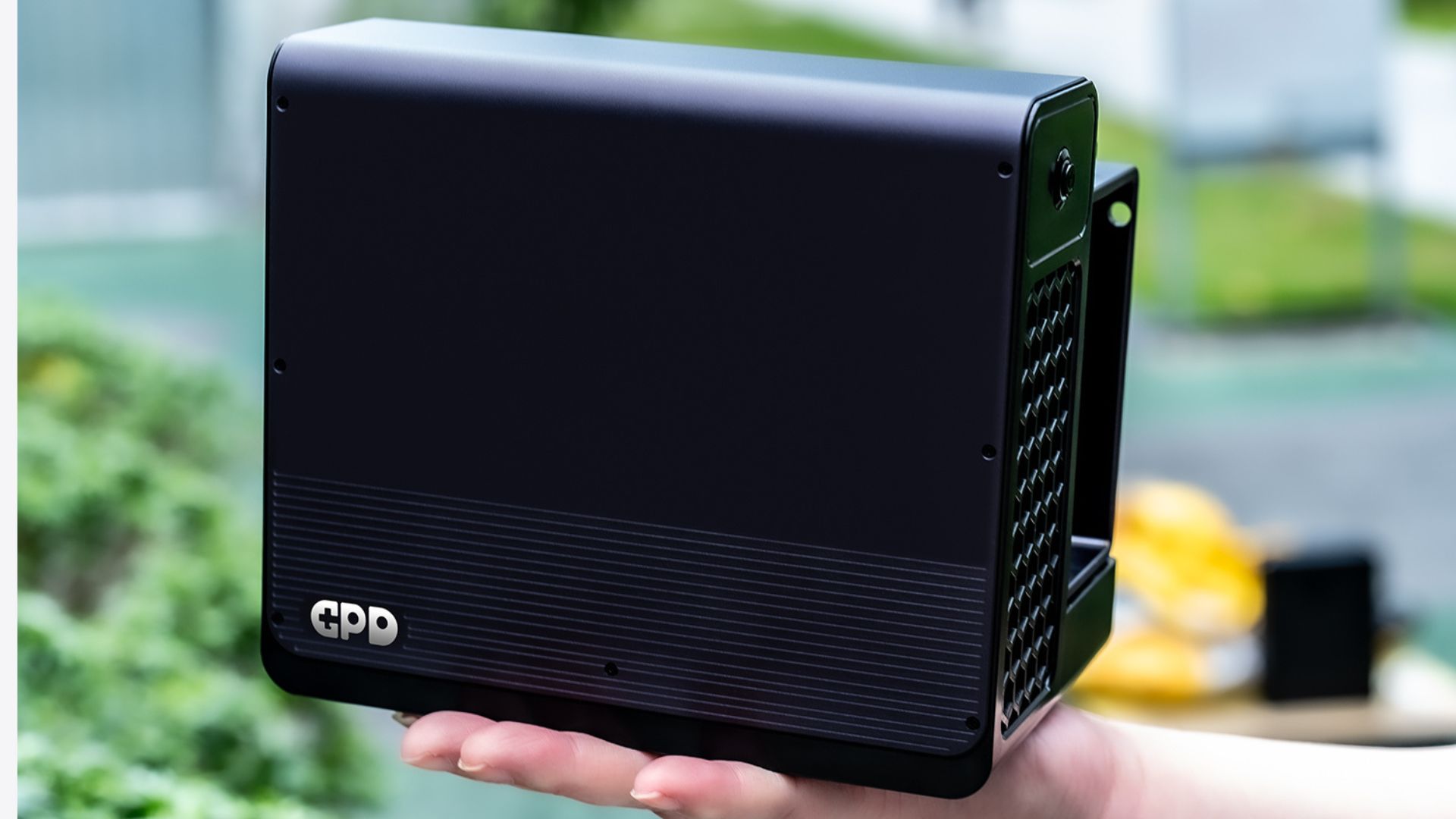
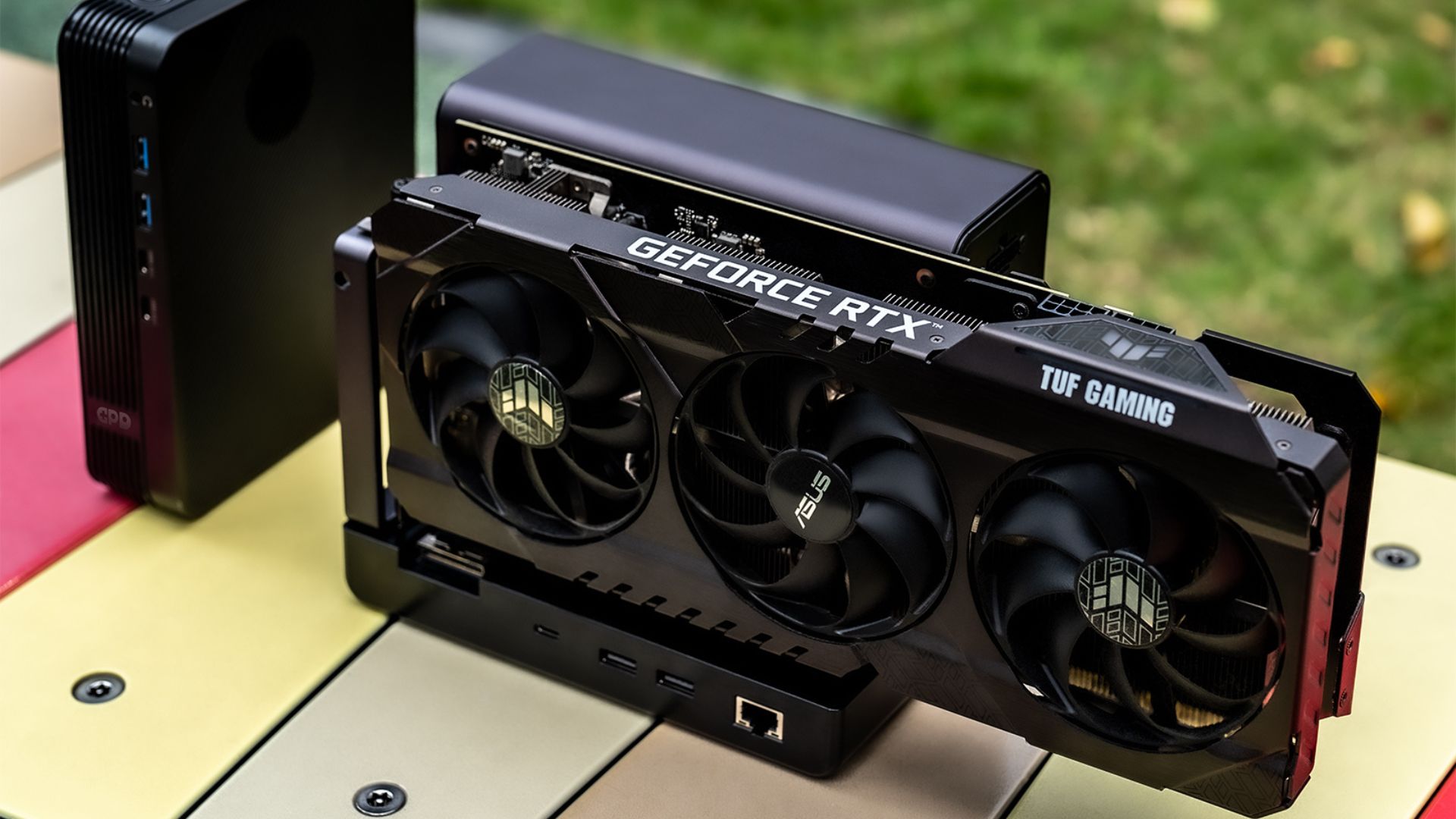
At the same time, not every USB-C shaped port is enough, and not every modern device with a fast port will behave exactly the same with an external GPU. That is why this guide focuses on what is clearly supported, what is likely compatible, and what you should verify before buying. You can find compatible GPUs on our guide here.
What connection does the GPD G2 require?
The GPD G2 supports the following connection standards:
- Thunderbolt 3
- Thunderbolt 4
- Thunderbolt 5
- USB4
- USB4 v2.0
In simple terms, the GPD G2 is built for high-bandwidth devices that can handle external graphics properly. If your device only has basic USB-C without Thunderbolt or USB4-class support, it should not be treated as GPD G2 compatible.
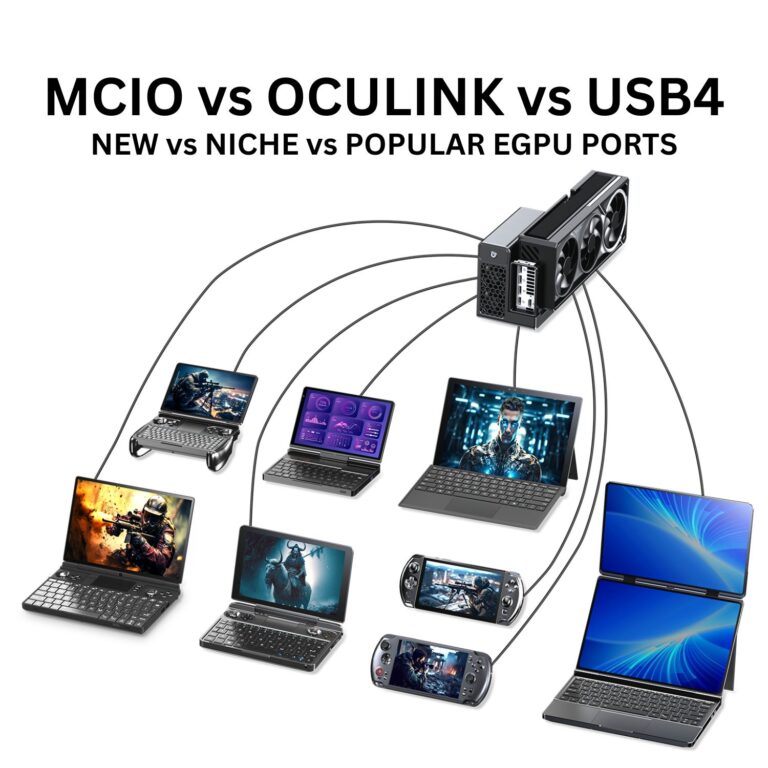
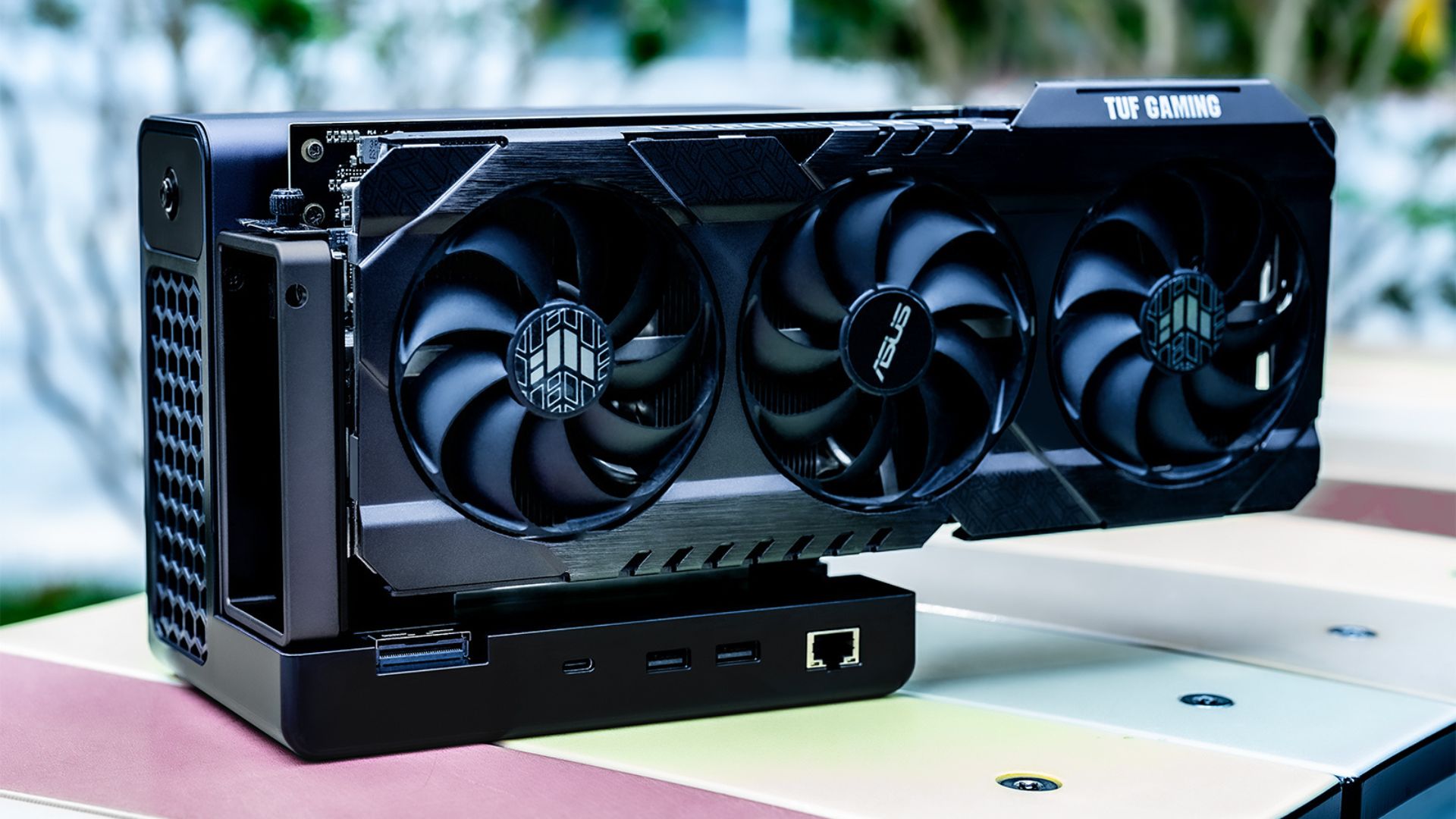
The GPD G2 is also designed around MCIO and USB4 v2.0, with GPD presenting it as a more ambitious external graphics and expansion platform than a basic USB dock.
Which GPD devices can use the GPD G2?
According to the compatibility information provided for this article, the GPD G2 supports many models across the GPD handheld gaming PC and GPD ultrabook / mini laptop range.
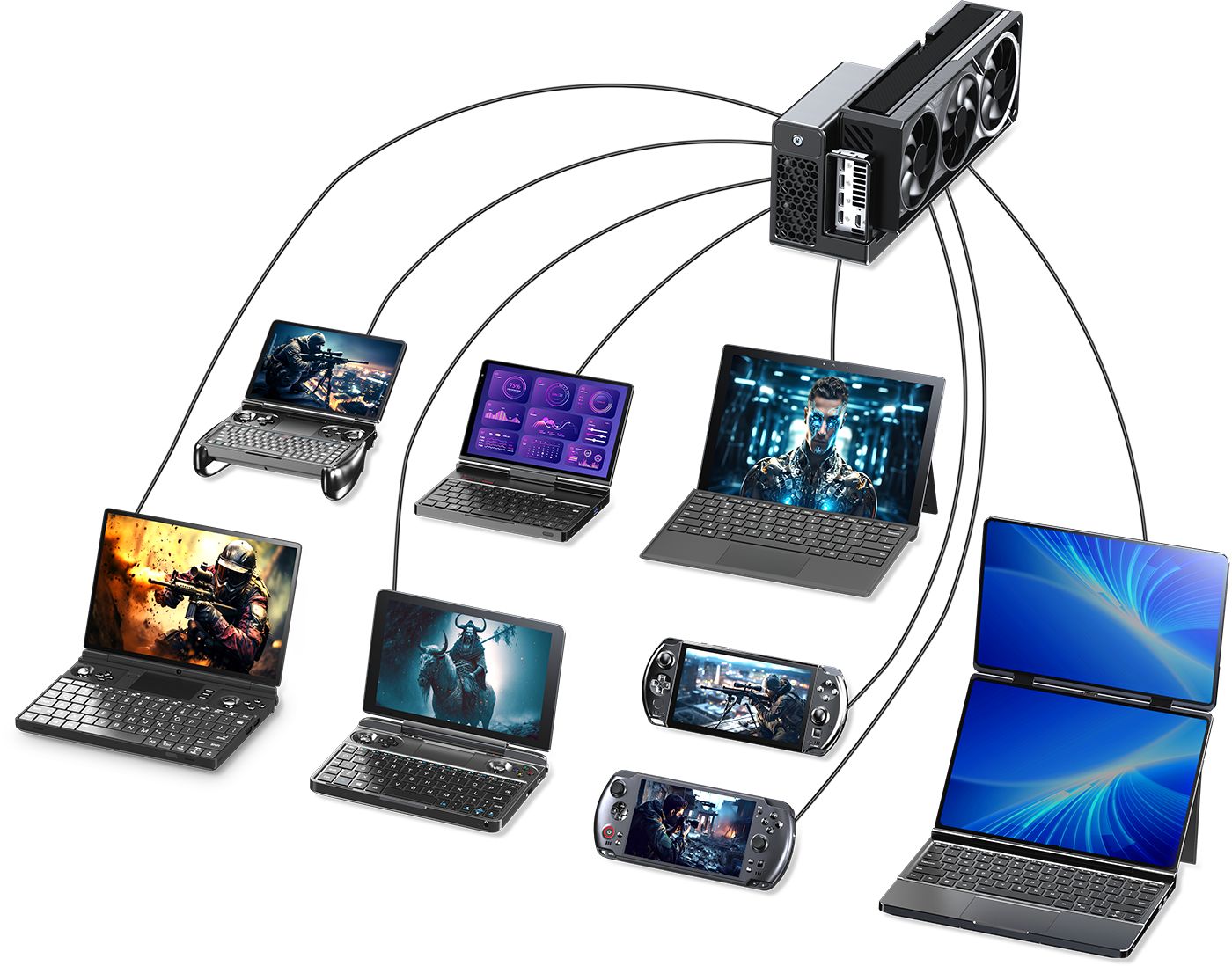
Compatible GPD handheld gaming PCs
The supported or intended-compatible handheld gaming PC lineup includes:
Compatible GPD mini laptops and ultrabooks
The supported or intended-compatible GPD mini laptop range includes:
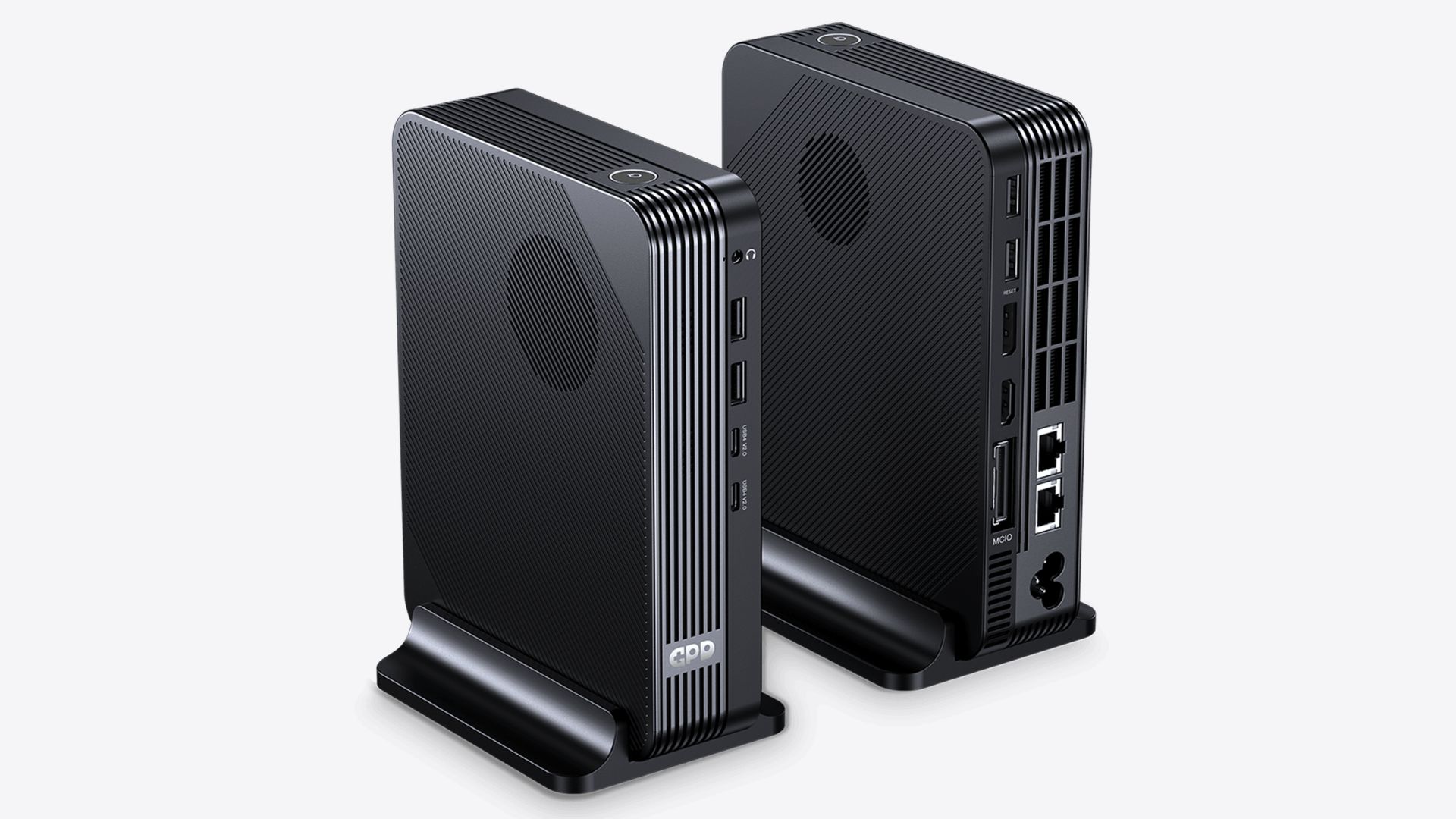
Does the GPD G2 support the GPD BOX?
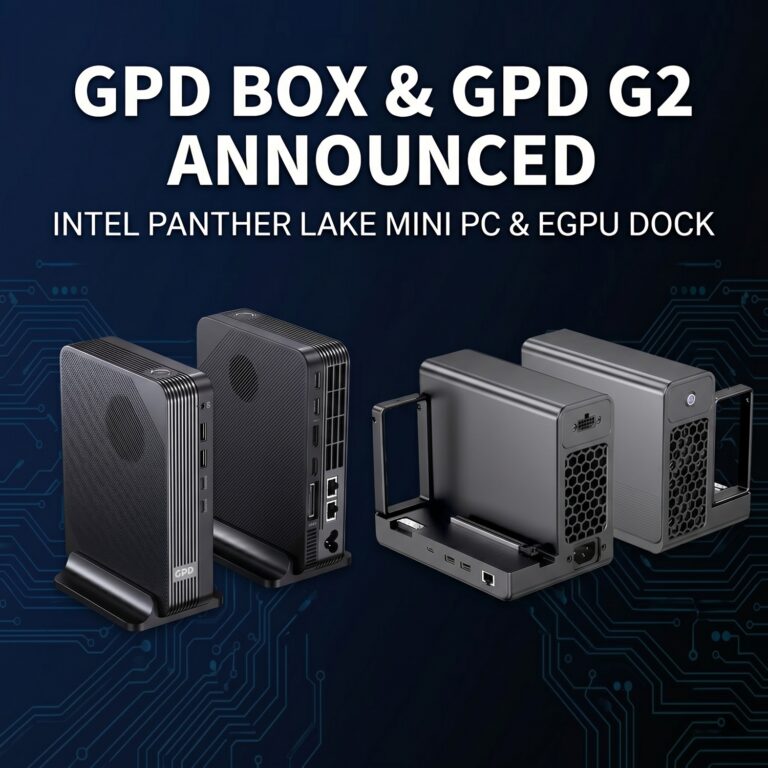
Yes. The GPD BOX is one of the most important compatibility targets for the GPD G2. The GPD BOX mini PC and the GPD G2 eGPU dock are a matched setup, with the BOX acting as the compact base system and the G2 adding much stronger graphics and expansion potential.
Can the GPD G2 work with non-GPD devices?
Yes. The GPD G2 is not limited to GPD hardware and be used with a broader mix of:
- laptops
- handheld gaming PCs
- mini PCs
- desktops
- workstations
- some higher-end compact systems with suitable ports
The key requirement is not the badge on the device. The real requirement is whether the machine offers a proper Thunderbolt or USB4-class connection with workable eGPU support.
What should you check before assuming compatibility?
Before buying a GPD G2 for any device, check these five things:
1. Does the device have Thunderbolt 3, 4, 5, USB4, or USB4 v2.0?
A plain USB-C port is not enough by itself. The device needs the right high-bandwidth external interface.
2. Does the port support eGPU use properly?
Some ports support charging and display output, but external GPU behaviour can still vary by device firmware, chipset, and OS support.
3. What operating system is the device using?
Windows is usually the most straightforward path for modern eGPU use. Linux may also work depending on the hardware and graphics stack.
4. Are the right graphics drivers available?
Even with the correct port, the practical eGPU experience depends on driver support from the OS and GPU vendor.
5. Is the device intended for simple dock use or real external graphics?
Some machines may technically connect, but the question is whether they are actually suitable for the kind of eGPU use you want, whether gaming, creator work, AI tasks, or workstation workflows.
Does the GPD G2 support Intel Macs?
Yes, with an important caveat. The GPD G2 is compatible with Intel-based Apple devices, but official Apple graphics driver support may be required. In practice, Intel Macs are the safer Mac category to mention when discussing eGPU support.
Does the GPD G2 support Apple Silicon Macs?
No. The GPD G2 does not support Apple Silicon devices, including M1, M2, M3, and newer M-series Macs. That means buyers using Apple Silicon MacBook Air, MacBook Pro, Mac mini, Mac Studio, or similar systems should not treat the GPD G2 as a supported eGPU solution.
What about Microsoft Surface Pro 11?
Devices such as the Microsoft Surface Pro 11 are worth discussing because they meet the modern-port part of the conversation, but they should be handled carefully in a compatibility guide.
Microsoft’s current Surface Pro specifications show USB4-capable USB-C ports on the relevant modern Surface Pro models, which means they match the connection class the GPD G2 expects. However, real-world eGPU behaviour can still depend on the platform, operating system, and driver maturity.
For that reason, the safest guidance is this: a Surface Pro 11-class USB4 device may meet the port requirement, but buyers should still verify practical eGPU support for their exact configuration before treating it as a plug-and-play match.
What about Beelink and GMKtec mini PCs?
This is the same kind of situation as other third-party systems. Some Beelink and GMKtec mini PCs are exactly the kind of device category that can make sense with the GPD G2, especially if they include Thunderbolt 4 or USB4 connectivity. That makes them good examples of the kind of third-party mini PC to check.
The important point is that compatibility should be checked per model, not just per brand. A Beelink or GMKtec mini PC with the correct high-bandwidth external port is a much stronger candidate than one with standard USB-C only.
Which kinds of third-party devices are the best candidates?
The best non-GPD candidates for the GPD G2 are usually:
- Windows laptops with Thunderbolt 3, 4, or 5
- USB4-equipped gaming handhelds and compact PCs
- Mini PCs with Thunderbolt or USB4 support
- Creator laptops that already support external graphics workflows
- Compact desktops or workstations with suitable external expansion support
In general, newer premium devices are more likely to be strong candidates than entry-level machines with limited USB-C functionality.
Which devices are poor candidates for the GPD G2?
A device is a poor GPD G2 candidate if it falls into one of these groups:
- it only has basic USB-C
- it has no Thunderbolt or USB4 support
- it uses Apple Silicon
- it lacks practical driver support for external GPUs
- it is an older budget device where the port only handles charging or display, not true eGPU-style expansion
Is Thunderbolt better than USB4 for GPD G2 compatibility?
Not automatically. Both Thunderbolt and USB4 are relevant to the GPD G2. The more important question is whether the specific device implementation supports external GPU use properly and whether the operating system and drivers cooperate well.
A well-implemented USB4 system may be a good match. A Thunderbolt system may also be a good match. What matters most is the full platform, not the label alone.
Does the GPD G2 only make sense for gaming handhelds?
No. Gaming handhelds are one of the most obvious use cases, but not the only one. The GPD G2 can also make sense for:
- compact laptops that need more graphics power at a desk
- mini PCs that need a more flexible graphics upgrade path
- creator systems that benefit from a stronger external GPU
- some workstation or compute-oriented compact PCs
That broader flexibility is a big part of why the GPD G2 is more interesting than a basic accessory dock.
Quick compatibility checklist
Use this simple checklist before buying:
- Does your device have Thunderbolt 3, 4, 5, USB4, or USB4 v2.0?
- Is the device running an OS with workable eGPU driver support?
- Are you using a device category that makes sense for external graphics, such as a handheld, mini PC, laptop, or compact workstation?
- Are you avoiding Apple Silicon systems?
- If it is a third-party device, have you checked the exact model rather than assuming compatibility from the brand alone?
If the answer to all of those is yes, the device is much more likely to be a realistic GPD G2 candidate.
Buying advice: who should consider the GPD G2?
The GPD G2 makes the most sense for buyers who already have a compact system they like but want more graphics power without replacing the whole machine. It is especially appealing if you:
- own a compatible GPD handheld gaming PC
- want to pair it with a desk setup
- are planning to use the GPD BOX
- have a compact laptop or mini PC with the right port and want a more powerful external graphics option
If your system does not have Thunderbolt or USB4-class support, or if you are using Apple Silicon, the GPD G2 is probably not the right fit.
FAQ
Does the GPD G2 work with the GPD WIN 4, WIN Mini, and WIN 5?
Yes. The GPD G2 supports the GPD WIN 4, GPD WIN Mini, and GPD WIN 5, along with several other GPD handhelds.
Does the GPD G2 work with the GPD Pocket 4?
Yes. The GPD Pocket 4 is part of the supported GPD mini laptop range.
Does the GPD G2 work with the GPD BOX?
Yes. The GPD BOX and GPD G2 are a paired ecosystem setup.
Can I use the GPD G2 with any USB-C port?
No. A standard USB-C port is not enough. You should be looking for Thunderbolt 3, 4, 5, USB4, or USB4 v2.0.
Does the GPD G2 work with Apple Silicon Macs?
No. Apple Silicon Macs are not supported.
Can the GPD G2 work with third-party mini PCs?
Yes, potentially. Mini PCs from brands such as Beelink and GMKtec can be candidates if the exact model includes the right Thunderbolt or USB4-class connection and workable eGPU support.