GPU and AI Accelerator Series Compatible with the GPD G2 eGPU Docking Station
If you are planning a build around the GPD G2, one of the first questions is which graphics card families it is designed to support.
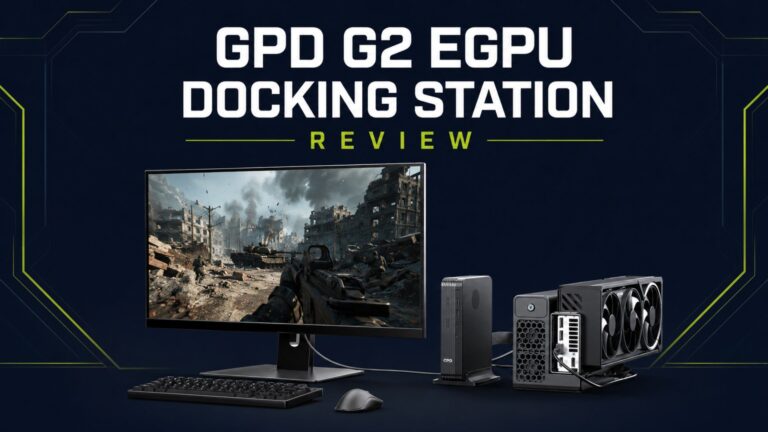
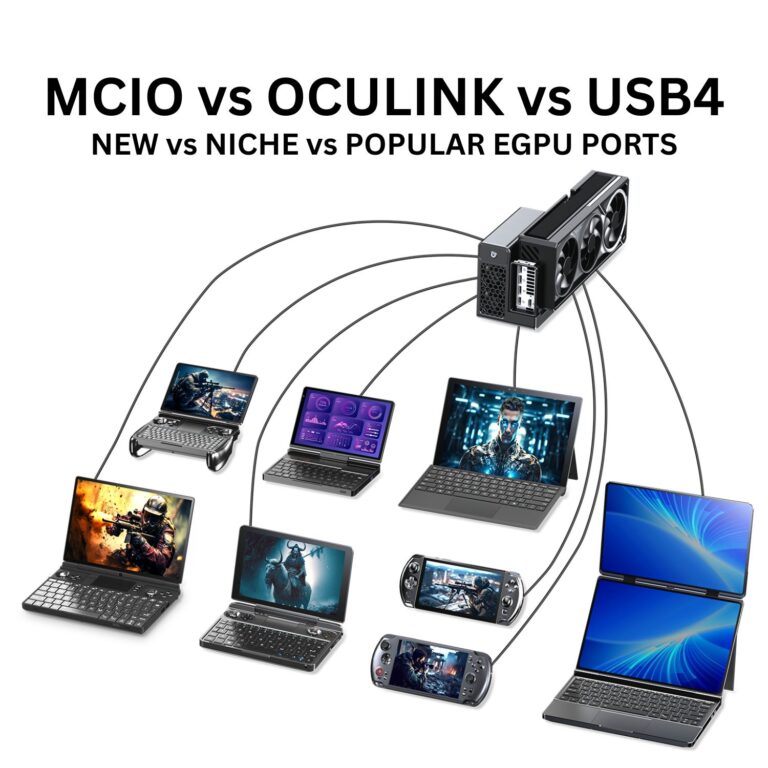
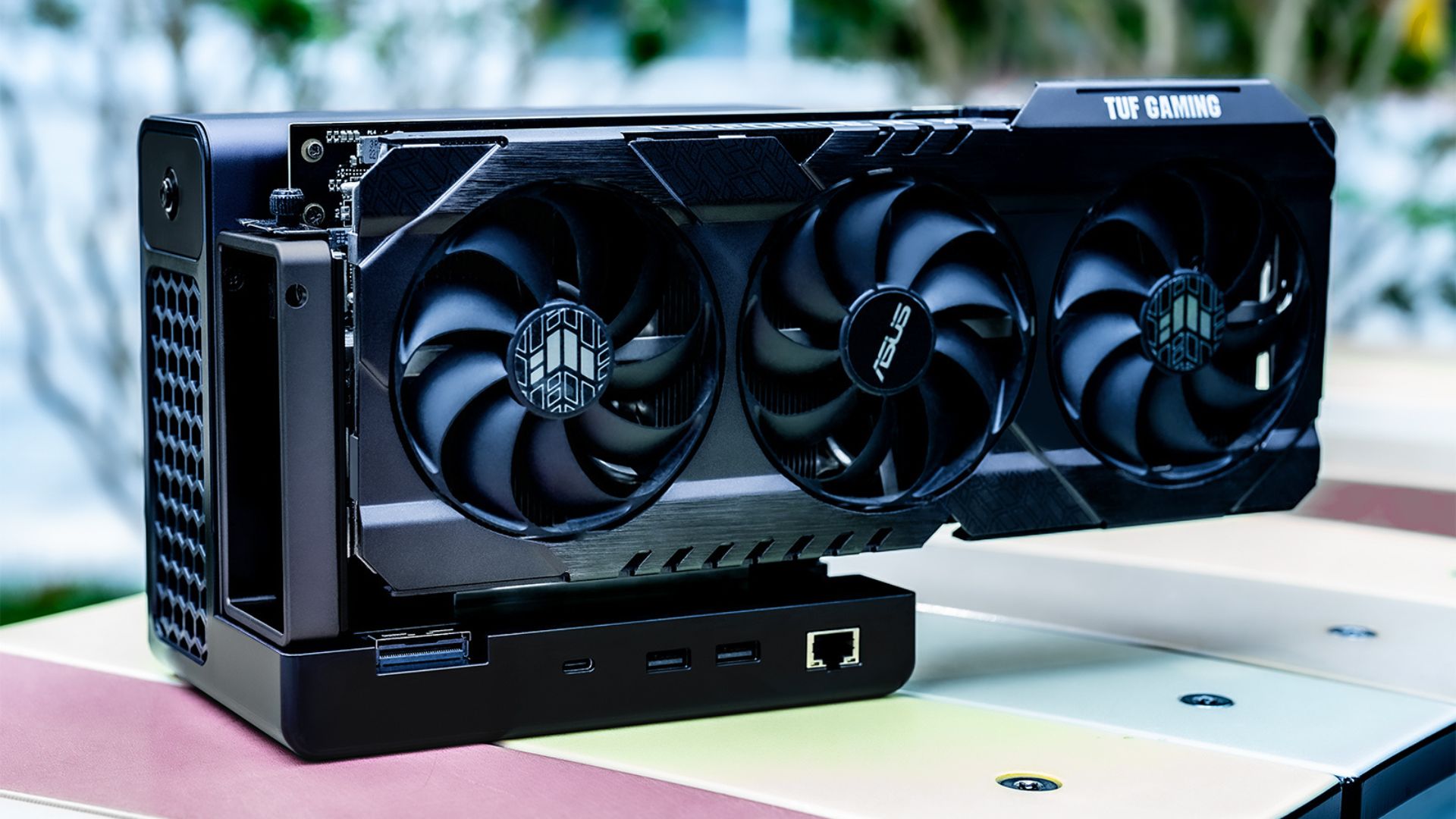
The GPD G2 is positioned as a high-bandwidth external GPU docking station for compact systems that need desktop-class graphics, whether that means gaming, workstation acceleration, or local AI workloads. It makes particular sense alongside compact devices such as the GPD BOX, and it is also a strong fit for the wider GPD ecosystem, including newer devices such as the GPD WIN 5 and other recent GPD handheld gaming PC and mini PC designs with suitable external graphics support.
This article summarises the published compatible GPU and accelerator families in three simple categories:
- Gaming GPUs
- Professional GPUs
- AI accelerators
What this compatibility list means
The tables below are grouped by series, not by every individual board model from every manufacturer. That makes this a useful planning reference for the GPD G2, but it should not be treated as a blanket guarantee for every custom card variant.
Before buying, it is still worth checking:
- your host device has the correct high-bandwidth connection and external GPU support
- graphics drivers are available and stable for your operating system
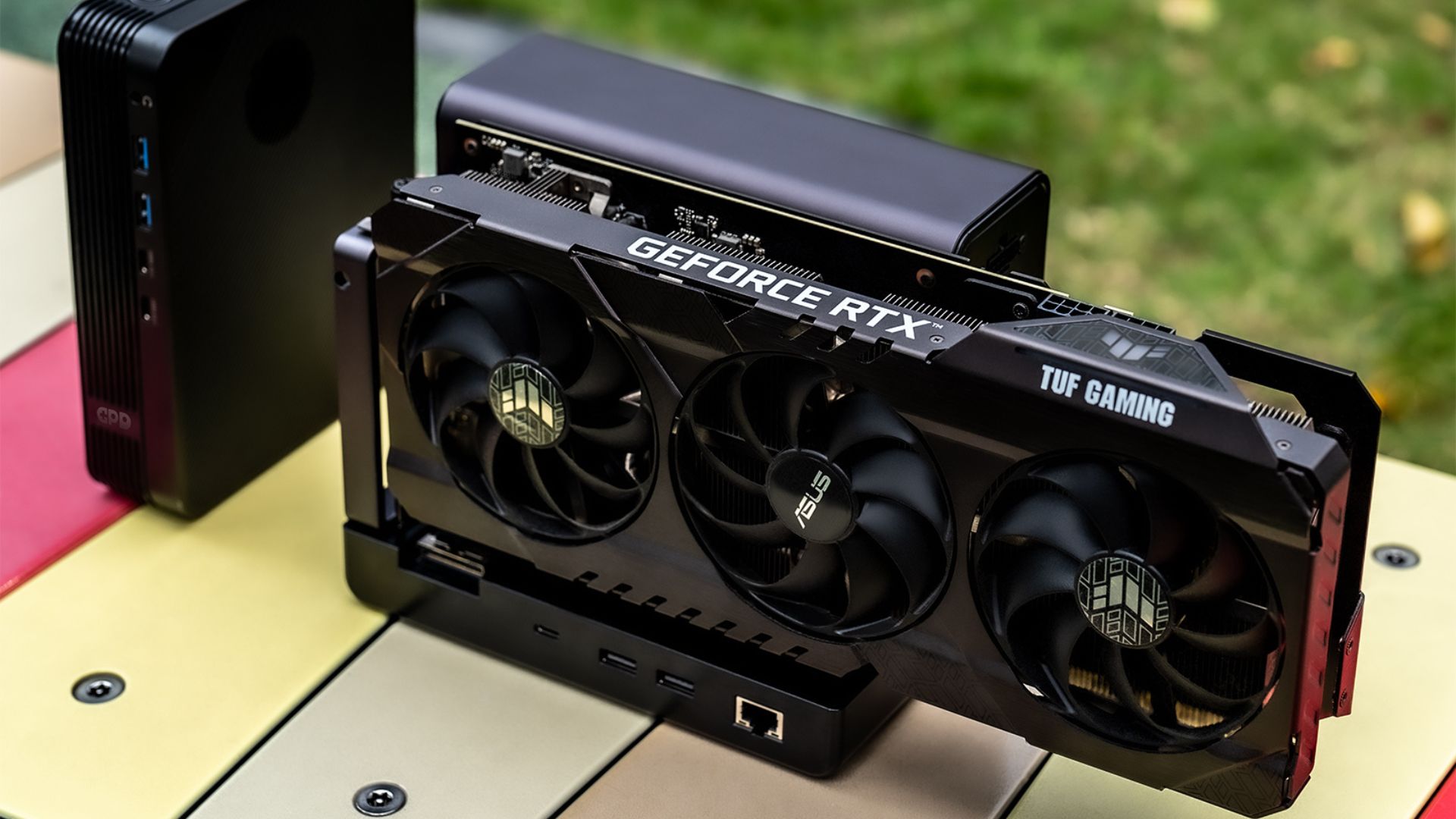
- the physical card dimensions are suitable for your planned setup
- power requirements, cooling, and connectors are appropriate for the GPU you want to use
If you are browsing related products, you can also view the wider eGPU category and accessories category.
Gaming GPU series compatible with the GPD G2
For gaming-focused builds, the GPD G2 is designed to work with a broad range of NVIDIA, AMD, and Intel consumer graphics families, covering everything from older Pascal-era cards through to the latest generations.
| Brand | Series | Architecture |
|---|---|---|
| NVIDIA | GeForce GTX 10 Series | Pascal |
| NVIDIA | GeForce RTX 20 / GTX 16 Series | Turing |
| NVIDIA | GeForce RTX 30 Series | Ampere |
| NVIDIA | GeForce RTX 40 Series | Ada Lovelace |
| NVIDIA | GeForce RTX 50 Series | Blackwell |
| AMD | Radeon RX 400 / 500 Series | GCN 4.0 |
| AMD | Radeon RX Vega Series | GCN 5.0 |
| AMD | Radeon RX 5000 Series | RDNA 1.0 |
| AMD | Radeon RX 6000 Series | RDNA 2.0 |
| AMD | Radeon RX 7000 Series | RDNA 3.0 |
| AMD | Radeon RX 9000 Series | RDNA 4.0 |
| Intel | Arc A Series | Xe HPG |
| Intel | Arc B Series | Xe2 HPG |
Professional GPU series compatible with the GPD G2
The GPD G2 is not only for gaming. It also supports a wide professional graphics range for users working in CAD, 3D rendering, visualisation, video production, simulation, and other workstation workloads.
| Brand | Series | Architecture |
|---|---|---|
| NVIDIA | Quadro K Series | Kepler |
| NVIDIA | Quadro M Series | Maxwell |
| NVIDIA | Quadro P Series | Pascal |
| NVIDIA | RTX A Series | Ampere |
| NVIDIA | RTX PRO Series | Blackwell |
| AMD | Radeon Pro WX Series / W Series | GCN |
| AMD | Radeon Pro W6000 Series | RDNA 2 |
| AMD | Radeon Pro W7000 Series | RDNA 3 |
| AMD | Radeon AI PRO R9000 Series | RDNA 4 |
| Intel | Arc Pro A Series | Xe |
| Intel | Arc Pro B Series | Xe2 |
AI accelerator series compatible with the GPD G2
For local AI and compute-focused use, the GPD G2 is also relevant as a compact external platform for accelerator-class and workstation-class PCIe graphics hardware. In practice, many AI workflows overlap heavily with professional GPU families, which is why the published compatibility grouping is similar.
| Brand | Series | Architecture |
|---|---|---|
| NVIDIA | Quadro K Series | Kepler |
| NVIDIA | Quadro M Series | Maxwell |
| NVIDIA | Quadro P Series | Pascal |
| NVIDIA | RTX A Series | Ampere |
| NVIDIA | RTX PRO Series | Blackwell |
| AMD | Radeon Pro WX Series / W Series | GCN |
| AMD | Radeon Pro W6000 Series | RDNA 2 |
| AMD | Radeon Pro W7000 Series | RDNA 3 |
| AMD | Radeon AI PRO R9000 Series | RDNA 4 |
| Intel | Arc Pro A Series | Xe |
| Intel | Arc Pro B Series | Xe2 |
Why the GPD G2 is a good match for compact systems
The main appeal of the GPD G2 is that it gives smaller systems access to a much wider graphics and compute upgrade path without moving to a full-size tower.
That makes it especially interesting for:
- compact gaming systems that need more graphics performance at a desk
- workstation users who want more GPU acceleration from a small PC setup
- local AI experimentation and inference workloads
- owners of the GPD BOX who want a more scalable desktop-style configuration
- users keeping an eye on newer GPD hardware such as the GPD WIN 5 and other recent high-performance GPD devices
Quick buying notes before choosing a GPU for the GPD G2
Even with a compatible GPU series, it is smart to confirm a few practical details before buying:
1. Host device compatibility still matters
The graphics card may be supported by the dock, but your main system still needs the right external graphics connectivity and software support to use the GPD G2 properly. Check if your device supports at least one of the GPD G2 connectivity methods here.
2. Card size and cooling can matter in real-world builds
Series-level compatibility is useful, but custom board dimensions and cooling layouts can vary significantly between manufacturers.
3. Driver support is important for gaming, creator, and AI workloads
For the best experience, make sure the GPU family you choose has mature drivers for your operating system and intended software stack.
4. Workload choice should guide the GPU you buy
A gaming-focused GeForce, Radeon RX, or Intel Arc card may be ideal for frame rates and visual quality, while workstation and AI users may prefer RTX A, RTX PRO, Radeon Pro, Radeon AI PRO, or Arc Pro families depending on the software involved.
Final thoughts
The GPD G2 has one of the broadest published compatibility ranges you are likely to see in an eGPU-focused product, spanning consumer gaming GPUs, workstation graphics, and AI-oriented accelerator families from NVIDIA, AMD, and Intel.
If you want a compact but much more flexible setup, especially alongside the GPD BOX or a newer GPD handheld, the GPD G2 looks like a very versatile option.
For related products and add-ons, you can also browse: