Kako riješiti problem kidanja zaslona GPD Duo
Datoteke korištene u ovom vodiču
Verzije (2)
- AMD GPU driver 12.1 — fixes the iGPU screen tearing on the GPD DUO (AI 9 HX 370). Source: GPDStore guide "How to fix the GPD Duo screen tearing issue".
- GPD DUO (370) iGPU Drivers — screen tearing fix | — | 2024-12-06 | AI 9 HX 370 only | iGPU driver package that fixes the screen tearing issue. After decompression, execute the
AutoInstallDrivers.batbatch file.
Starije verzije mogu se preuzeti za vraćanje - svaka verzija čuva vlastitu potvrđenu datoteku.
Ako imate GPD Duo iz prve serije objavljene početkom do sredine prosinca 2024., tada vaš uređaj možda ima problema s kidanjem zaslona zbog starijih upravljačkih programa. Ne biste trebali instalirati te upravljačke programe osim ako nemate rani model ili ako vam nije naloženo da ih instalirate. To bi moglo rezultirati instaliranjem starijih upravljačkih programa od onih koji su trenutno instalirani na vašem GPD Duo.
Najnovije upravljačke programe možete preuzeti ovdje ili s alternativnog preuzimanja ovdje.
Izdvojite sadržaj preuzimanja arhive u mapu na vašem GPD Duo. Zatim dvaput kliknite AutoInstallDrivers.bat datoteku i pustite da ažurira upravljačke programe.
Nakon što je postupak instalacije u potpunosti dovršen, ponovno pokrenite GPD Duo i možete ga ponovno početi koristiti.
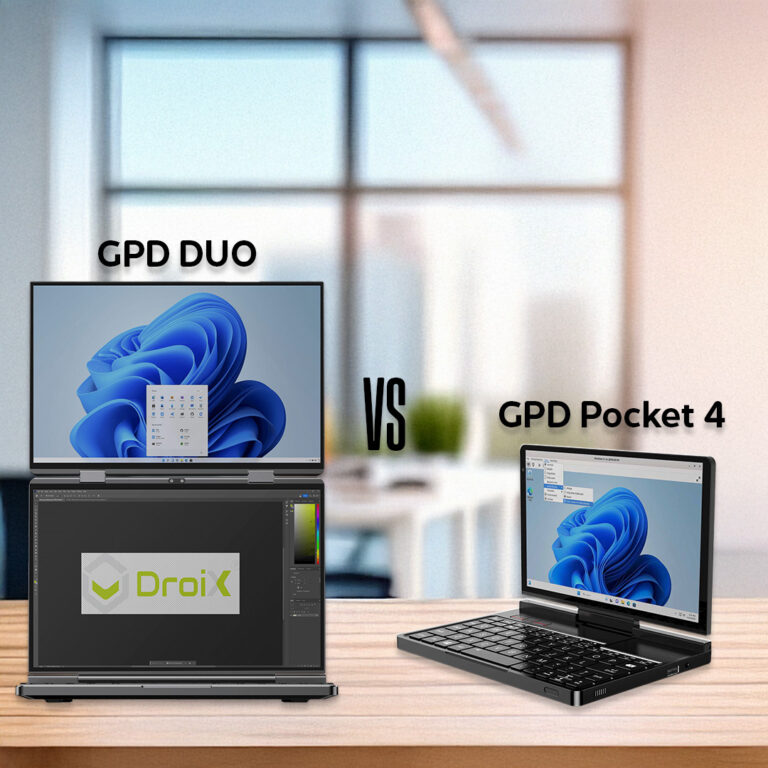 GPD Pocket 4 vs GPD DUO Što je pravo za vas?
18. prosinca 2024.
GPD Pocket 4 vs GPD DUO Što je pravo za vas?
18. prosinca 2024.
 Ryzen 9 HX 370 protiv Ryzen 7 8840U: Black Ops 6 test performansi igranja na GPD ručnim uređajima
8. studenoga 2024.
Ryzen 9 HX 370 protiv Ryzen 7 8840U: Black Ops 6 test performansi igranja na GPD ručnim uređajima
8. studenoga 2024.
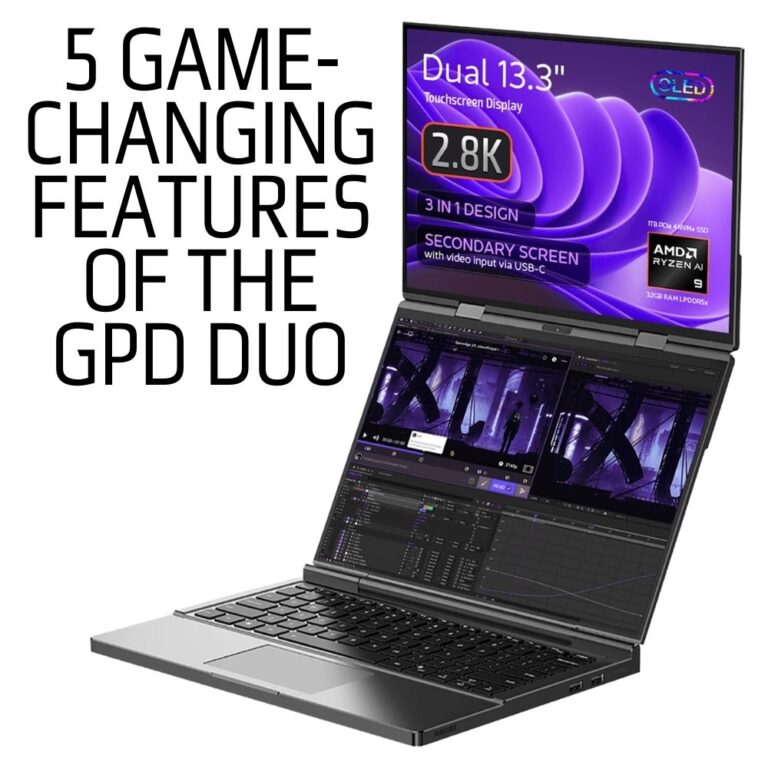 5 značajki GPD Duo prijenosnog računala s dvostrukim zaslonom koje mijenjaju igru koje vam je potrebno
5. studenoga 2024.
5 značajki GPD Duo prijenosnog računala s dvostrukim zaslonom koje mijenjaju igru koje vam je potrebno
5. studenoga 2024.
Pitanja o ovom vodiču
3 odgovoraHi, I cannot download as it says too many times, can you please send me a link that works to stop the constant screen taring

I have updated the guide with an alternative download URL. I hope that helps, thanks.
The bottom screen blinks here and there. the drivers didn’t help…
If you purchased the Duo from us at GPD Store, please contact our customer service at [email protected] with your order number and some details on the issue. Our customer service can look into this further and advise. Thanks.
Hi, could you please tell us, what you have modified in this driver?
It’s a bit ridiculous: the device is advertised as a gaming device, so it’s actually important to always have the latest driver.
Now I’m dependent on you in this regard, and you only provide a driver from November 2024?!
You can simply update to the latest AMD drivers afterwards.

Hi Dave,
I tried: Downloaded the latest Driver Package you provide (D1-AMD-GPU_12.1.zip), rebooted.
Afterwards I installed the latest AMD Driver, Version 32.0.22029.1019 from 06.11.2025.
As soon as the new display driver is installed, the Tearing returns.
Is there a special setting or tweak I have to set so that the Tearing disappears?
Can you please email [email protected] with your order number and a brief overview of the issue and our customer service can look into this further. Thanks.
Ohhh, sorry Dave, looks like it was my fault.
Thought I had already updatet the BIOS to the latest one (2.17), but unfortunately didn’t.
Updatet the BIOS, installed your drivers and then the latest drivers from AMD, now the issue seems gone until now.
In case it might appear again, I’ll get in touch with support, thank you very much!