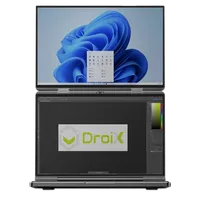
Jak naprawić problem z rozrywaniem ekranu GPD Duo?
Pliki użyte w tym przewodniku
Wersje (2)
- AMD GPU driver 12.1 — fixes the iGPU screen tearing on the GPD DUO (AI 9 HX 370). Source: GPDStore guide "How to fix the GPD Duo screen tearing issue".
- GPD DUO (370) iGPU Drivers — screen tearing fix | — | 2024-12-06 | AI 9 HX 370 only | iGPU driver package that fixes the screen tearing issue. After decompression, execute the
AutoInstallDrivers.batbatch file.
Starsze wersje można nadal pobrać w celu wycofania — każda wersja przechowuje swój własny zweryfikowany plik.
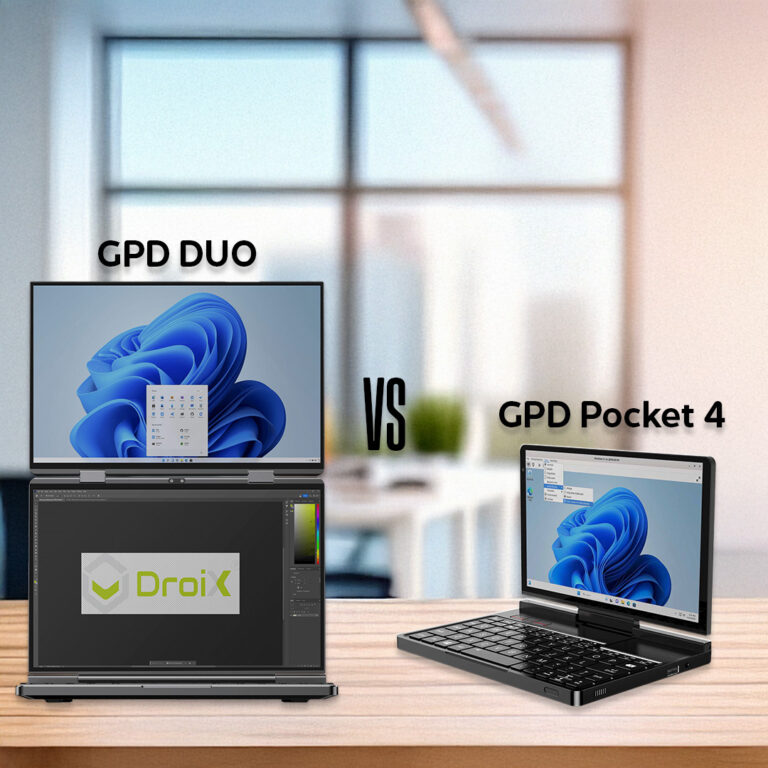
Jeśli posiadasz GPD Duo z pierwszej partii wydanej na początku do połowy grudnia 2024 r., to Twoje urządzenie może mieć problem z rozrywaniem ekranu z powodu starszych sterowników. Nie powinieneś instalować tych sterowników, chyba że masz wczesny model lub zostałeś poinstruowany, aby je zainstalować. Może to spowodować zainstalowanie starszych sterowników niż te, które są obecnie zainstalowane na GPD Duo.
Najnowsze sterowniki można pobrać stąd lub z alternatywnego źródła tutaj.
Wyodrębnij zawartość pobranego archiwum do folderu w GPD Duo. Następnie kliknij dwukrotnie plik AutoInstallDrivers.bat i pozwól mu zaktualizować sterowniki.
Po zakończeniu procesu instalacji należy ponownie uruchomić GPD Duo i można rozpocząć korzystanie z niego.
Pytania do tego poradnika
3 odpowiedziHi, I cannot download as it says too many times, can you please send me a link that works to stop the constant screen taring

I have updated the guide with an alternative download URL. I hope that helps, thanks.
The bottom screen blinks here and there. the drivers didn’t help…
If you purchased the Duo from us at GPD Store, please contact our customer service at [email protected] with your order number and some details on the issue. Our customer service can look into this further and advise. Thanks.
Hi, could you please tell us, what you have modified in this driver?
It’s a bit ridiculous: the device is advertised as a gaming device, so it’s actually important to always have the latest driver.
Now I’m dependent on you in this regard, and you only provide a driver from November 2024?!
You can simply update to the latest AMD drivers afterwards.

Hi Dave,
I tried: Downloaded the latest Driver Package you provide (D1-AMD-GPU_12.1.zip), rebooted.
Afterwards I installed the latest AMD Driver, Version 32.0.22029.1019 from 06.11.2025.
As soon as the new display driver is installed, the Tearing returns.
Is there a special setting or tweak I have to set so that the Tearing disappears?
Can you please email [email protected] with your order number and a brief overview of the issue and our customer service can look into this further. Thanks.
Ohhh, sorry Dave, looks like it was my fault.
Thought I had already updatet the BIOS to the latest one (2.17), but unfortunately didn’t.
Updatet the BIOS, installed your drivers and then the latest drivers from AMD, now the issue seems gone until now.
In case it might appear again, I’ll get in touch with support, thank you very much!