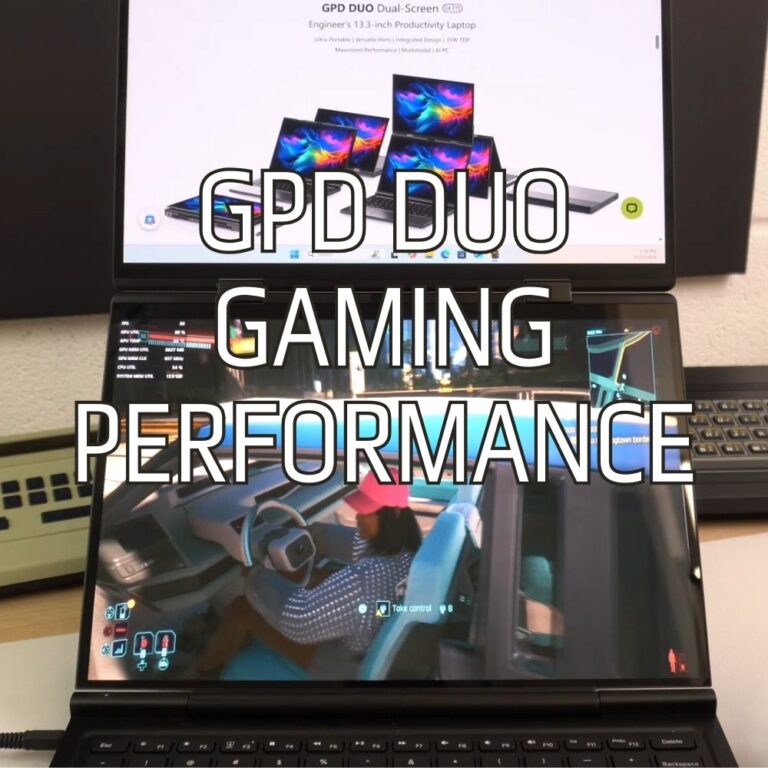
GPD Duo 화면 찢어짐 문제를 해결하는 방법
이 가이드에 사용된 파일
버전(2)
- AMD GPU driver 12.1 — fixes the iGPU screen tearing on the GPD DUO (AI 9 HX 370). Source: GPDStore guide "How to fix the GPD Duo screen tearing issue".
- GPD DUO (370) iGPU Drivers — screen tearing fix | — | 2024-12-06 | AI 9 HX 370 only | iGPU driver package that fixes the screen tearing issue. After decompression, execute the
AutoInstallDrivers.batbatch file.
이전 버전은 롤백을 위해 다운로드 가능한 상태로 유지됩니다. 모든 버전은 자체적으로 확인된 파일을 유지합니다.
2024년 12월 초순에서 중순에 출시된 첫 번째 배치의 GPD 듀오를 사용하는 경우, 오래된 드라이버로 인해 디바이스에 화면 찢김 문제가 발생할 수 있습니다. 초기 모델을 보유하고 있거나 설치하라는 지시를 받은 경우가 아니라면 이러한 드라이버를 설치할 필요가 없습니다. 현재 GPD Duo에 설치된 드라이버보다 오래된 드라이버를 설치하게 될 수 있습니다.
여기에서 최신 드라이버를 다운로드하거나 여기에서 대체 다운로드를 다운로드할 수 있습니다.
아카이브 다운로드의 내용을 GPD Duo의 폴더에 압축을 풉니다. 그런 다음 자동설치드라이버.bat 파일을 더블 클릭하고 드라이버를 업데이트합니다.
설치 프로세스가 완전히 완료되면 GPD Duo를 재부팅하면 다시 사용할 수 있습니다.
이 가이드의 질문
3 답변Hi, I cannot download as it says too many times, can you please send me a link that works to stop the constant screen taring

I have updated the guide with an alternative download URL. I hope that helps, thanks.
The bottom screen blinks here and there. the drivers didn’t help…
If you purchased the Duo from us at GPD Store, please contact our customer service at [email protected] with your order number and some details on the issue. Our customer service can look into this further and advise. Thanks.
Hi, could you please tell us, what you have modified in this driver?
It’s a bit ridiculous: the device is advertised as a gaming device, so it’s actually important to always have the latest driver.
Now I’m dependent on you in this regard, and you only provide a driver from November 2024?!
You can simply update to the latest AMD drivers afterwards.

Hi Dave,
I tried: Downloaded the latest Driver Package you provide (D1-AMD-GPU_12.1.zip), rebooted.
Afterwards I installed the latest AMD Driver, Version 32.0.22029.1019 from 06.11.2025.
As soon as the new display driver is installed, the Tearing returns.
Is there a special setting or tweak I have to set so that the Tearing disappears?
Can you please email [email protected] with your order number and a brief overview of the issue and our customer service can look into this further. Thanks.
Ohhh, sorry Dave, looks like it was my fault.
Thought I had already updatet the BIOS to the latest one (2.17), but unfortunately didn’t.
Updatet the BIOS, installed your drivers and then the latest drivers from AMD, now the issue seems gone until now.
In case it might appear again, I’ll get in touch with support, thank you very much!