

 -18%


GPD G2 eGPU
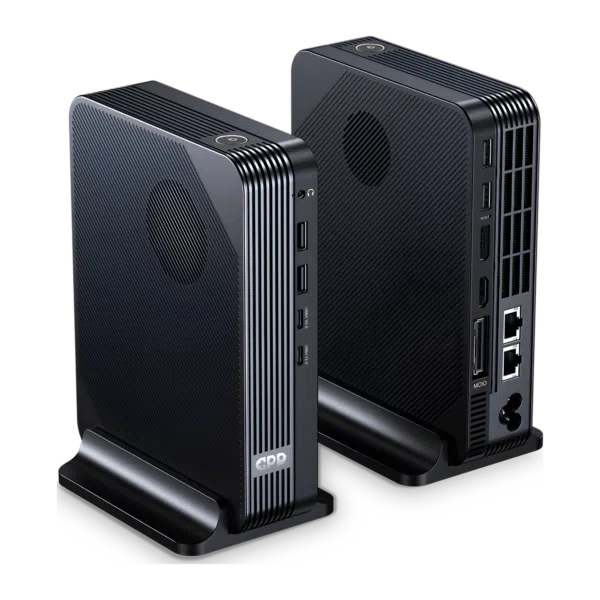
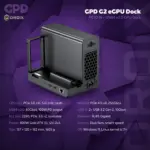
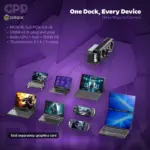
The GPD G2 represents a significant leap forward in external graphics technology, offering a versatile solution for users who require desktop-class performance on portable devices. As an eGFX and eGPU enclosure, the GPD G2 bridges the gap between compact handhelds and high-end workstations. Consequently, this unit transforms your ultrabook or gaming handheld into a powerhouse capable of tackling the most demanding modern titles. The GPD BOX is sold separately. By supporting a vast range of host devices, the GPD G2 delivers incredible power in a surprisingly compact form factor.
MCIO 8i connectivity
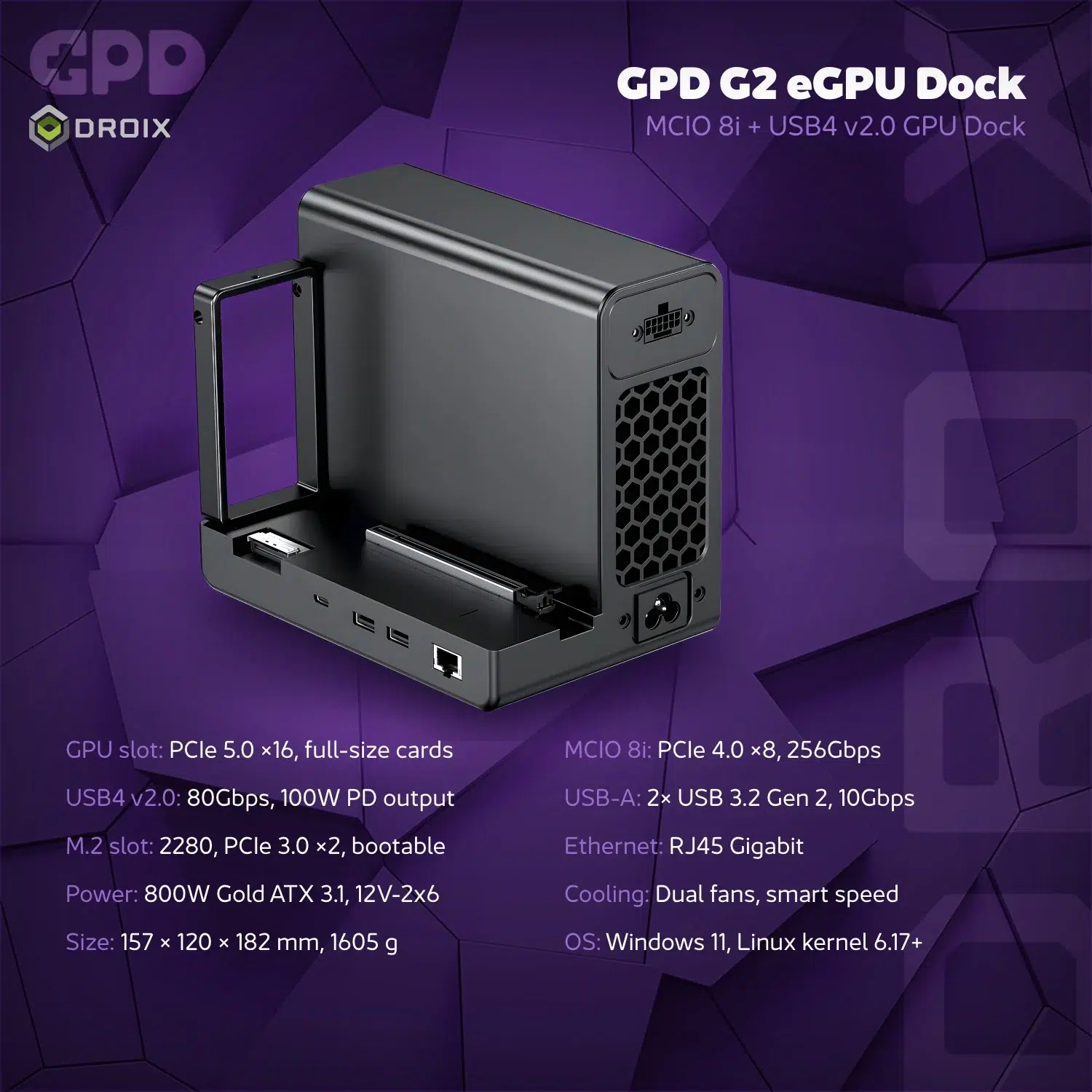
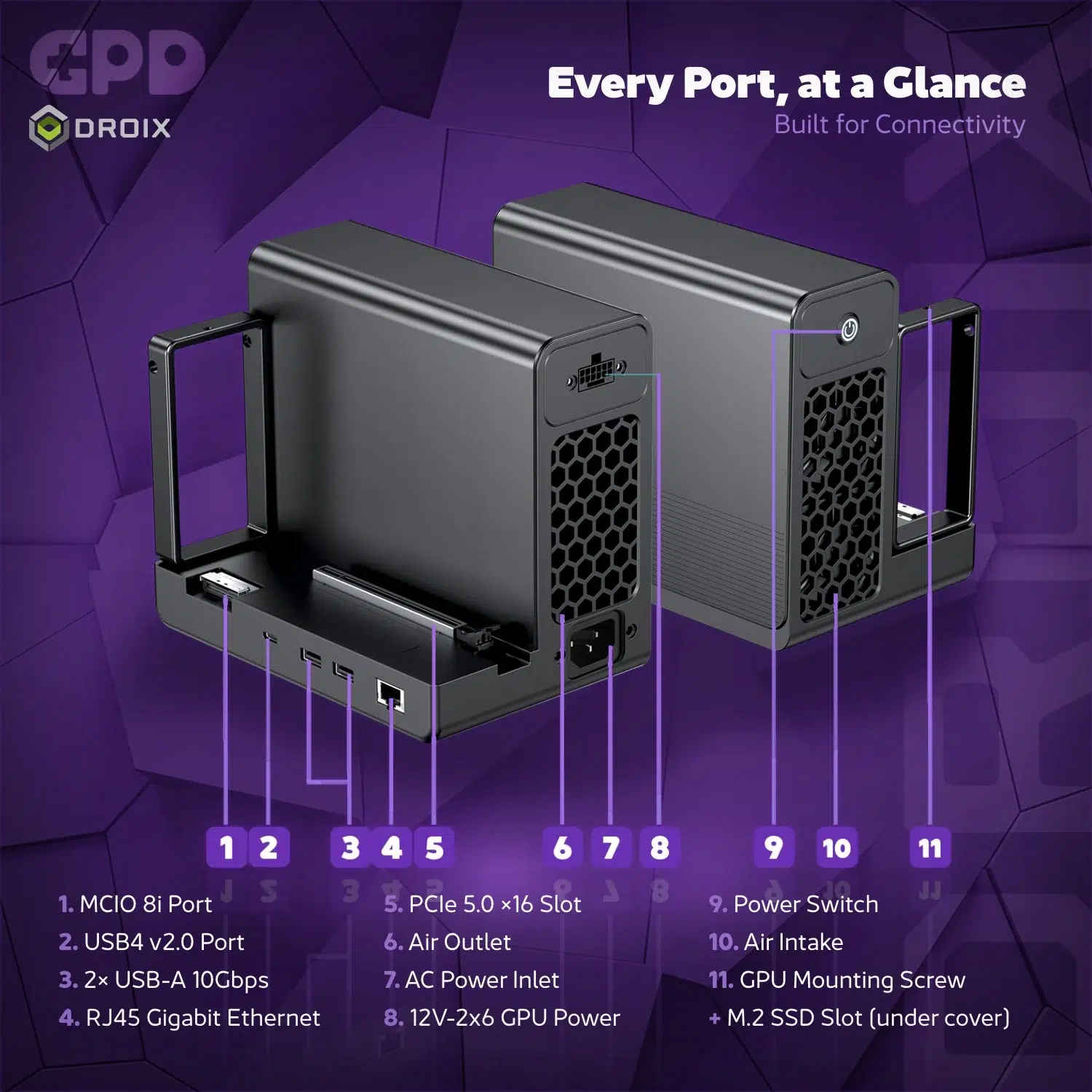
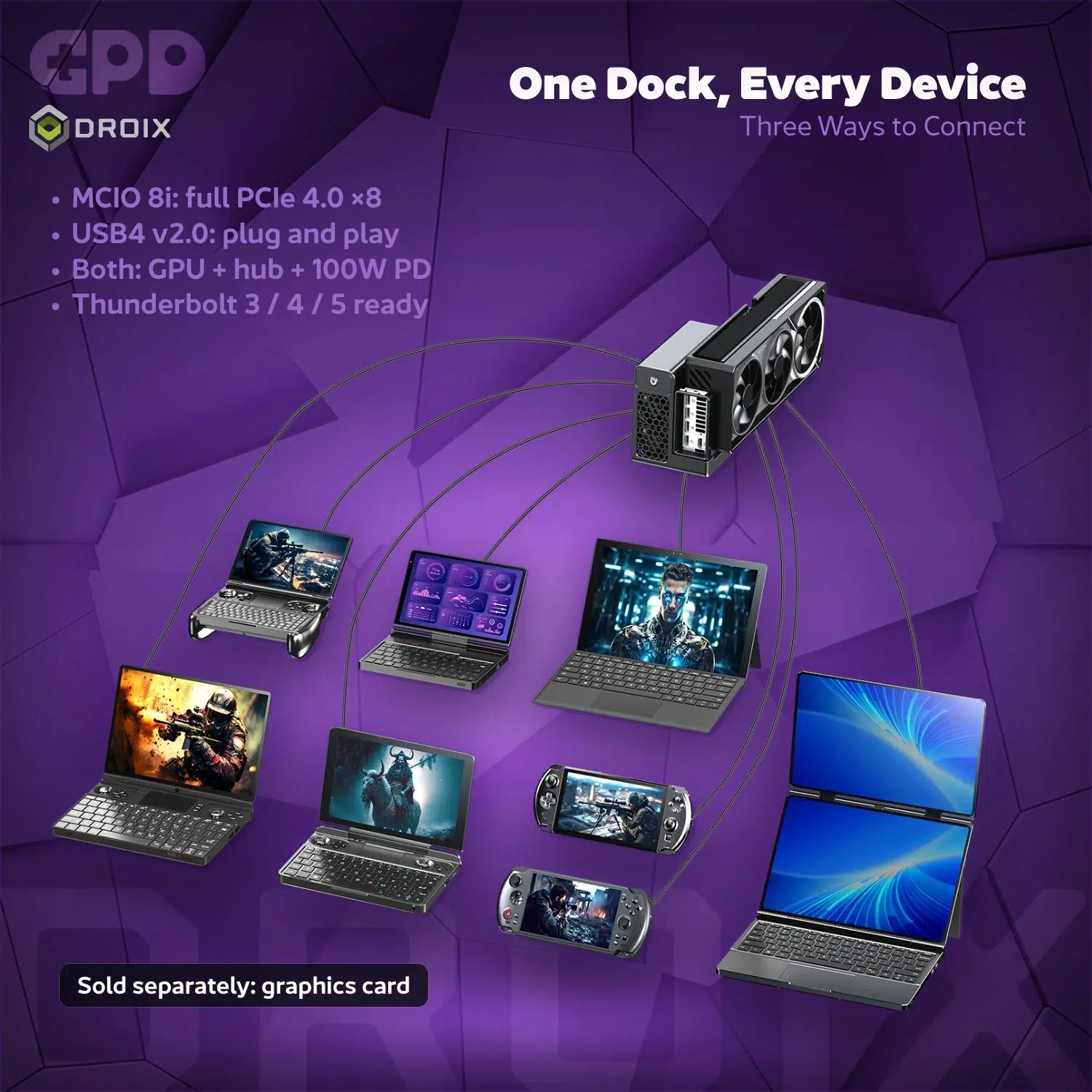
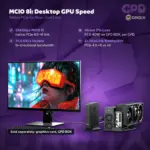
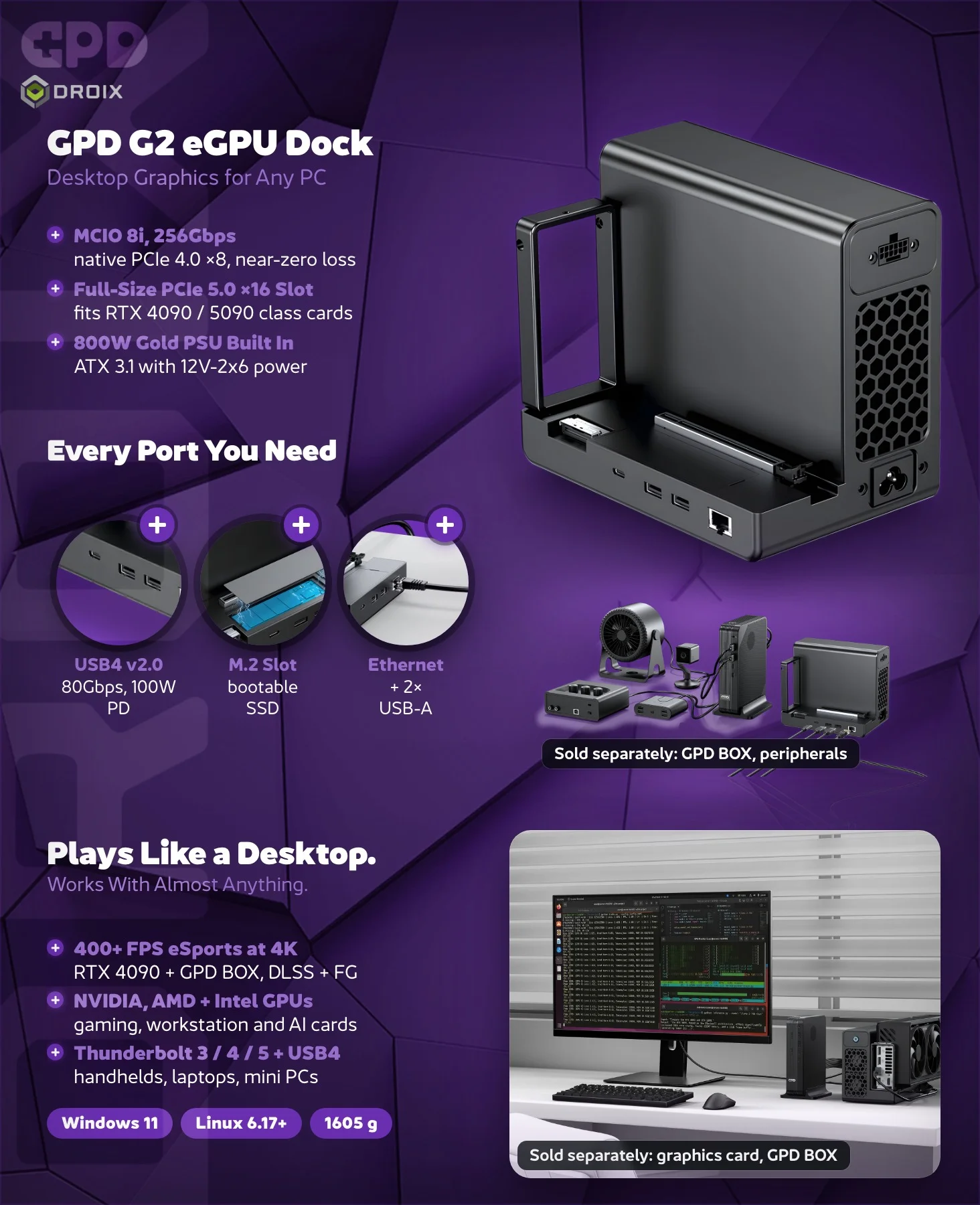
The GPD G2 features a full-size PCIe 5.0 x16 physical slot for a graphics card and an MCIO 8i connection supporting a PCIe 4.0 x8 host link. Because of its dual-port design, the GPD G2 functions as a comprehensive hub when the USB4 v2.0 port and MCIO 8i port are utilised simultaneously. This versatile GPD G2 approach allows users to connect multiple peripherals.
With MCIO alone, the dock provides graphics but no hub functionality. USB4 alone can provide the eGPU connection on a compatible host. Connect both ports to a compatible host and MCIO carries graphics while USB4 provides hub expansion and Power Delivery; check the host and cable requirements for your setup.
Dedicated MCIO connection
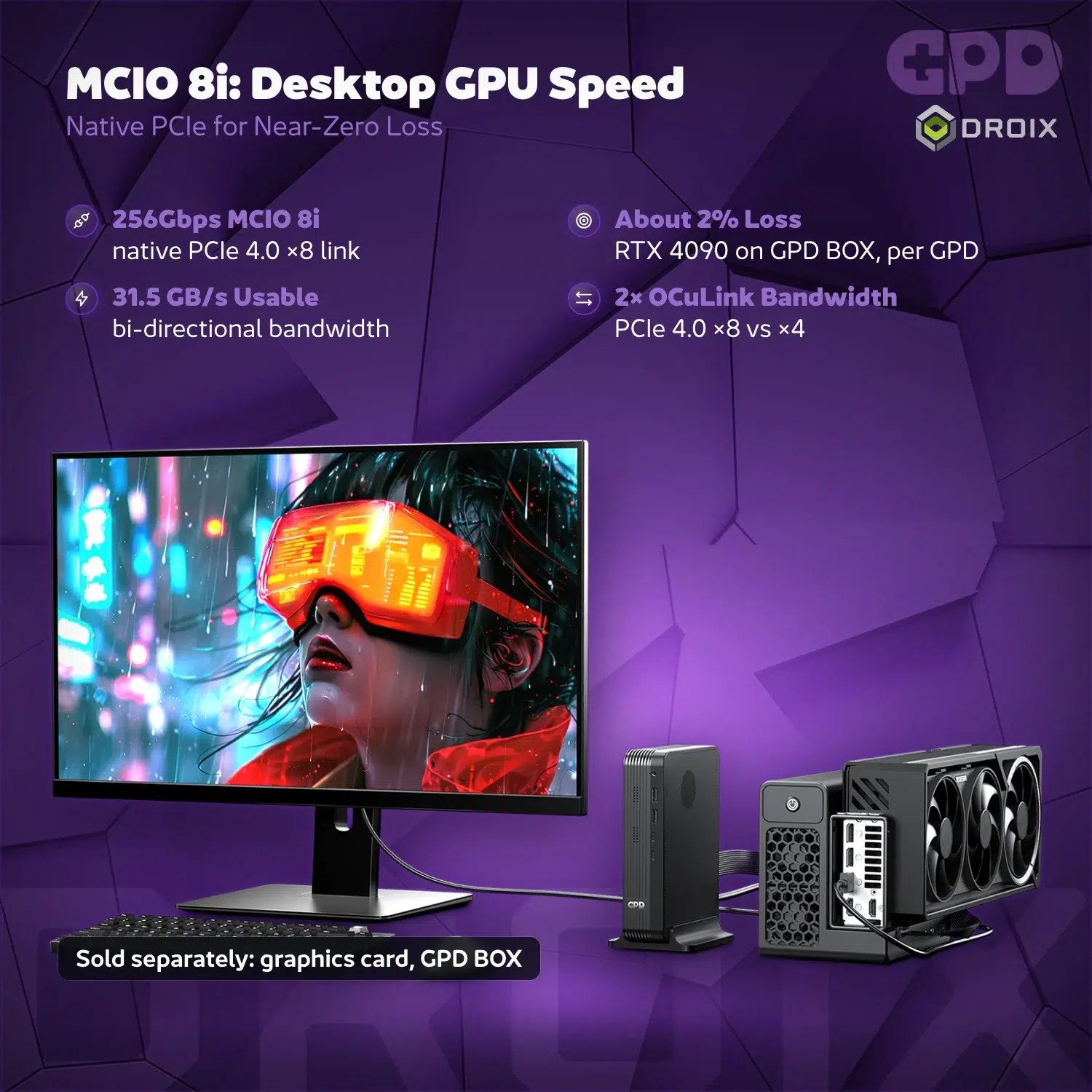
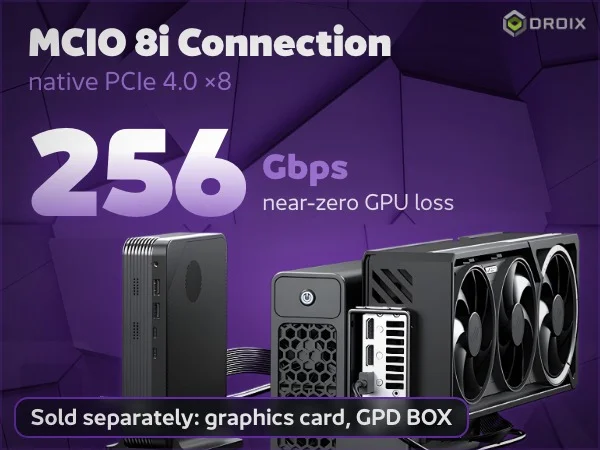
The artwork highlights the MCIO 8i connection and its PCIe 4.0 ×8 host link. The stated 256 Gbps is total theoretical bidirectional bandwidth (128 Gbps per direction), not a one-way rate. The artwork’s near-zero GPU loss claim is not universal: GPD reports about 2% loss in a particular GPD BOX and RTX 4090 test; results vary with the host, GPU, workload and configuration. A compatible host connection is required; check your computer and any separately sold accessories before choosing your setup.
Full-size PCIe graphics card slot
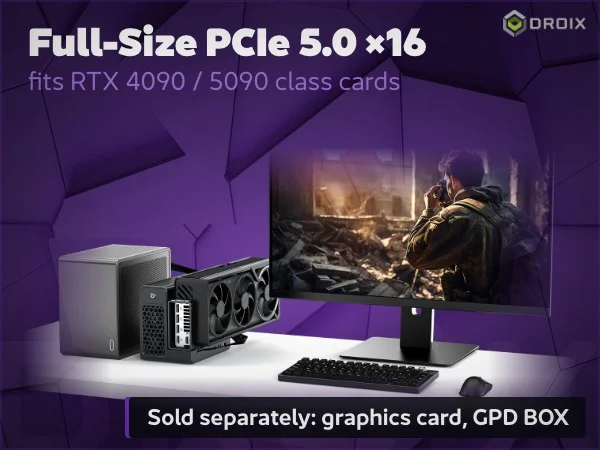
The GPD G2 provides a full-size PCIe 5.0 ×16 physical slot for a separately purchased desktop graphics card. The product artwork highlights compatibility with RTX 4090 and 5090-class cards; check the dimensions and power requirements of your chosen card before building your setup.
The physical slot and the host connection describe different parts of the system: the MCIO 8i host link is specified as PCIe 4.0 ×8. Actual performance depends on the graphics card, host, connection and software. The graphics card and GPD BOX are sold separately.
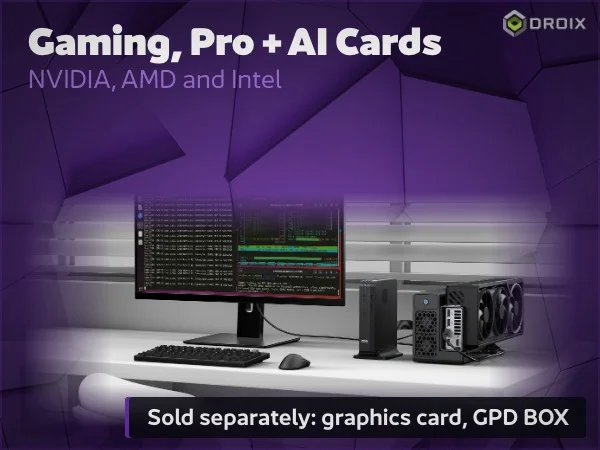
Gaming, professional and AI graphics cards
Whether you are a gamer or a data scientist, the GPD G2 accommodates an extensive list of hardware. The enclosure supports the latest NVIDIA GeForce RTX 50 Series (Blackwell) and AMD Radeon RX 9000 Series (RDNA 4.0) consumer cards. GPD also lists Intel Arc A and B series graphics cards. Furthermore, workstation users can install NVIDIA RTX Blackwell or AMD Radeon Pro W7000 Series cards for professional rendering. For AI workloads, GPD lists NVIDIA H100 and H200 PCIe variants and AMD Instinct MI300 series cards. Compatibility depends on the specific card: check its physical fit, cooling and airflow requirements, power draw and connectors, and host, operating system and driver support before purchase or installation. Some data centre accelerators require dedicated airflow; the dock’s dual fans cool its power supply and should not be assumed to provide sufficient cooling for the card. This wide-ranging support makes the GPD G2 one of the most adaptable enclosures on the market today.
Power and storage
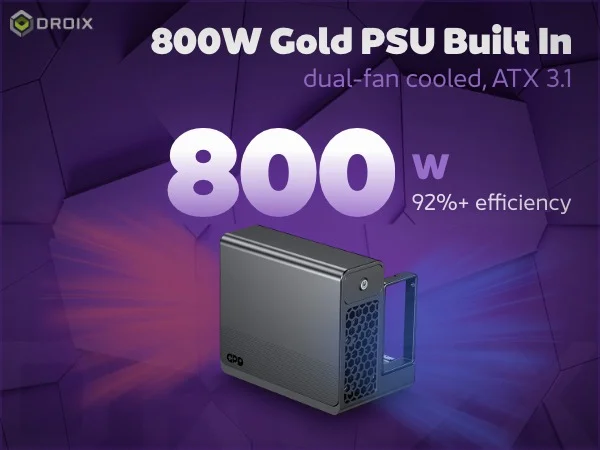
800W Gold power supply
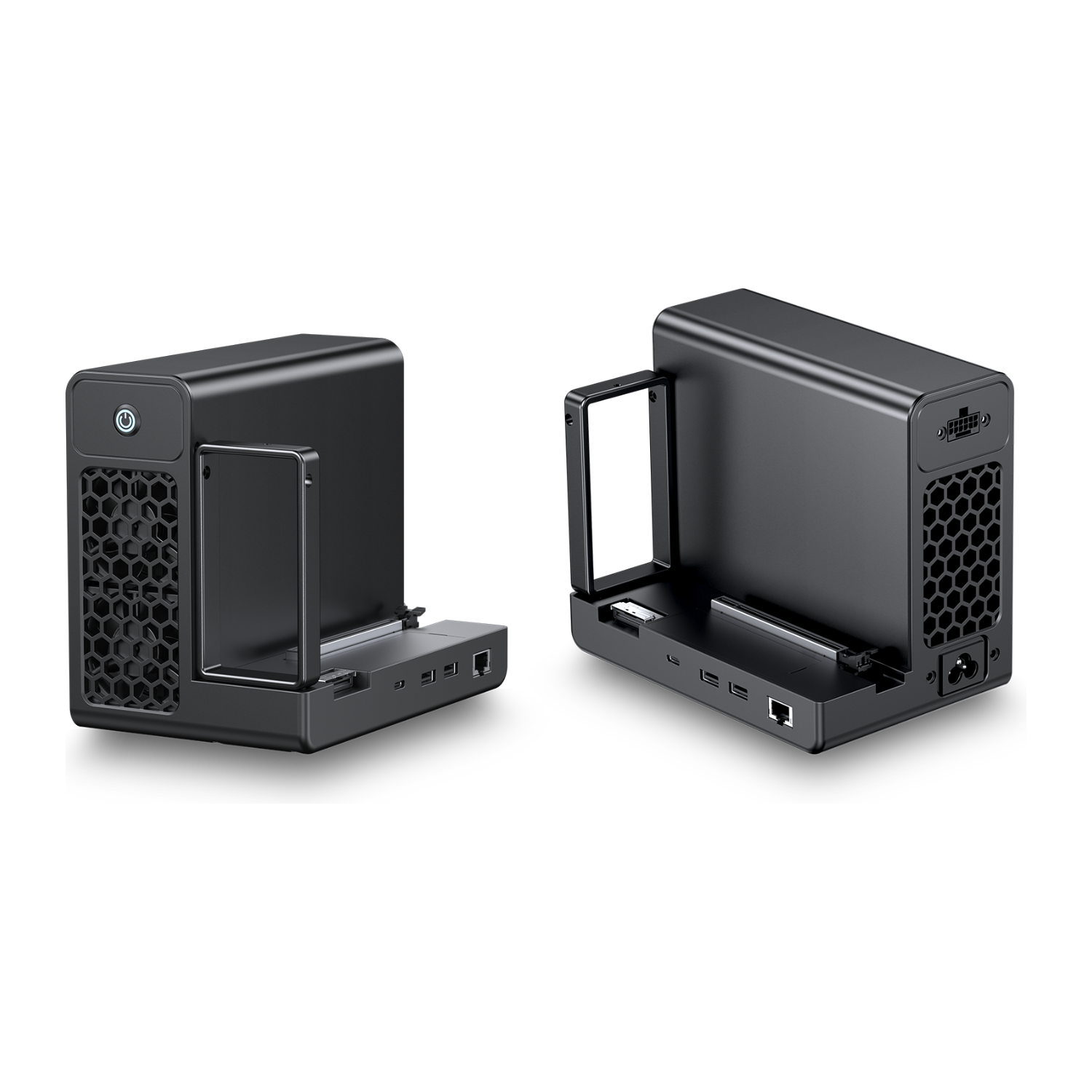
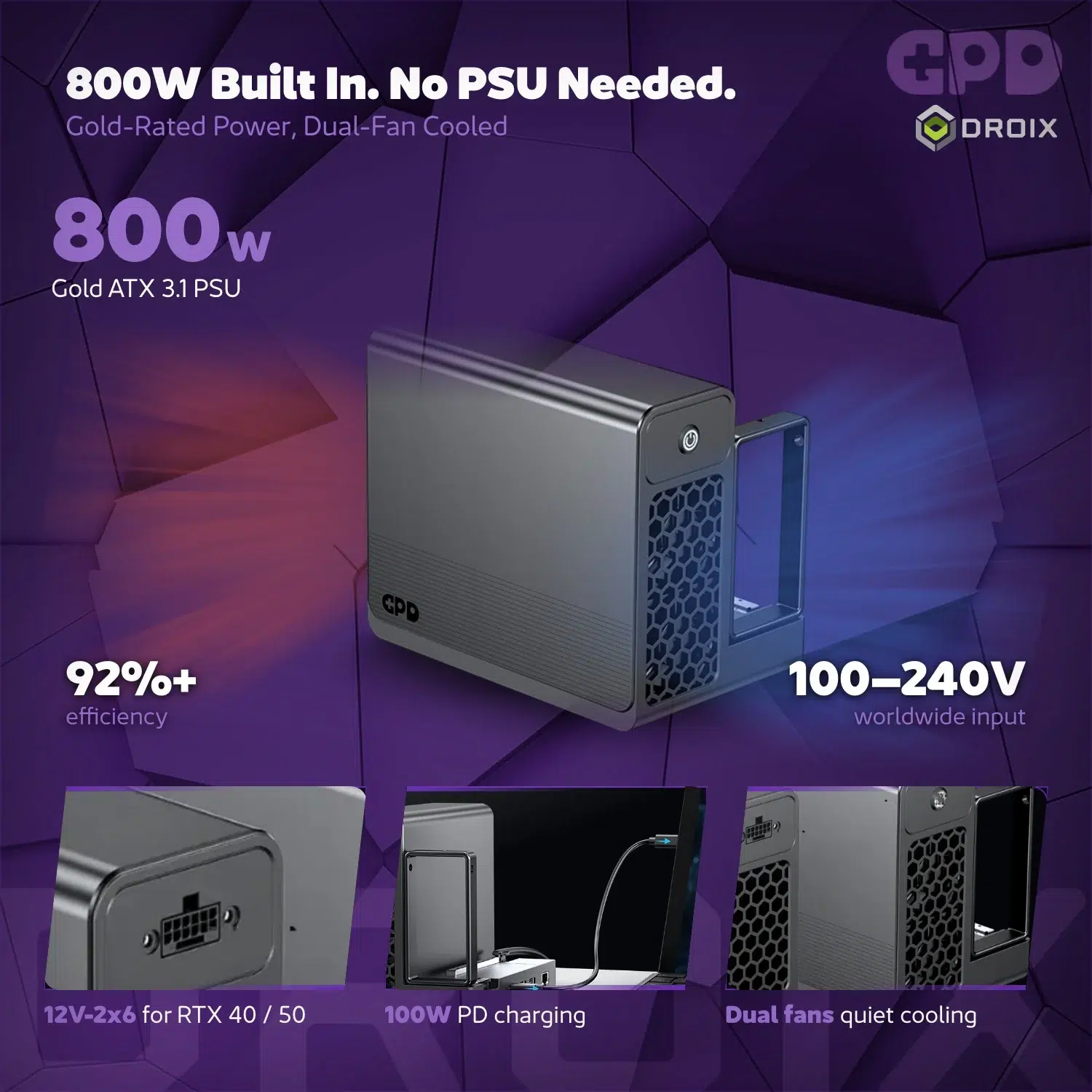
Reliability is at the core of the GPD G2 design, featuring a Gold-rated ATX 3.1 power supply; GPD states 92%+ efficiency. This internal unit includes a 12V-2×6 power connector for a graphics card.
The integrated supply is intended to power the dock and a compatible graphics card. Its dual fans cool the power supply, not necessarily the graphics card; check your card’s power connector, fit and independent cooling requirements before installation.
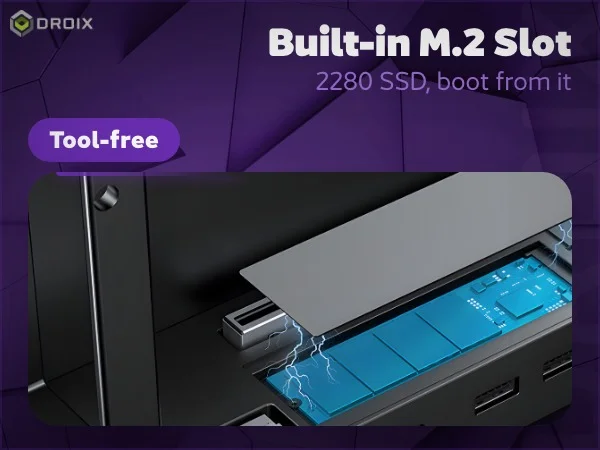
M.2 storage
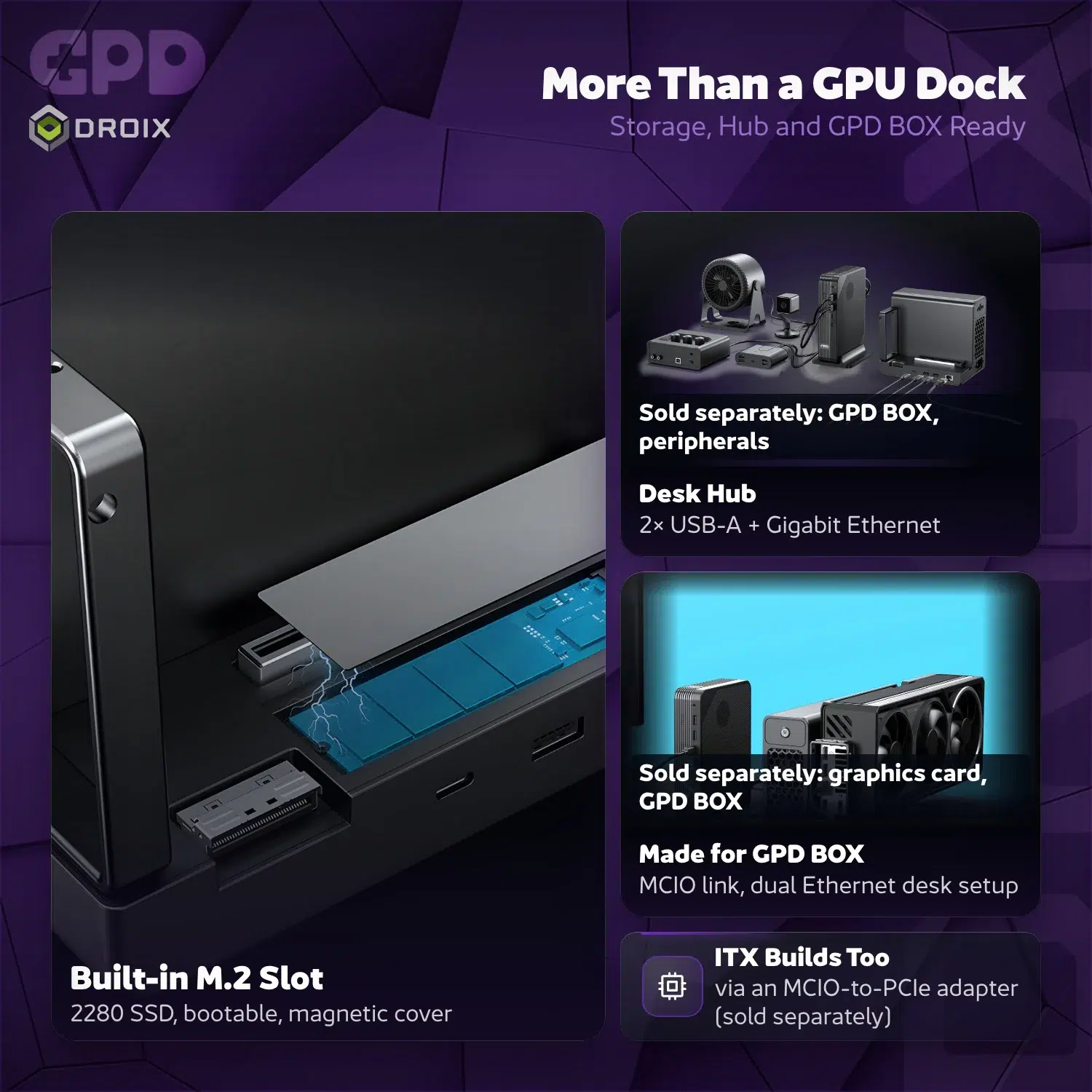
Beyond pure graphics, the GPD G2 offers an NVMe M.2 2280 slot for external storage, which is cleverly hidden behind a magnetic gunmetal cover. It allows for external storage booting and easy file management with the GPD G2.
The M.2 2280 NVMe slot uses a PCIe 3.0 ×2 interface through an internal USB adapter. SSD compatibility and external boot support depend on the drive and host configuration; USB4 must be connected to use the dock’s hub features.
Connections and charging
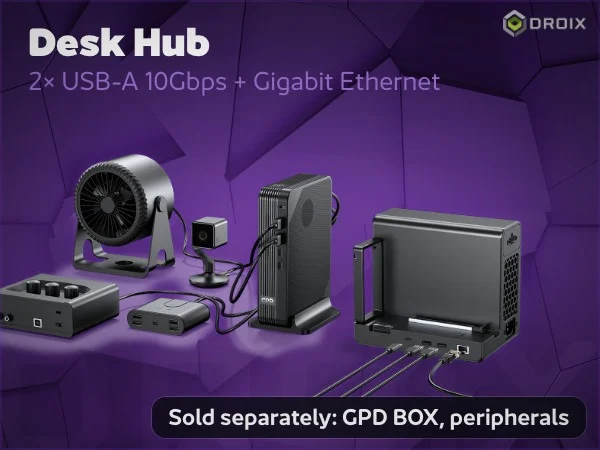
Desk hub
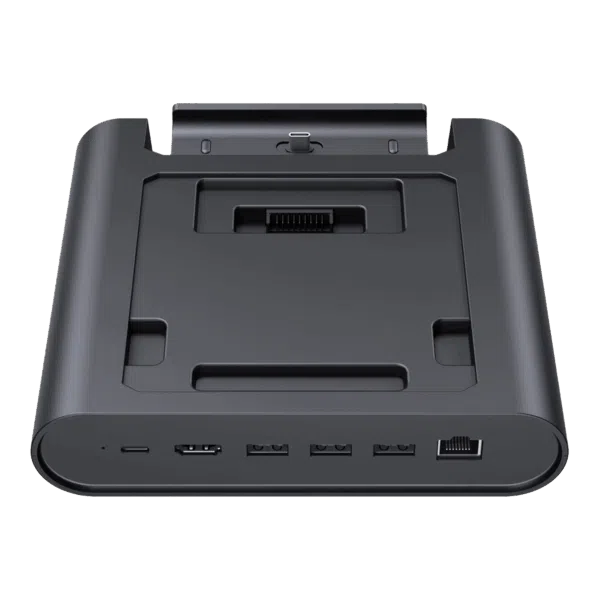
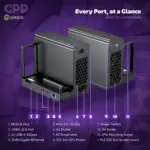
Constructed from a premium aluminium-magnesium alloy, the GPD G2 is both lightweight at 1605g and incredibly durable. The chassis houses two USB 3.2 Gen 2 Type-A ports for peripherals, alongside a 1000 Mbps RJ45 Ethernet port for stable wired networking.
Connect USB4 to a compatible host to use the dock’s hub features, including its peripheral and wired-network connections. MCIO alone provides graphics without hub functionality.
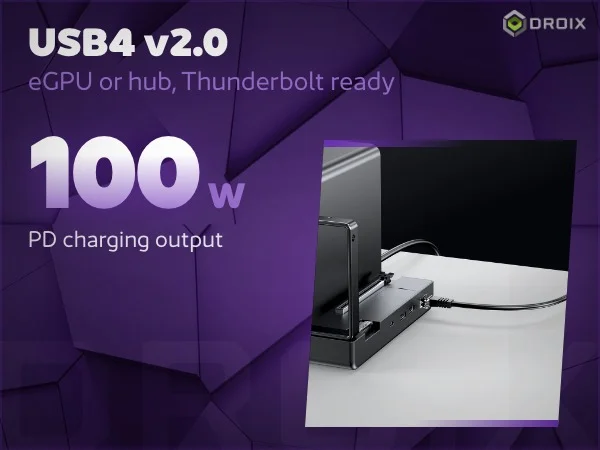
USB4 v2.0 and charging
The USB4 v2.0 port provides up to 100W Power Delivery with a compatible host. Connection and functionality depend on the host and selected MCIO/USB4 mode; a compatible USB4 setup can carry data, video and power over one cable.
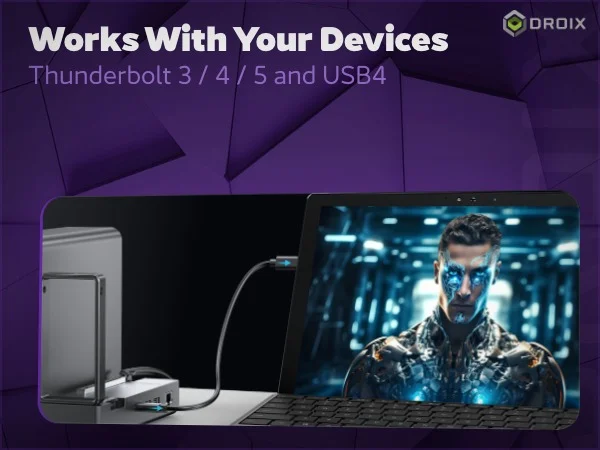
Thunderbolt and USB4 devices
Supports compatible Thunderbolt 3, 4 and 5 and USB4 hosts. GPD states that Apple Silicon (M-series) devices are not supported; Intel-based Macs may require official Apple graphics drivers. Check the host, operating system and graphics-card driver compatibility before purchase.
Connection behaviour depends on the host computer, its port capabilities and operating system. GPD lists Windows 11 and Linux with kernel 6.17 or later; check compatibility and required drivers for your specific device before purchase.
The GPD G2 is designed to streamline your workspace while providing maximum graphical output.
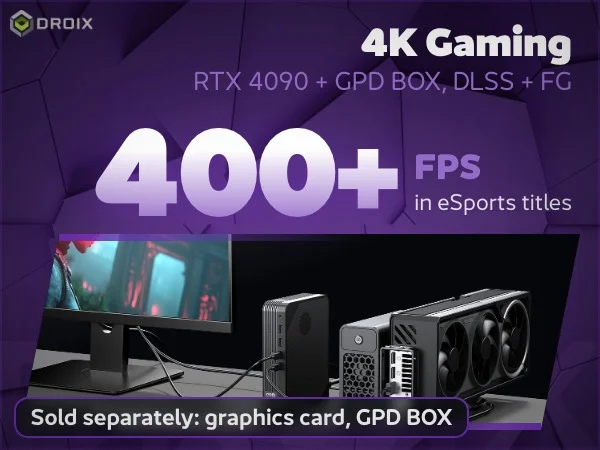
Gaming performance in the artwork
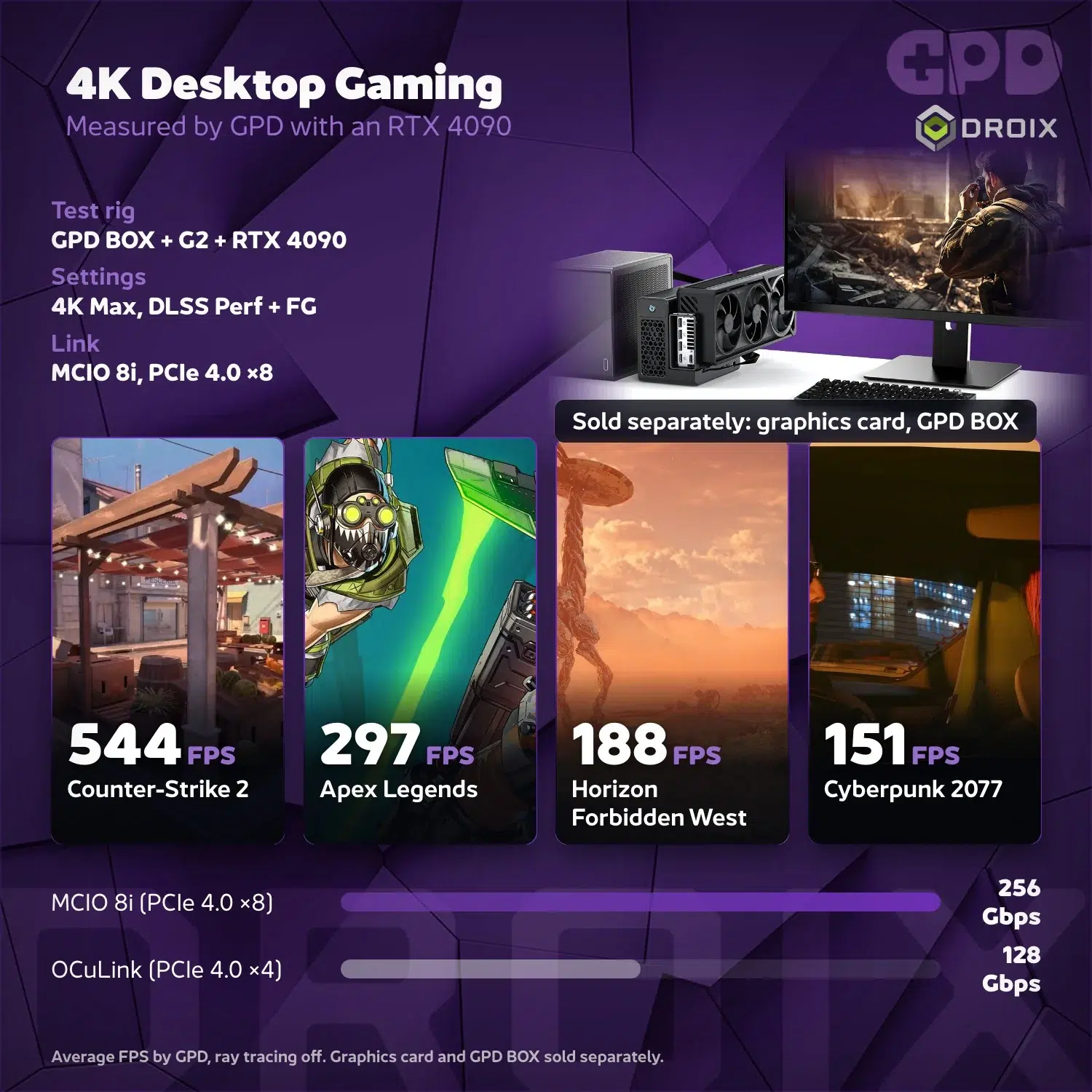
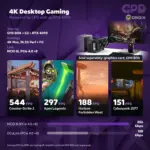
GPD reports over 400 FPS in selected esports games with GPD BOX and RTX 4090 at 4K maximum settings, DLSS Performance and frame generation enabled, ray tracing off. Results vary. Graphics card and GPD BOX sold separately.
GPD G2
The GPD G2 is the definitive choice for anyone looking to supercharge their computing experience without compromising on portability. Elevate your gaming and professional productivity to professional standards—order your gpd g2 egpu now and experience the future of external graphics in one powerful GPD G2!
Learn more about the GPD G2 on our blog.
Complete product artwork
MCIO artwork note: 256 Gbps is total theoretical bidirectional bandwidth (128 Gbps per direction), not a one-way rate. GPD reports about 2% GPU performance loss in a particular GPD BOX and RTX 4090 test; the artwork’s near-zero loss claim is not universal, and results vary with the host, GPU, workload and configuration.
Connection and compatibility note: GPD specifies USB4 v2.0 symmetric signalling at up to 80 Gbps in each direction (160 Gbps combined); its MCIO 8i PCIe 4.0 ×8 link is rated at 256 Gbps combined theoretical bidirectional bandwidth (128 Gbps each direction). These are theoretical interface rates, not guaranteed application throughput; actual speeds depend on the host, cable and configuration. MCIO alone supplies graphics without hub functionality; USB4 alone can provide graphics, while both connections together use MCIO for graphics and USB4 for hub expansion and PD. The M.2 2280 NVMe slot is PCIe 3.0 ×2 via an internal USB adapter. The dual fans cool the PSU, not necessarily the graphics card. GPD’s selected esports results above 400 FPS use GPD BOX and RTX 4090 at 4K maximum settings with DLSS Performance and frame generation on, ray tracing off; results vary. Supports compatible Thunderbolt 3, 4 and 5 and USB4 hosts. Apple Silicon (M-series) is not supported; Intel-based Macs may require official Apple graphics drivers. Check your host, OS and graphics drivers.
 Add to cart