




GPD BOX: compact desktop, flexible performance
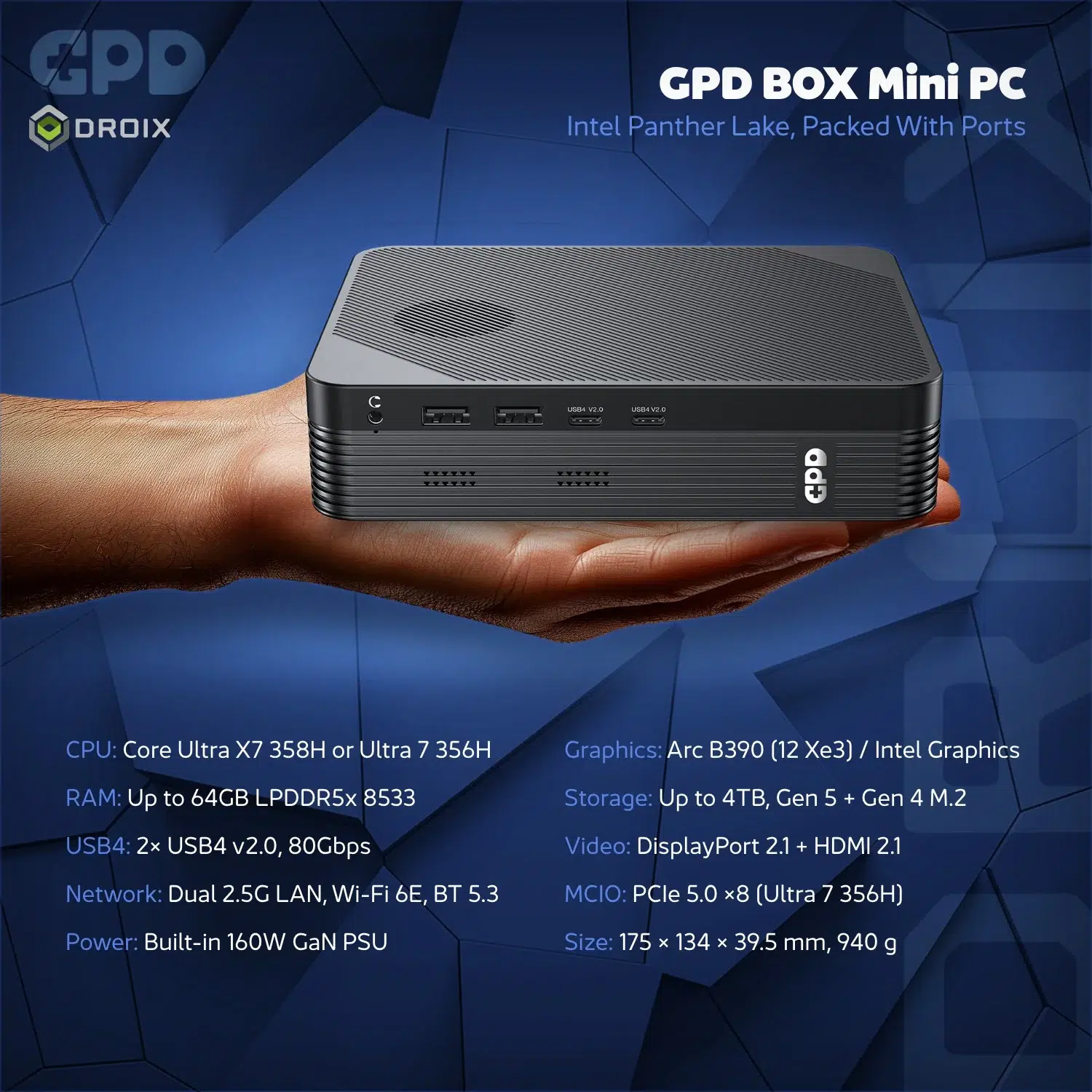
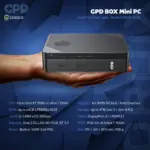
The GPD BOX brings Intel Core Ultra processing, Windows 11 and a versatile selection of ports to a compact desktop. Choose the Core Ultra X7 358H with Intel Arc B390 integrated graphics, or the Core Ultra 7 356H with an MCIO 8i connection for a compatible external GPU. Both combine 32GB of memory with a choice of NVMe storage.
Intel performance for your setup
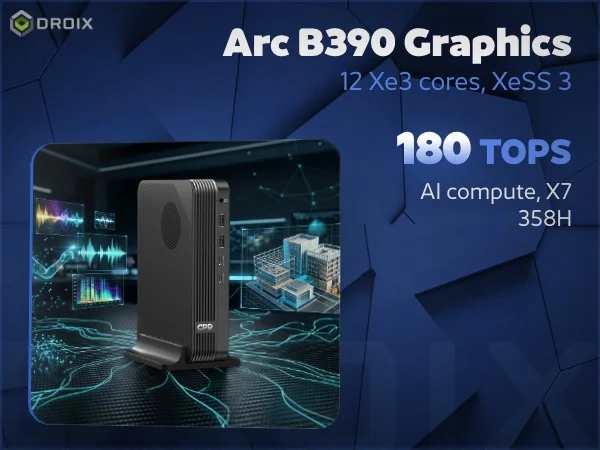
Choose your graphics route
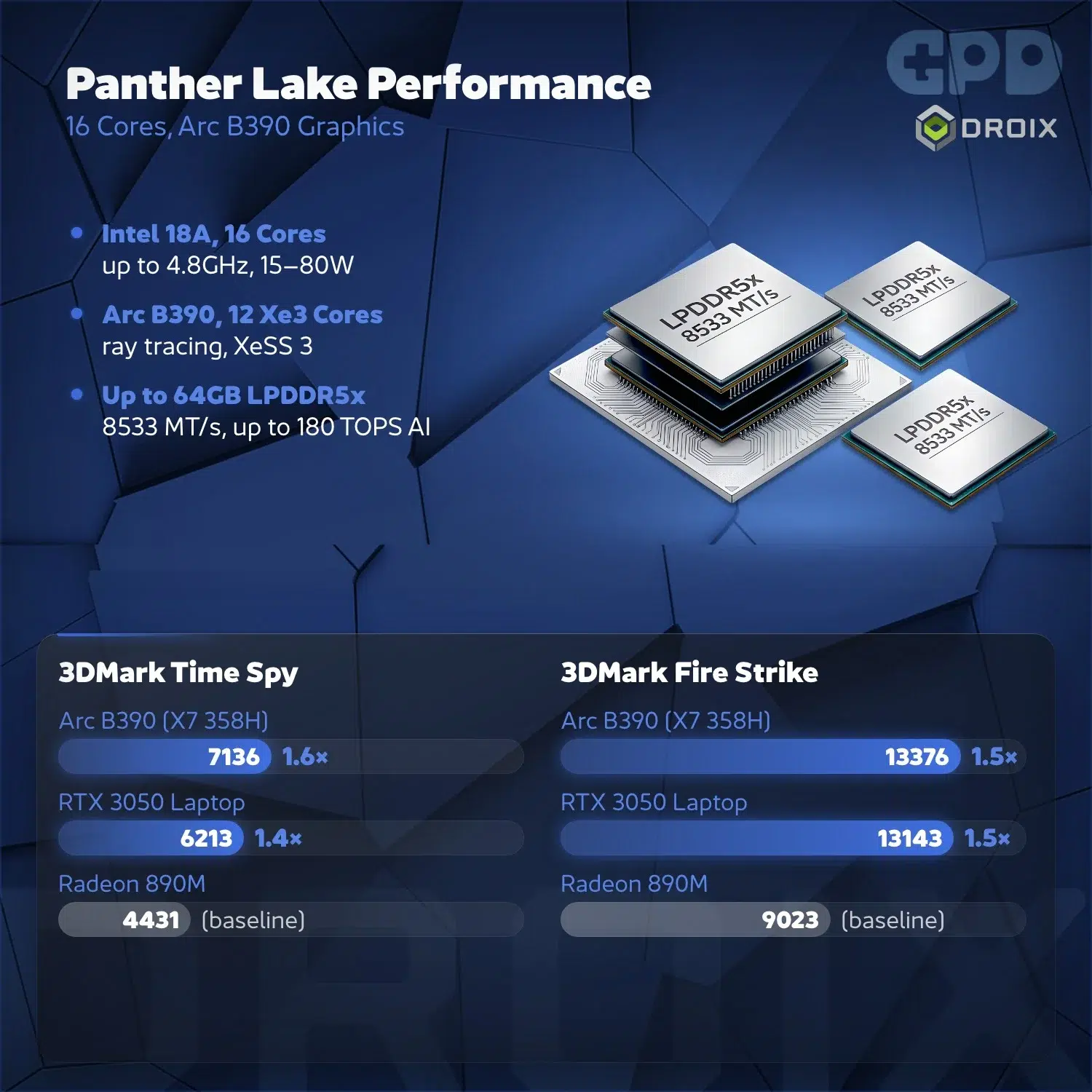
The Core Ultra X7 358H combines a 16-core, 16-thread processor with Intel Arc B390 graphics and 12 Xe3 cores. It is the stronger integrated graphics option in the BOX family, suited to a self-contained desk for everyday work, media, creative applications and compatible PC games.
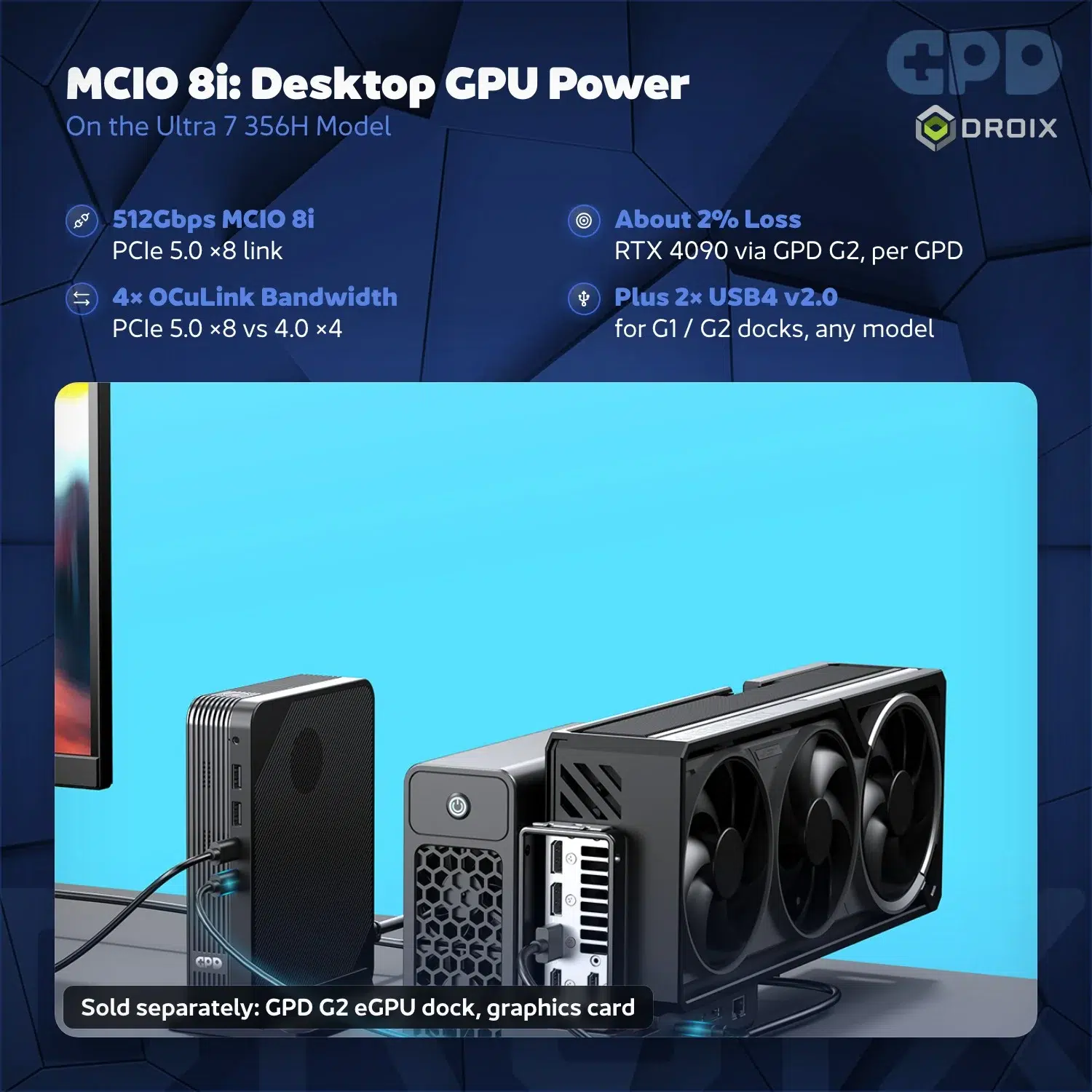
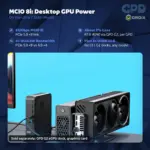
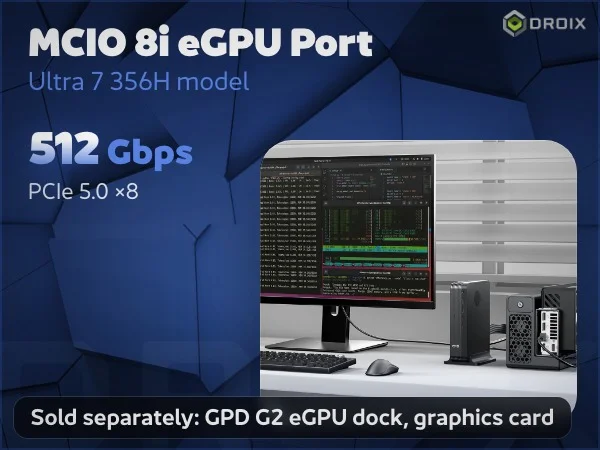
The Core Ultra 7 356H uses Intel Graphics with four Xe3 cores. Its MCIO 8i connector provides a PCIe 5.0 x8 route for a compatible external GPU. The graphics hardware, enclosure and connection must be compatible; an external GPU is not included with the mini PC.
Intel Core Ultra processing
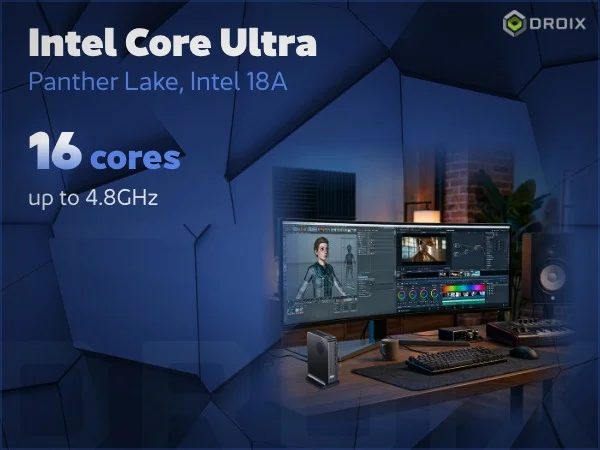
Both configurations offer a 16-core, 16-thread processor. The X7 358H reaches up to 4.8GHz, while the Ultra 7 356H reaches up to 4.7GHz. Actual speeds depend on workload, power limits and cooling, rather than remaining at the maximum throughout a task.
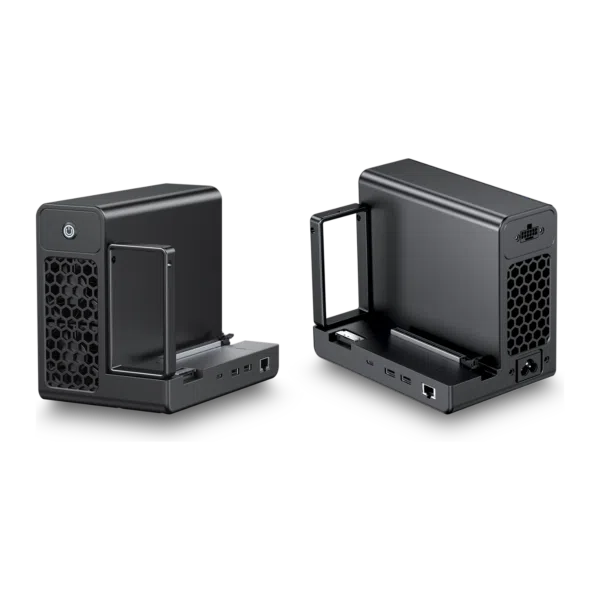
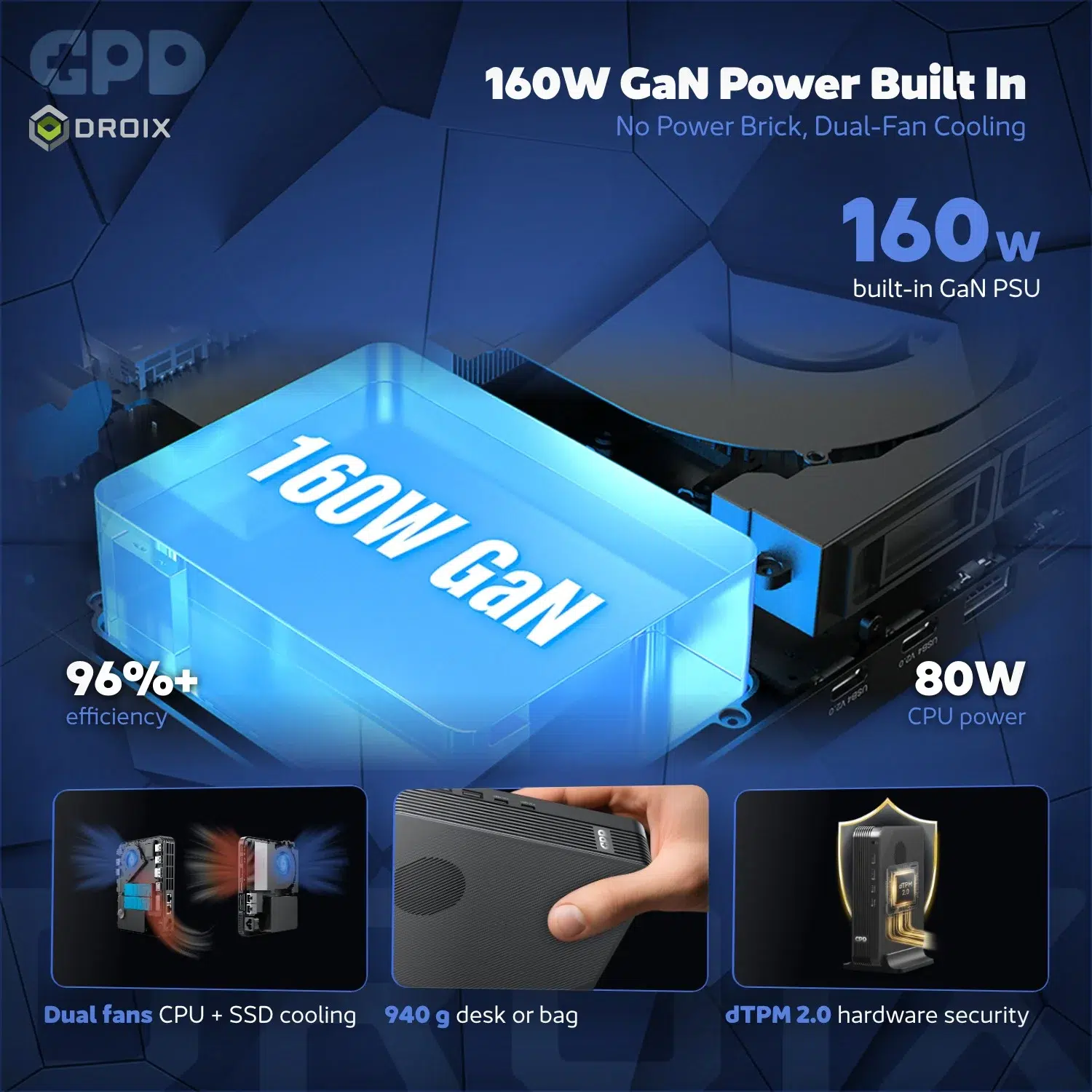
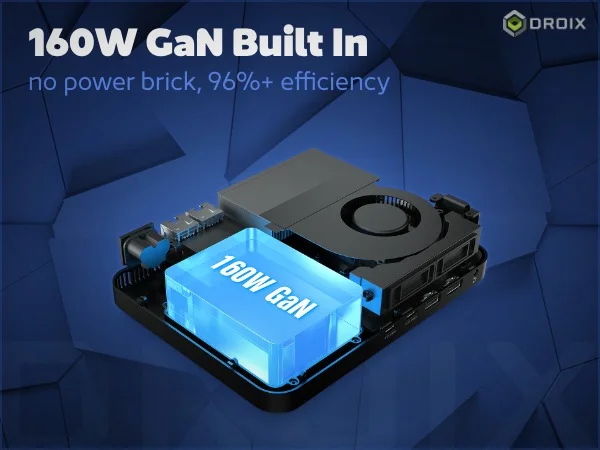
Use the BOX for a mix of browser tabs, productivity software, development tools and media applications. A built-in 160W GaN power supply keeps the desktop setup compact without a large external power brick.
Memory, storage and displays
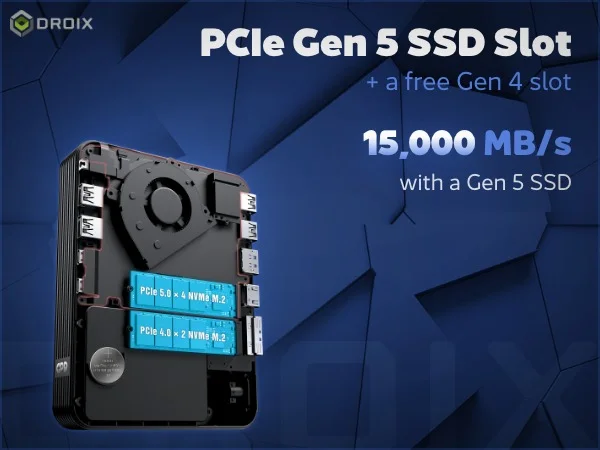
Memory and storage for your work
Every configuration includes 32GB LPDDR5X memory at 8533 MT/s. That gives the compact system a substantial memory foundation for multitasking and shared integrated graphics. The right choice of storage depends on the applications and files you want available locally.
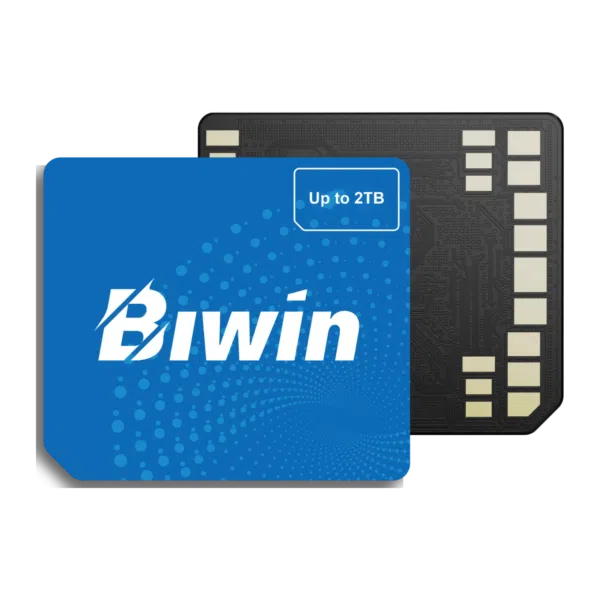
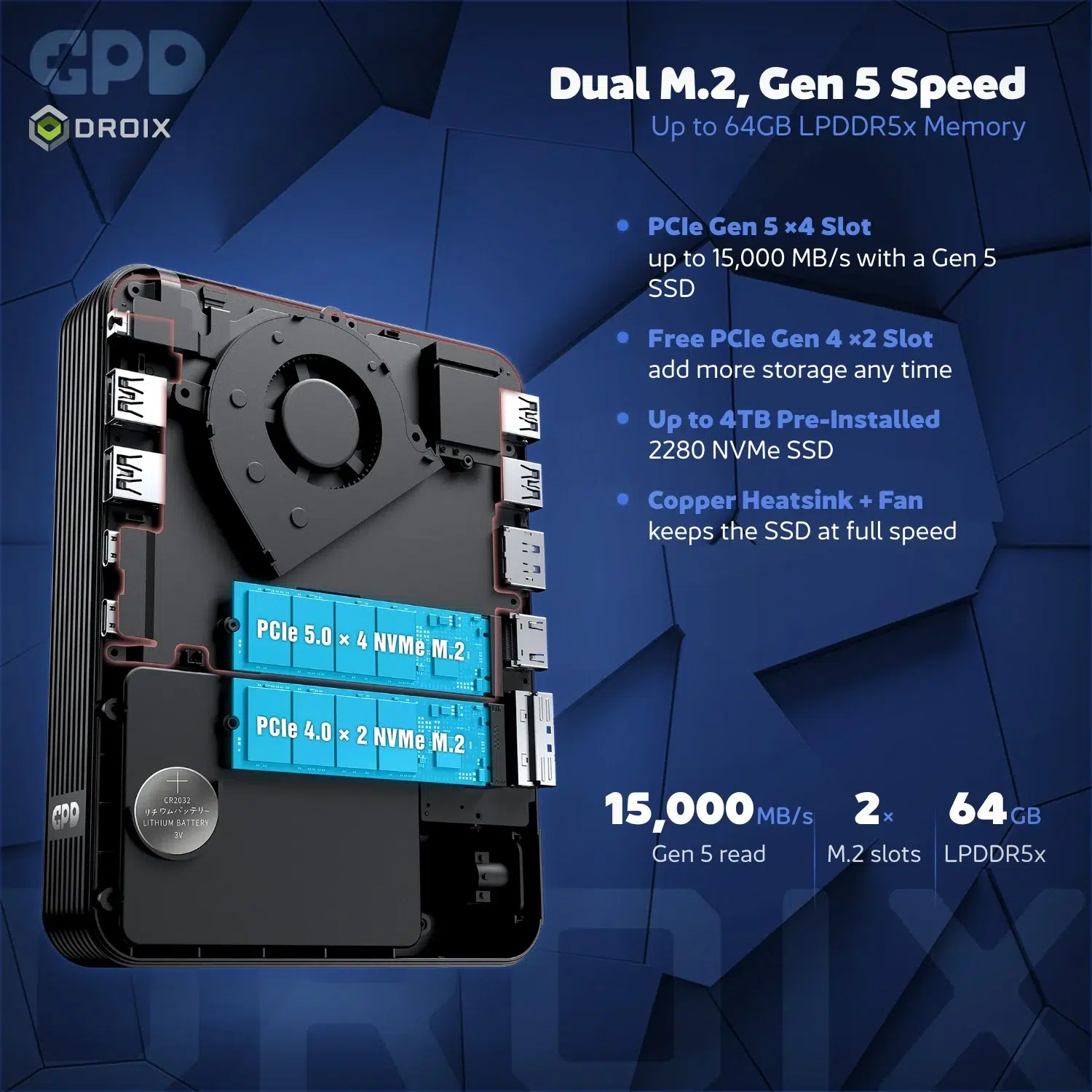
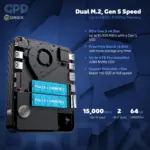
Select a 1TB, 2TB or 4TB NVMe configuration. A smaller drive can suit everyday productivity, while larger libraries of games, project files or media benefit from more room. The product artwork also shows SSD expansion; check the slot and drive specifications before choosing an upgrade.
Connect your displays
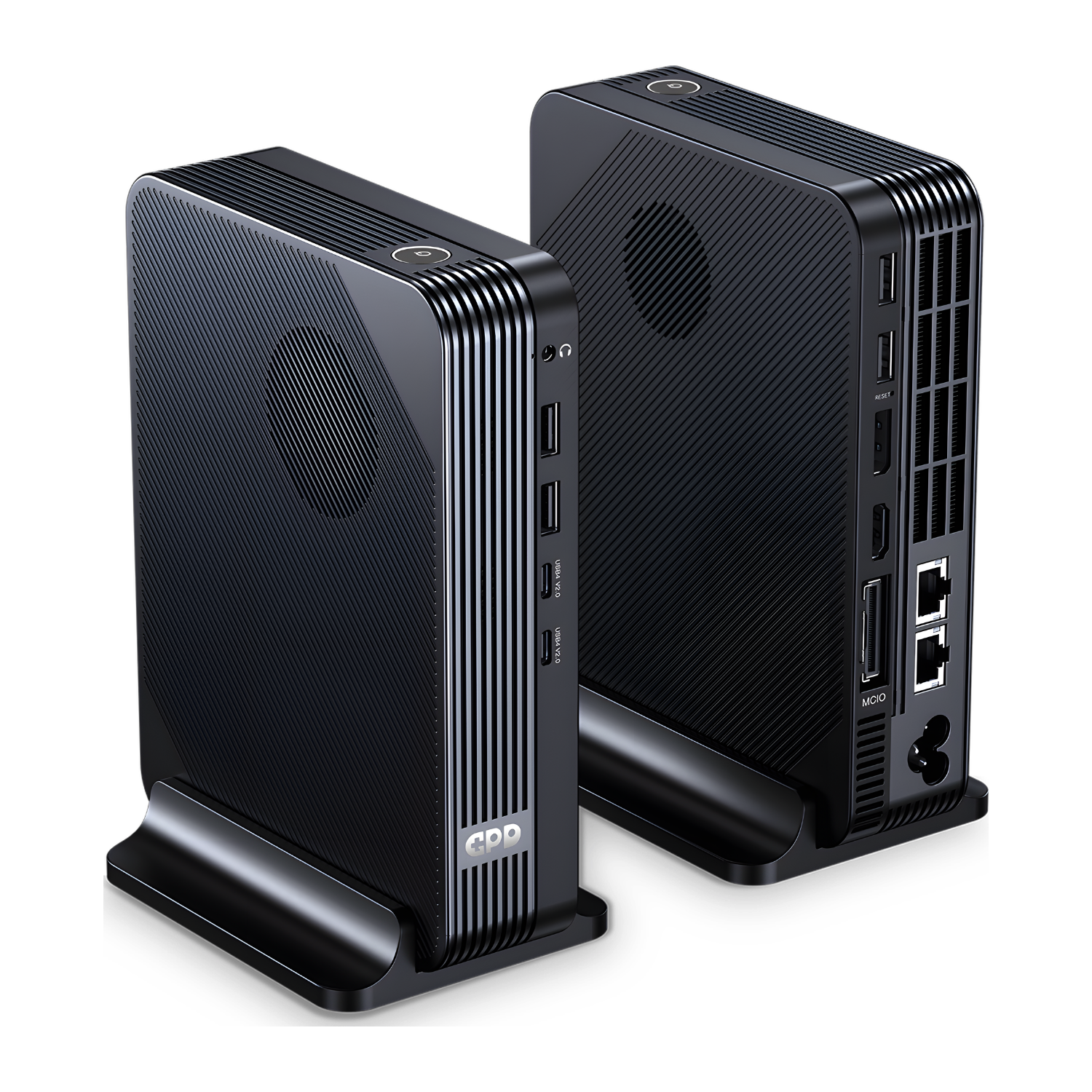
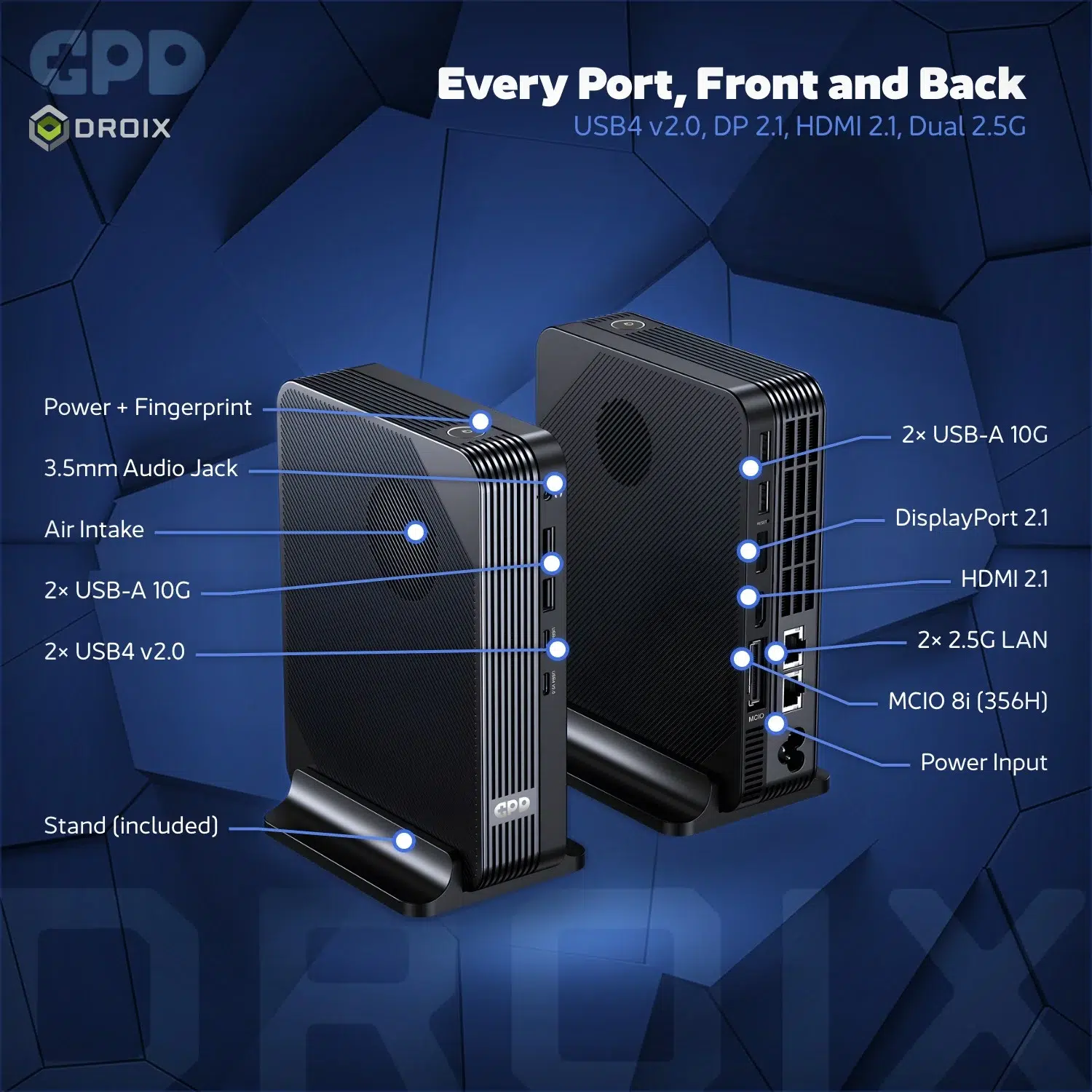
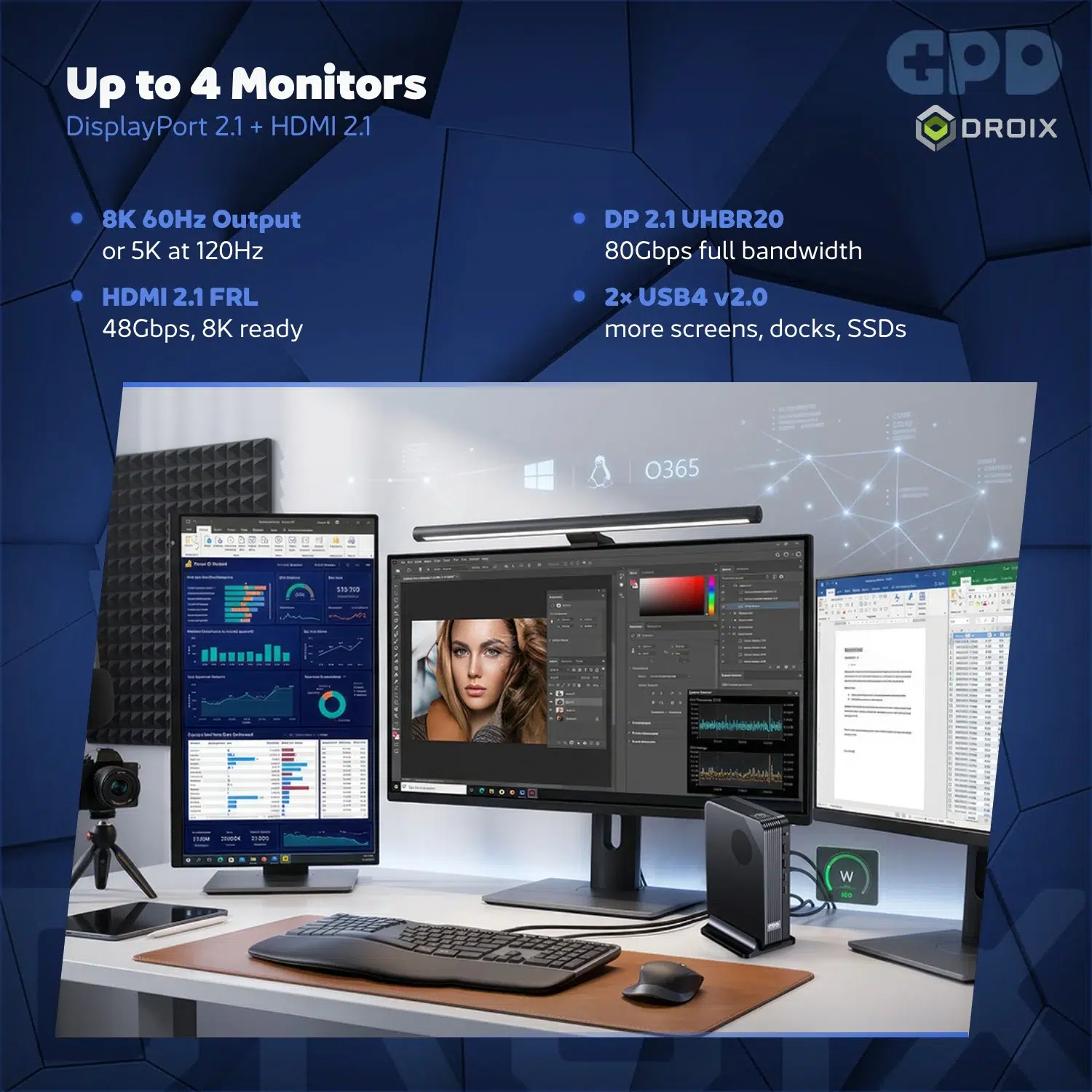
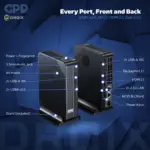
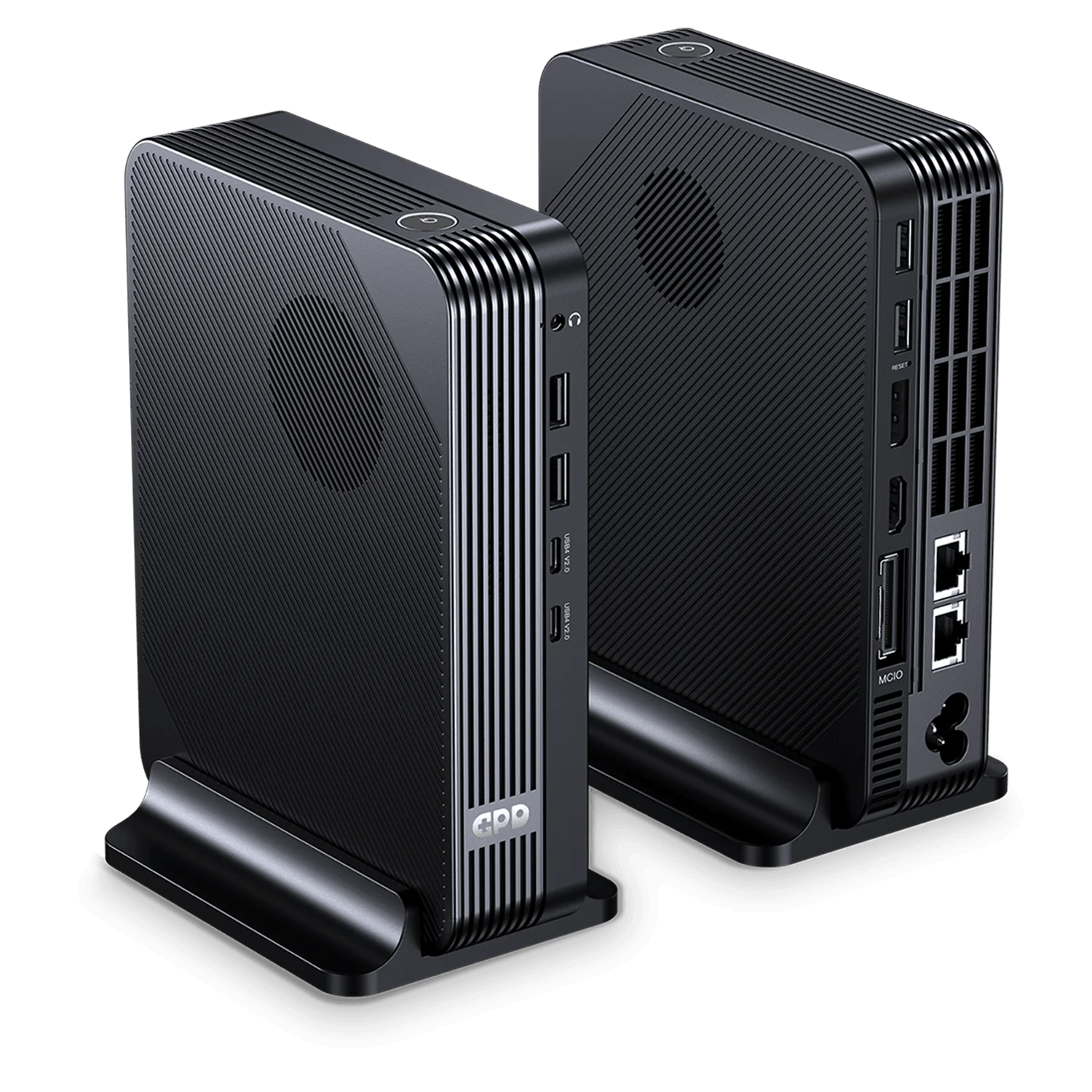
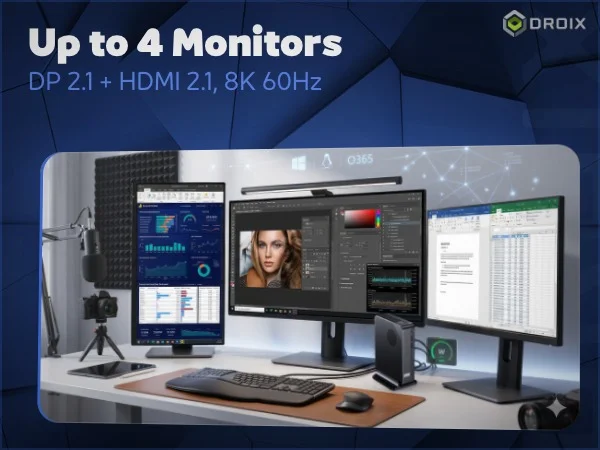
HDMI 2.1 and DisplayPort 2.1 provide dedicated connections for compatible monitors and TVs. The two USB4 ports can also support compatible display accessories, giving you options when building a multi-screen workspace.
The four-display artwork describes the device’s display capabilities; supported resolution and refresh rate depend on the connected displays, cables and operating configuration. Check the requirements of your monitors and adapters before planning a setup.
Connect and keep working
Wired and wireless networking
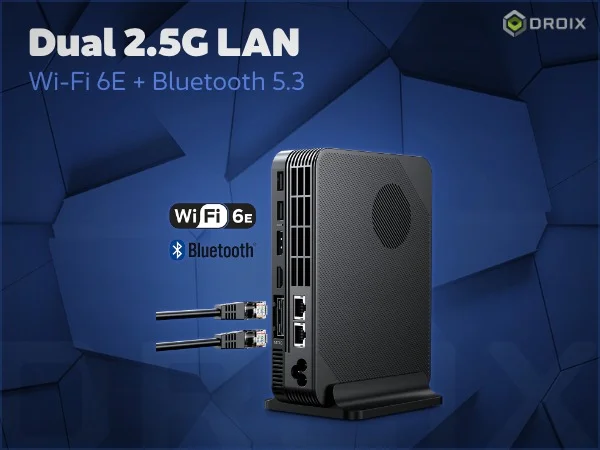
Two 2.5GbE Ethernet ports give you options for a wired network and compatible network-attached storage. They are useful when organising a home office, media setup or small lab, without promising a particular transfer speed on every network.
Wi-Fi 6E supports compatible wireless networks, while Bluetooth 5.3 connects suitable keyboards, mice, headphones and other peripherals. Wireless range and performance vary with the router, signal and connected devices.
A tidy, capable desktop
The built-in 160W GaN power supply reduces the need for a separate external power brick. Its compact format is easy to place alongside a monitor, in a home office or as part of a living-room setup.
Four USB 3.2 Gen 2 Type-A ports support familiar wired peripherals, while two USB4 Type-C ports connect compatible high-bandwidth accessories. There is also a 3.5mm headphone and microphone connection for a headset or speakers.
Security and everyday use
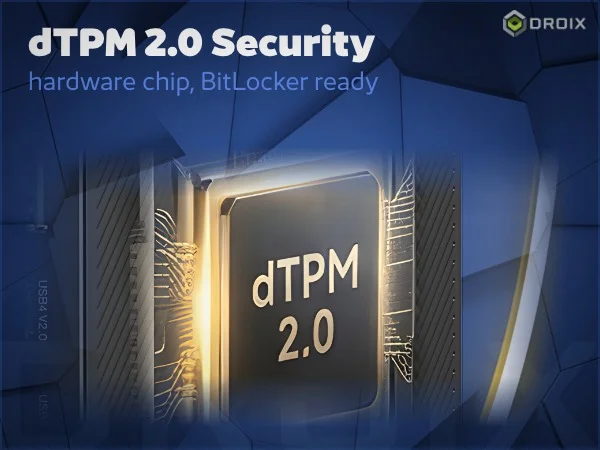
The hardware artwork highlights dTPM 2.0 security. Windows provides familiar sign-in and desktop software support, making the BOX a practical platform for work, browsing, streaming and compatible creative applications.
Windows software and games have their own requirements. Check the application, peripherals and intended graphics configuration before buying; a compact PC does not guarantee compatibility or a particular frame rate in every title.
One compact PC, more possibilities
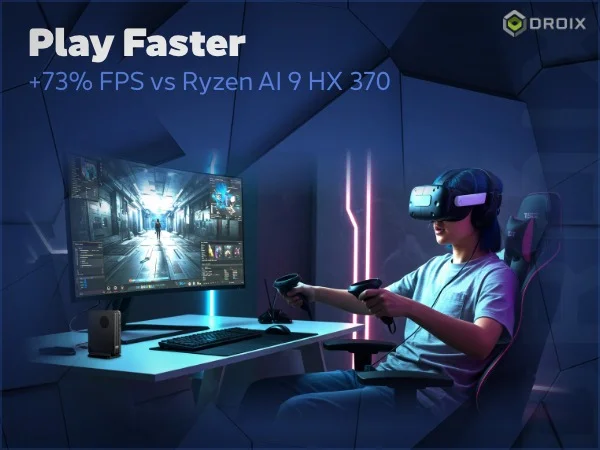
Gaming on your terms
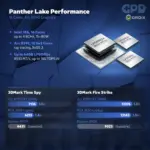
The Intel Arc B390 model offers the strongest integrated graphics option in the range. The 356H model takes a different approach, with MCIO expansion for users planning a compatible external GPU setup. Choose between them based on how you expect to use the machine.
The performance comparisons shown in the manufacturer’s artwork are manufacturer claims. Results vary by game, settings, drivers, power profile and test conditions, and should not be treated as guaranteed frame rates.
A GPD mini PC for your desk
The GPD BOX brings processor choice, fast memory and useful connections into one Windows desktop. Pick the graphics and storage configuration that fits your work, then connect the screens and accessories you actually use. Windows 11 Pro provides a familiar environment for compatible PC applications.
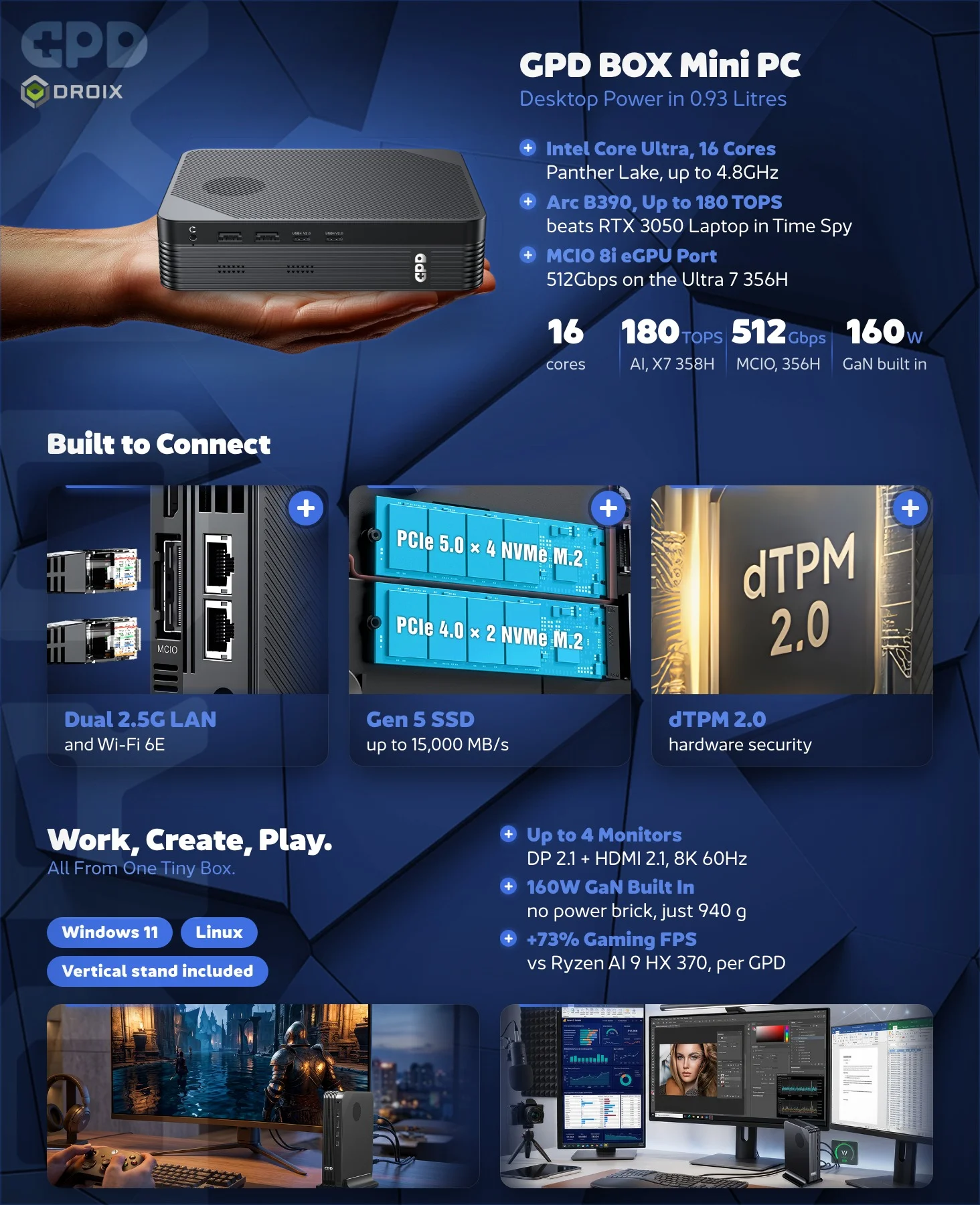
Performance comparisons in the manufacturer’s artwork depend on test conditions and are not guarantees.
 Add to cart