GPD WIN 5 USB Charger Use: How to Optimise Power and Performance
Ensuring your handheld receives consistent energy is vital for an uninterrupted gaming session. Consequently, this guide investigates GPD WIN 5 USB charger use to help you identify the most reliable ways to fuel your hardware. Although high-wattage plugs are common today, the manner in which the GPD WIN 5 manages that intake depends heavily on your specific configuration.
Understanding GPD WIN 5 USB Power Limitations
It is crucial to recognise that the USB 4 port on the GPD WIN 5 is rated for a maximum of 100W. Therefore, even if you employ a massive 140W adapter, the GPD WIN 5 USB power intake remains restricted by these hardware specs. During our lab tests, we found that attempting high TDP settings without a battery often resulted in system instability.
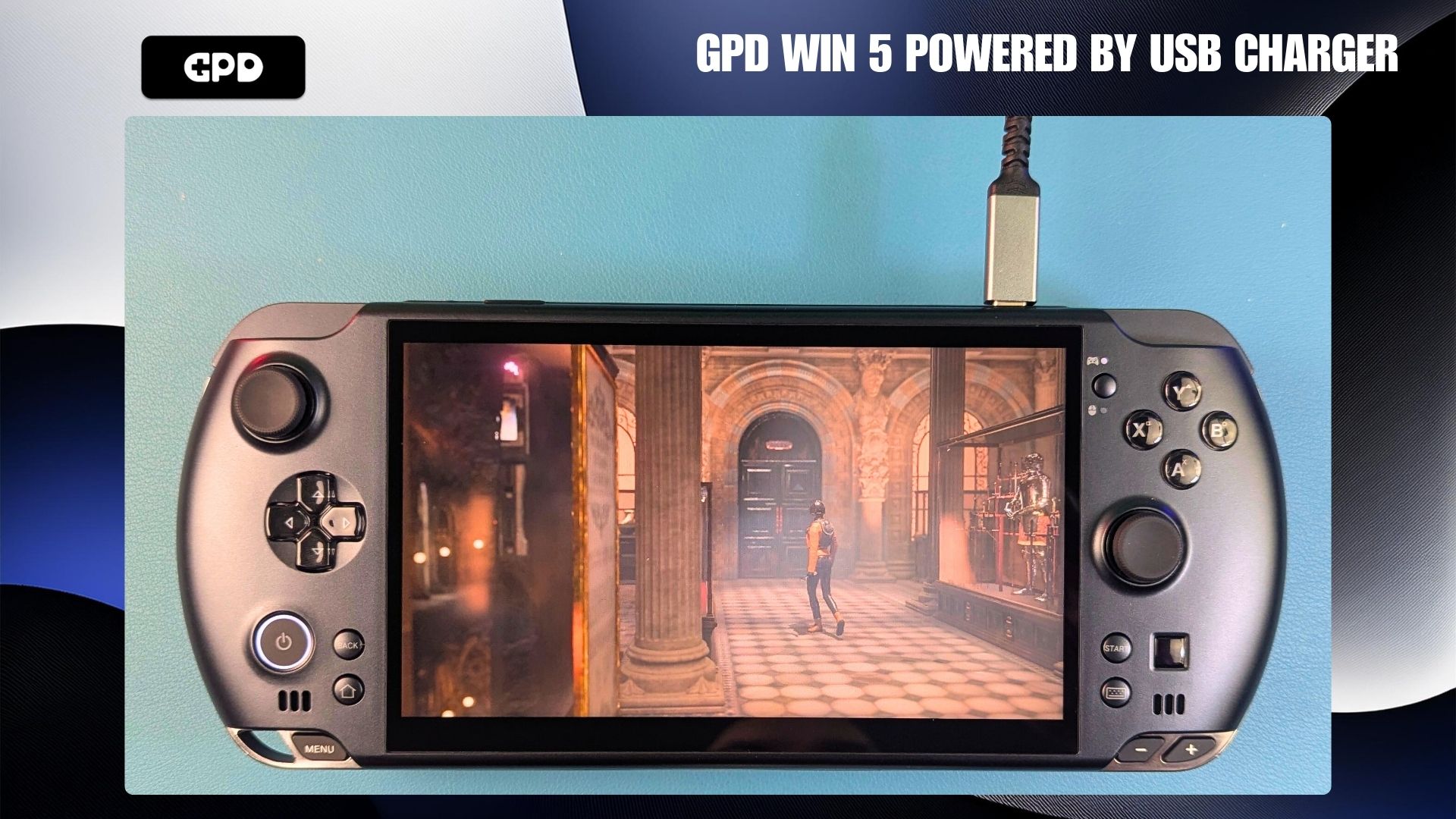
For instance, at a 55W TDP, our power meter showed the GPD WIN 5 peaking at 103W. When we boosted the TDP to 65W, the draw occasionally hit 112W. However, the GPD WIN 5 faced significant trouble at 75W. Because the power requirements exceeded what the charger could deliver consistently, the handheld simply shut down mid-benchmark.
Why a GPD WIN 5 External Battery is Essential
We highly advise keeping your GPD WIN 5 battery attached even while using a high-performance wall plug. While running the GPD WIN 5 solely on USB power is possible, the results are frequently unpredictable. Our testing showed that the GPD WIN 5 often crashed during the Windows boot sequence or heavy 3DMark tests when the battery was missing.
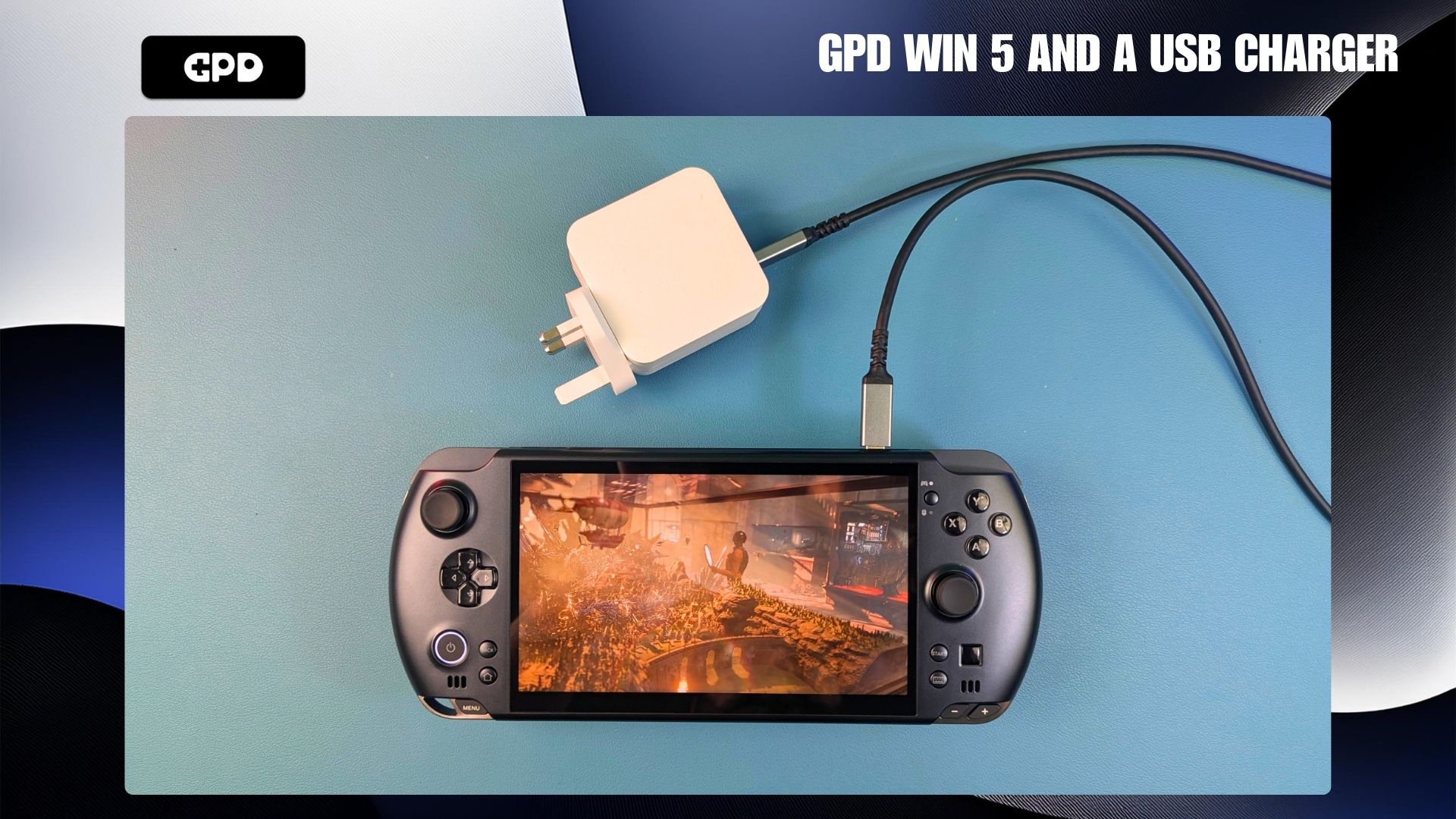
The GPD WIN 5 external battery serves as a critical buffer that can even replenish its charge during active play. Moreover, it assists by smoothing out volatile power spikes that occur during intense gameplay. By acting as a secondary reservoir, the battery prevents the GPD WIN 5 from losing power when the charger is pushed to its limits.
Optimising GPD WIN 5 USB Charger Use via TDP Settings
If you find it necessary to operate the GPD WIN 5 without its battery, a 40W TDP seems to be the safest threshold. Nevertheless, we still encountered some unexpected shutdowns during very demanding software at this level. Because of this, the official mains power brick via the DC barrel jack remains the superior method for powering the GPD WIN 5.
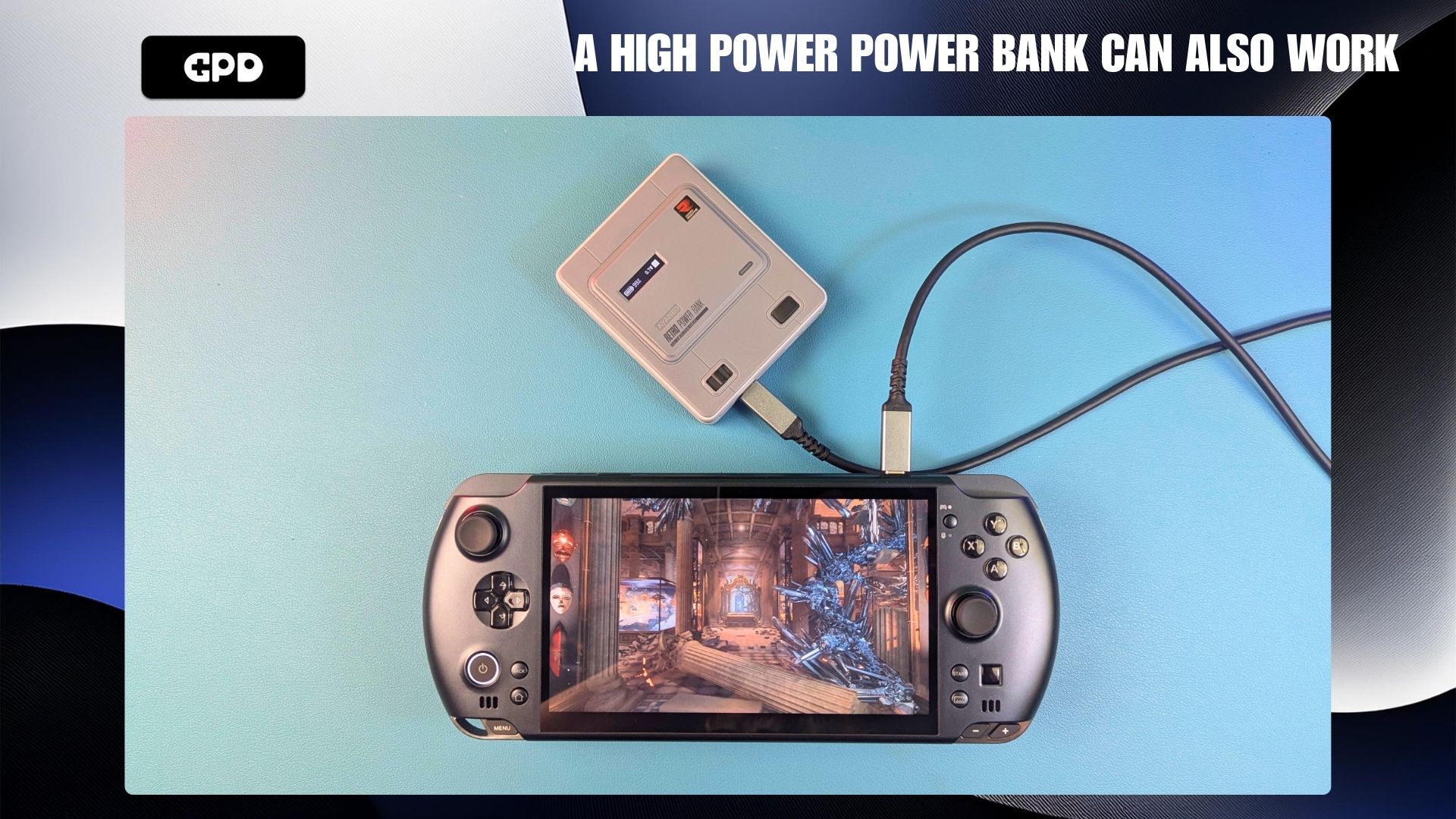
Once we reconnected the battery, the GPD WIN 5 handled high-performance benchmarks with ease. Interestingly, the charger provided a shifting draw between 70W and 95W. Throughout these strenuous tests, the GPD WIN 5 stayed perfectly stable and never once suffered a power failure.
Achieving Stability with GPD WIN 5 USB Charging
The external battery is a major factor in maintaining a reliable experience for GPD WIN 5 USB charging tasks. During a 3DMark Time Spy run, we actually observed the GPD WIN 5 battery percentage rise while connected to a 140W charger. This proves that the GPD WIN 5 can effectively balance its energy needs when a premium power source is paired with the GPD WIN 5 external battery.
- Only rely on the GPD WIN 5 battery alone when travelling or away from a socket.
- Combine a 100W+ charger or power bank with the battery for a portable, lightweight setup.
- Always use the DC barrel jack power brick to achieve the highest possible performance.
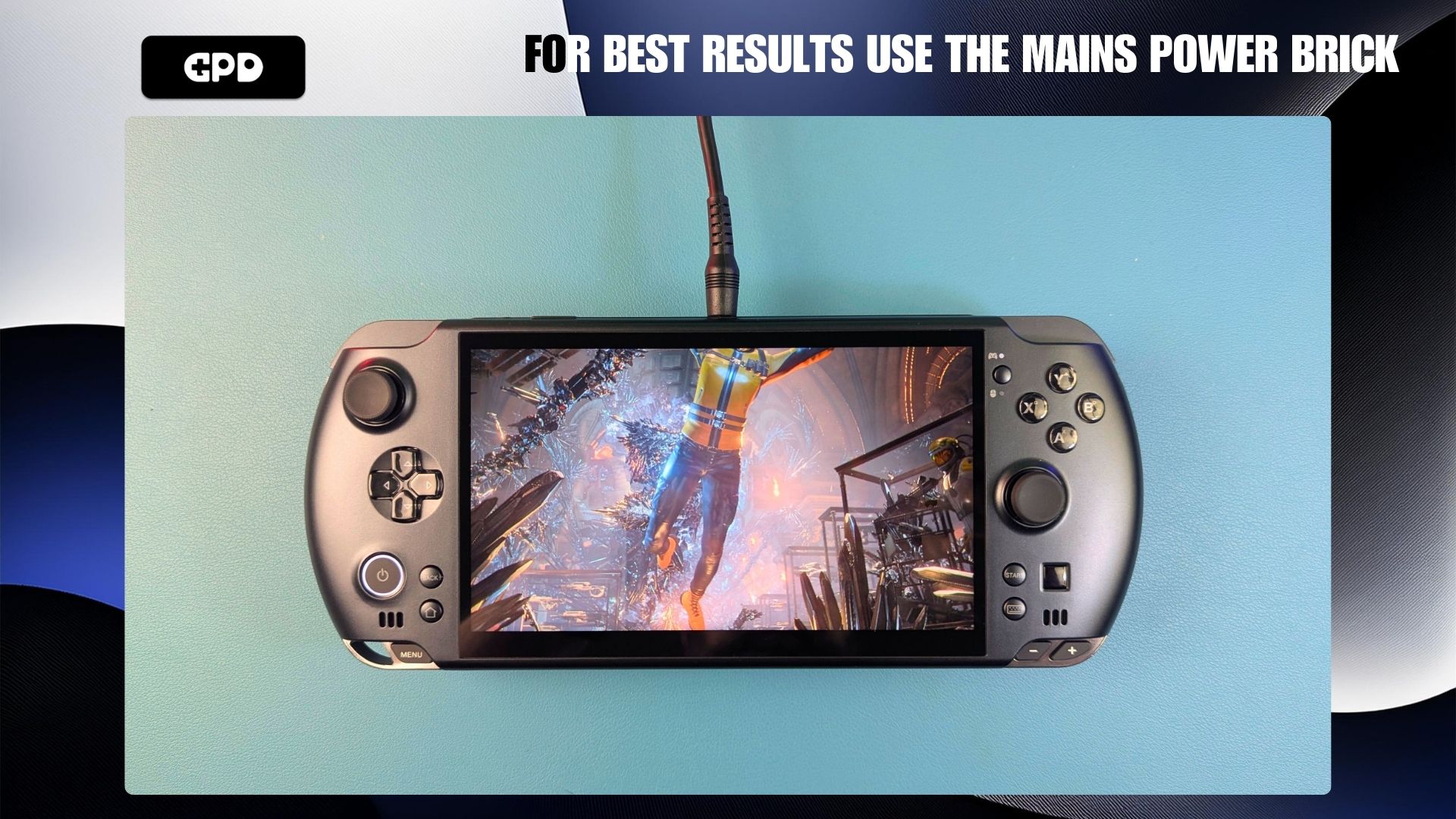
In summary, while a 100W+ charger is a fantastic accessory, it should not be your sole power source. Keep your battery plugged in to avoid frustrating, random power-offs. By following these simple steps, your GPD WIN 5 will remain protected and powered for your most intense gaming marathons.