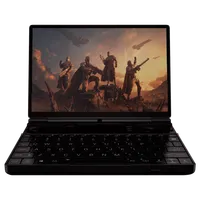
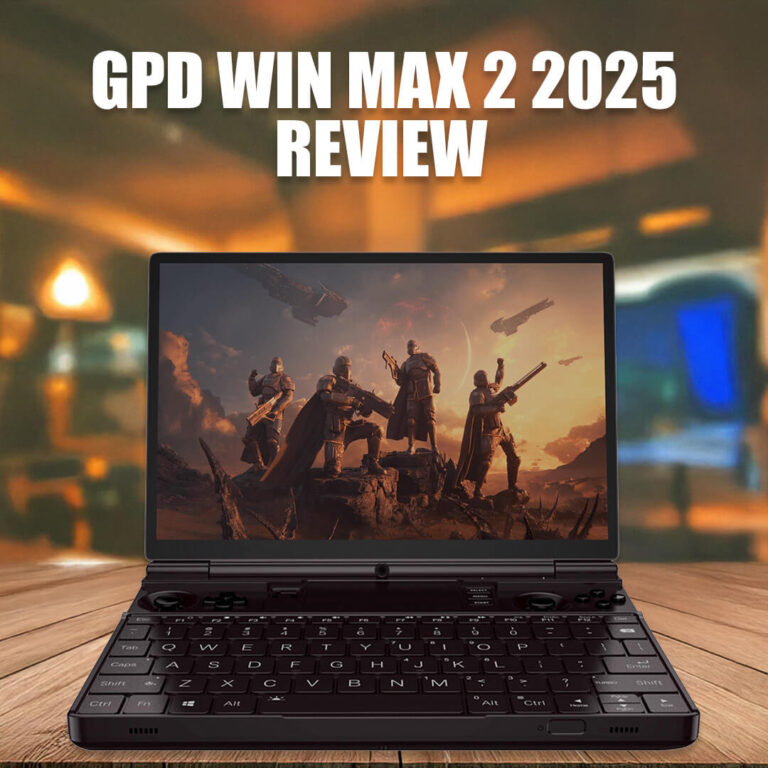
GPD WIN MAX 2 SSD、右トリガー、バッテリーの交換
GPD WIN MAX 22024 & 2025の右トリガーの修理とバッテリー交換を行いました。ご要望の多かったSSDの交換と、これらの作業工程をビデオにまとめました。
お客様ご自身で修理を行うことは可能ですが、その過程で発生した損害については保証の対象外となりますのでご了承ください(利用規約の全文はこちらをご覧ください)。ご自身の技術力に自信のある方のみ、修理をお進めください。修理の複雑さをご理解いただくため、修理を始める前に、ビデオ全編をご覧ください。
GPD WIN MAX 2 2025 SSD、右トリガー、バッテリーの交換
00:00 GPD WIN MAX 2 2025を開ける
01:34 ファンを取り外す(SSDとバッテリーの取り外しに必要)
02:15 SSDを交換する
02:33 右トリガーを交換する
04:58 バッテリーを交換する
11:39 すべてを元に戻す
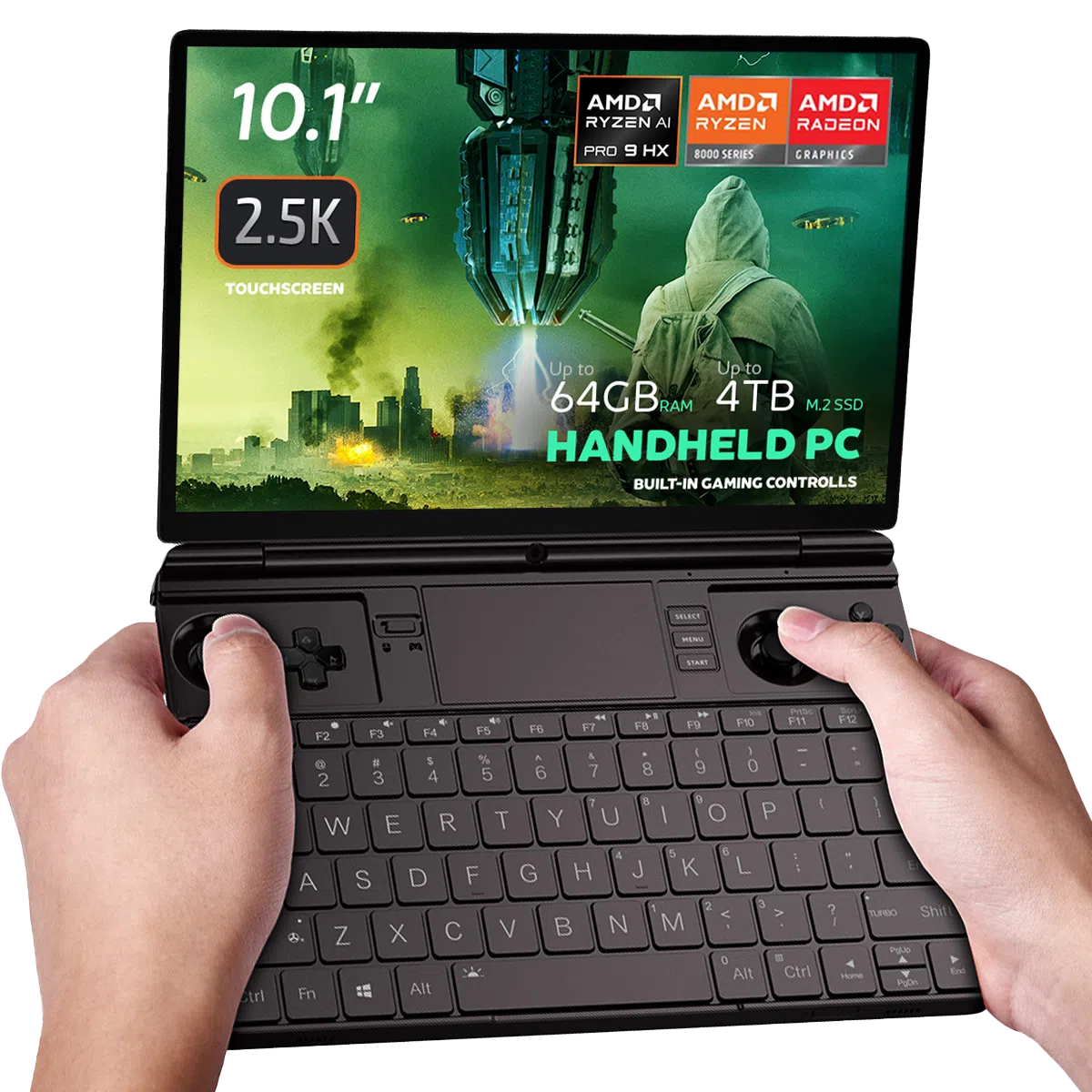
GPD WIN MAX 2 2025 Gaming Handheld PC

このガイドへの質問
1件の回答Battery icon is not showing up in windows, runs without being plugged in, but does not show battery in device manager, and all battery options are gone in settings, created another account same issue, not sure what to do

Please first try updating the AMD Graphics drivers to the latest version, you will also be able to update the general AMD chipset drivers which you should do. Some earlier versions of drivers had an issue where the battery would not display. The newer and latest versions will fix this. You can download the autodetect AMD graphics driver updater at https://www.amd.com/en/support/download/drivers.html