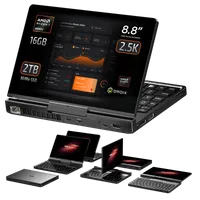
GPD Pocket 4のファンの交換方法
このガイドでは、GPD Pocket 4 のファンを交換する方法をビデオとテキストの両方でご紹介します。
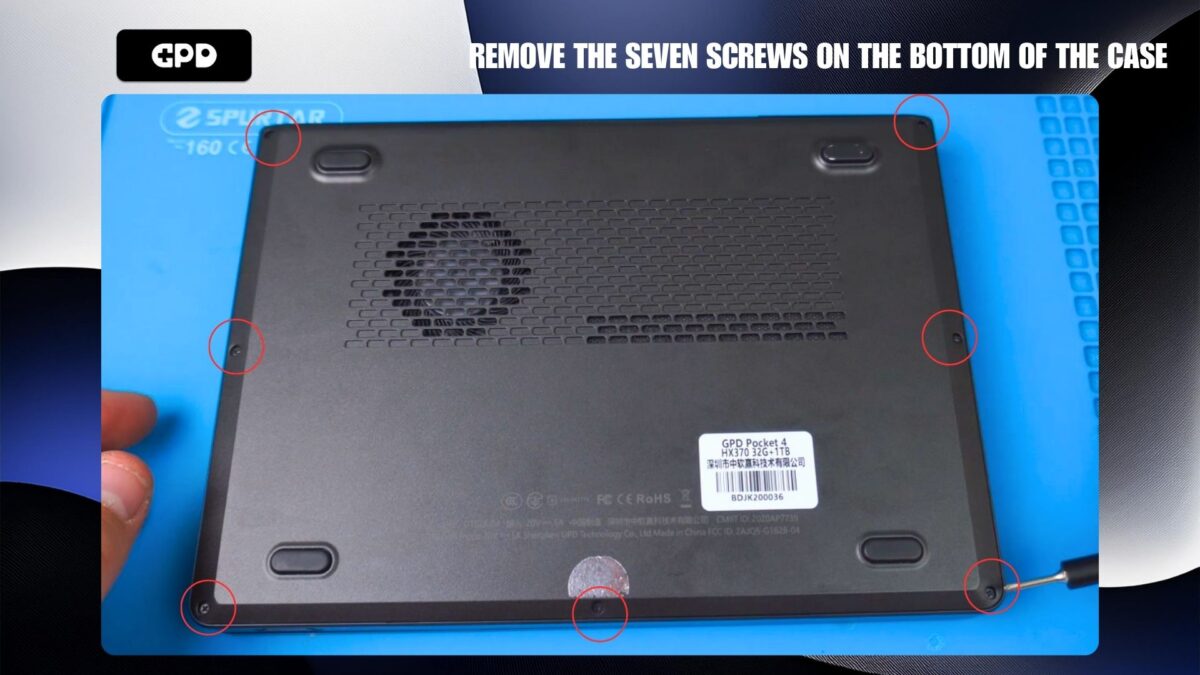
GPD Pocket 底部にある7本のネジを外す 4
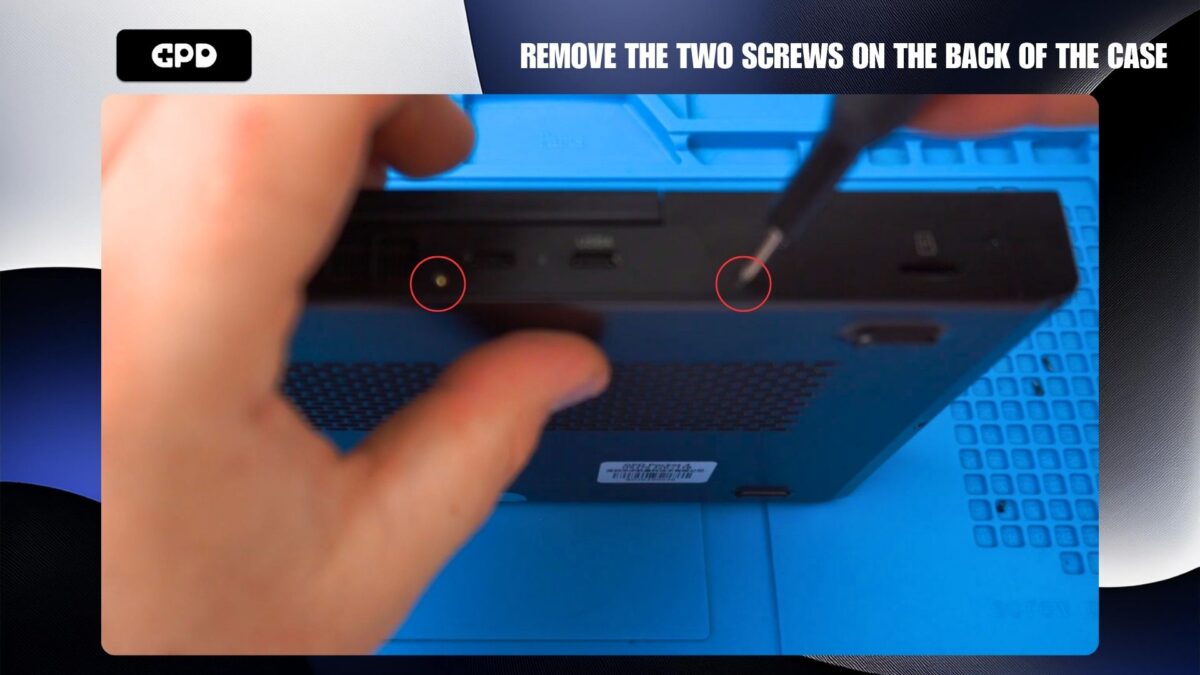
ミニノートパソコンケースの裏側にある2つのネジを外します。
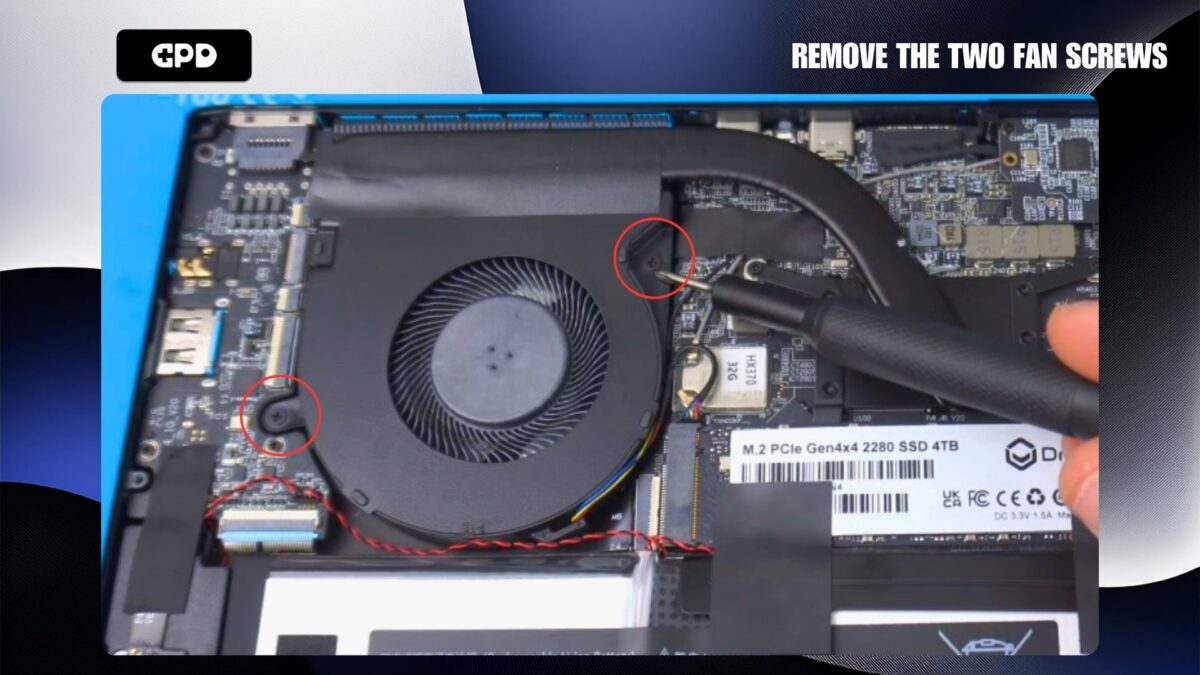
ファンを固定している2本のネジを外す。
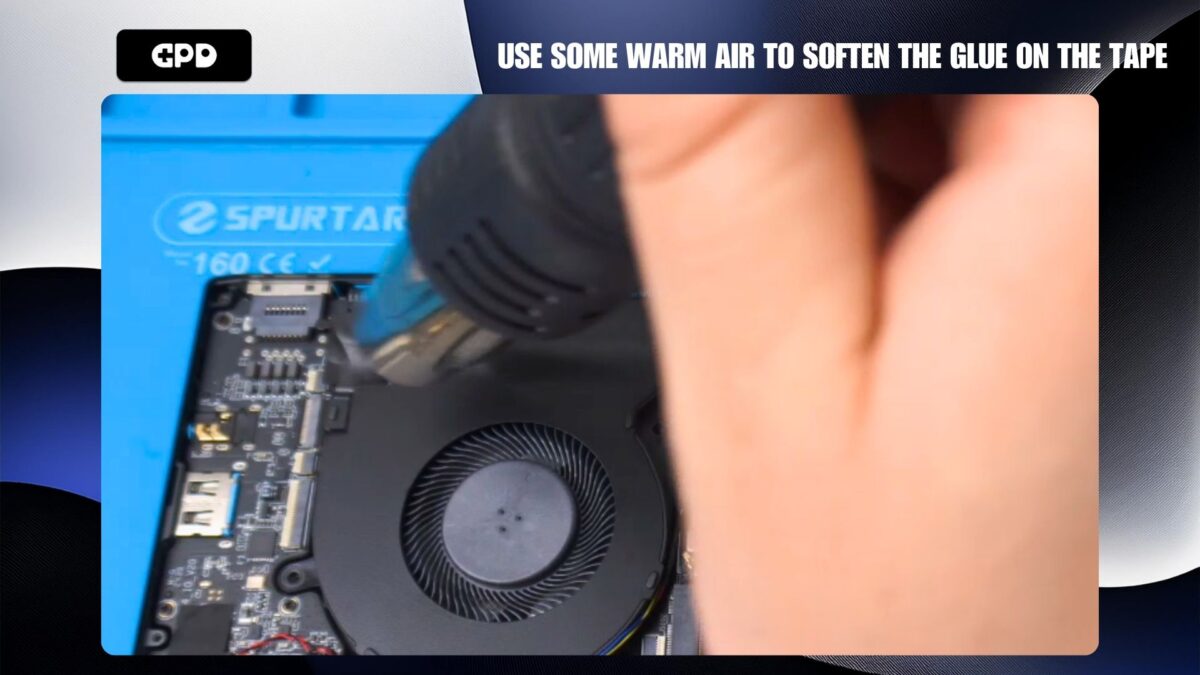
テープを剥がしやすくするために、温風を使って糊を温め、柔らかくすることをお勧めします。
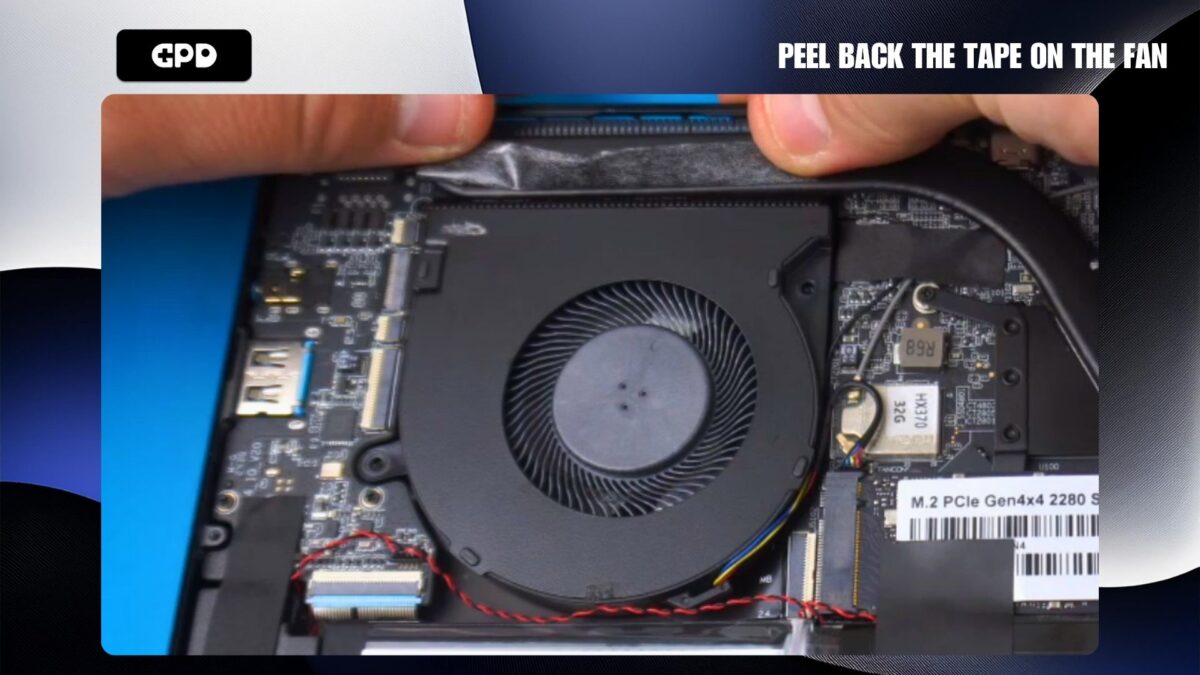
ファン上部のテープをはがす。
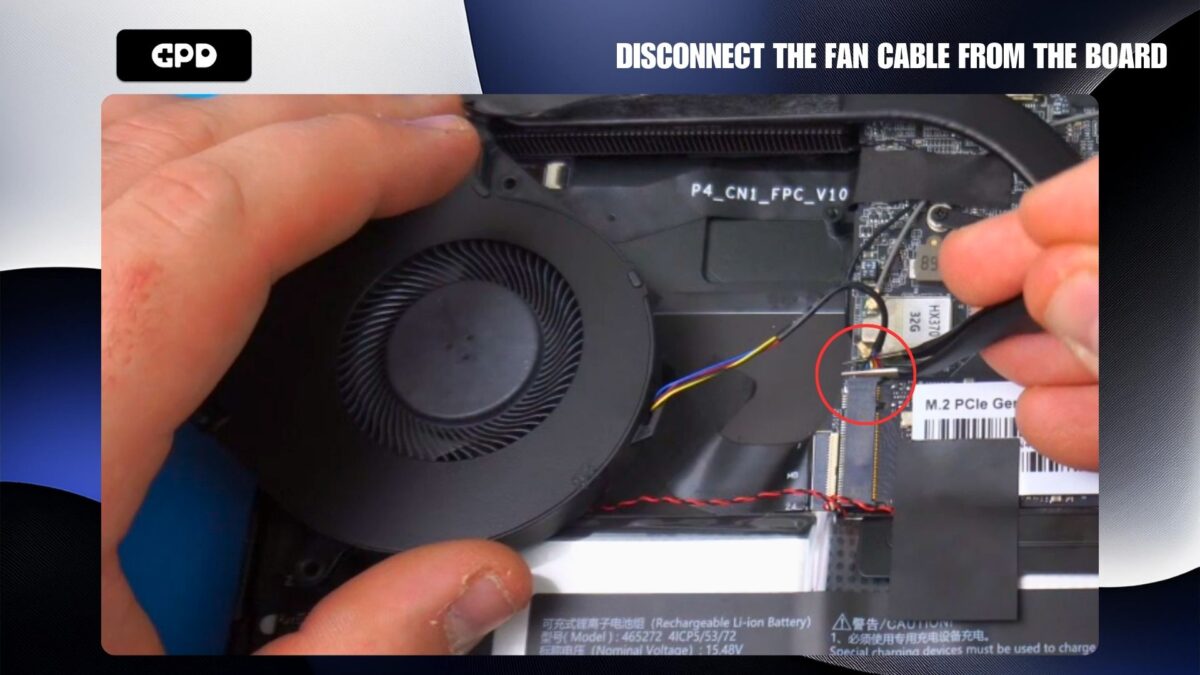
ピンセットを使ってファンケーブルをボードから外す。
これで交換用ファンを取り付け、ケーブルを接続し、テープを貼り戻し、ファンのネジを取り付けます。次にケースを取り付け、背面と底面のネジを取り付けます。
この記事は役に立ちましたか?
ブログより
すべて見る


このガイドへの質問
1件の回答
Q
A Roszkowski10か月前
I would like to purchase the fan for Pocket $.
Please let me know how to do it.
Thank you for your reply.

Dave
GPDStoreサポート
10か月前
We do not sell spare parts unfortunately. But if you did purchase the GPD Pocket 4 from us, please contact [email protected] with your order number and our customer service will be able to assist.