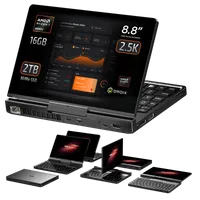
GPDポケット4のモジュール交換方法
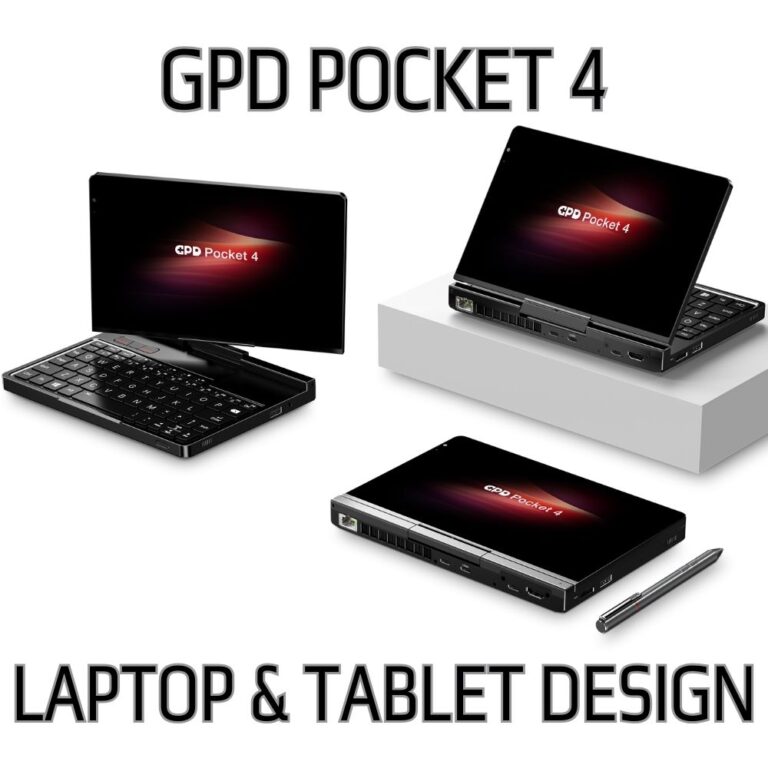
GPDポケット4にはモジュラーポートがあり、モジュールを交換することで接続性を拡大することができる。実際の交換作業は非常に簡単で、わずかな時間で完了します。このガイドでは、GPDポケット4のモジュールの交換方法をご紹介します。
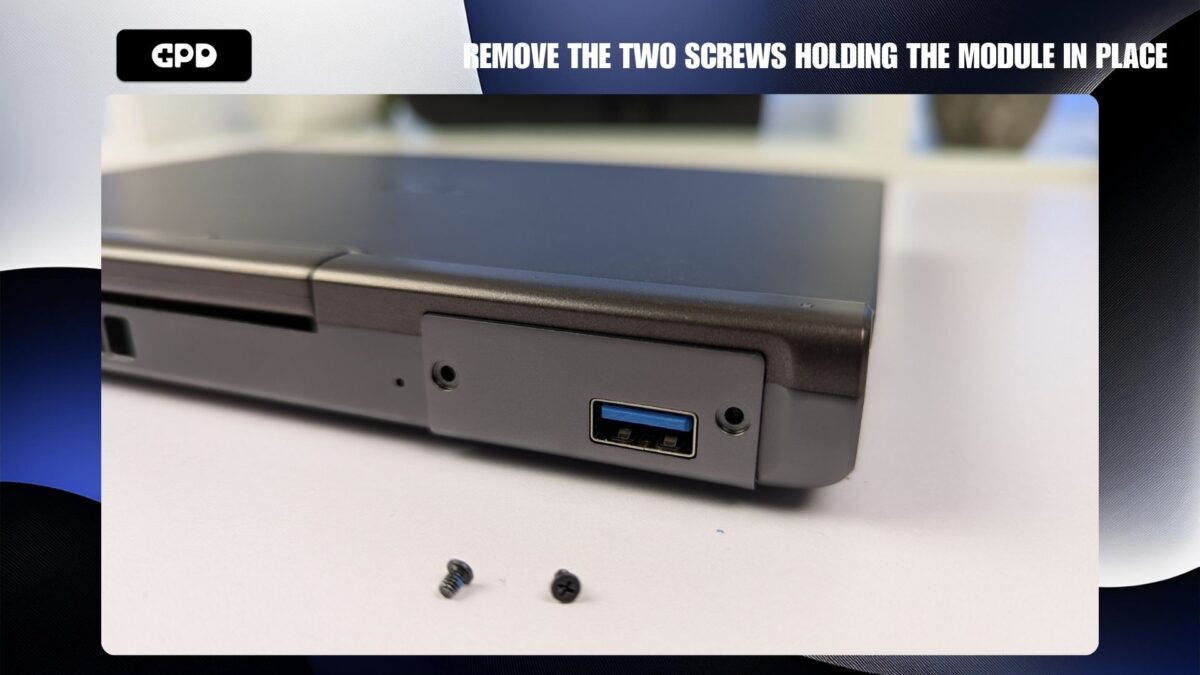
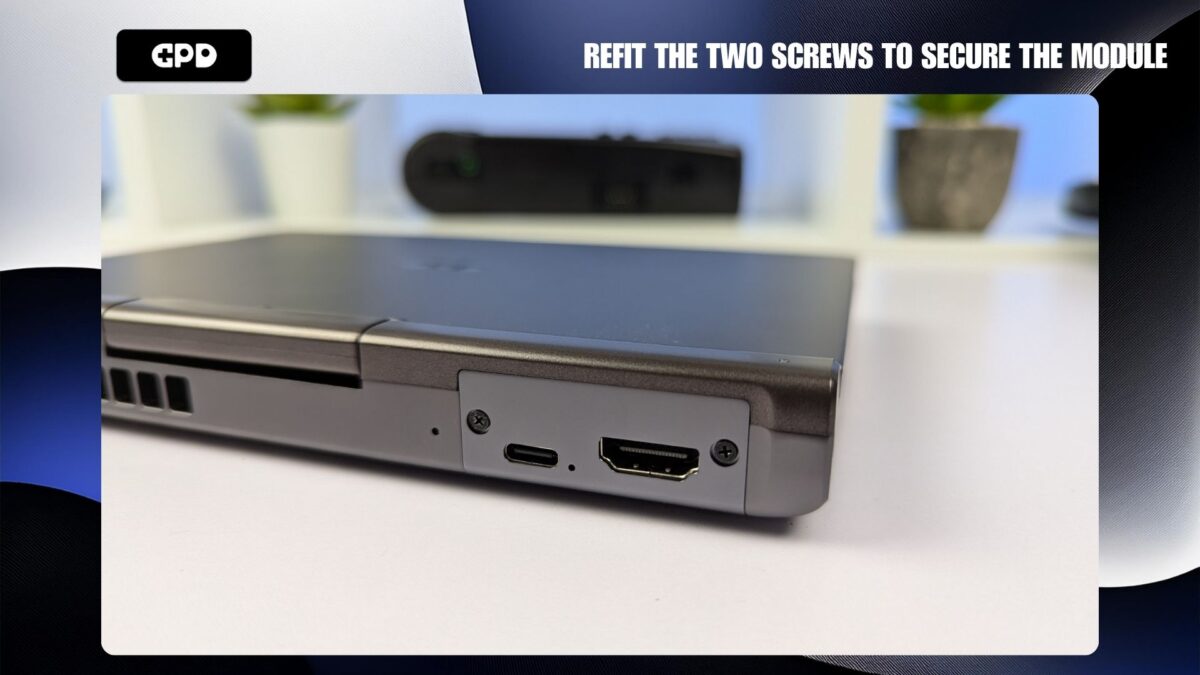
モジュールポートの両側にある2つのネジを外します。
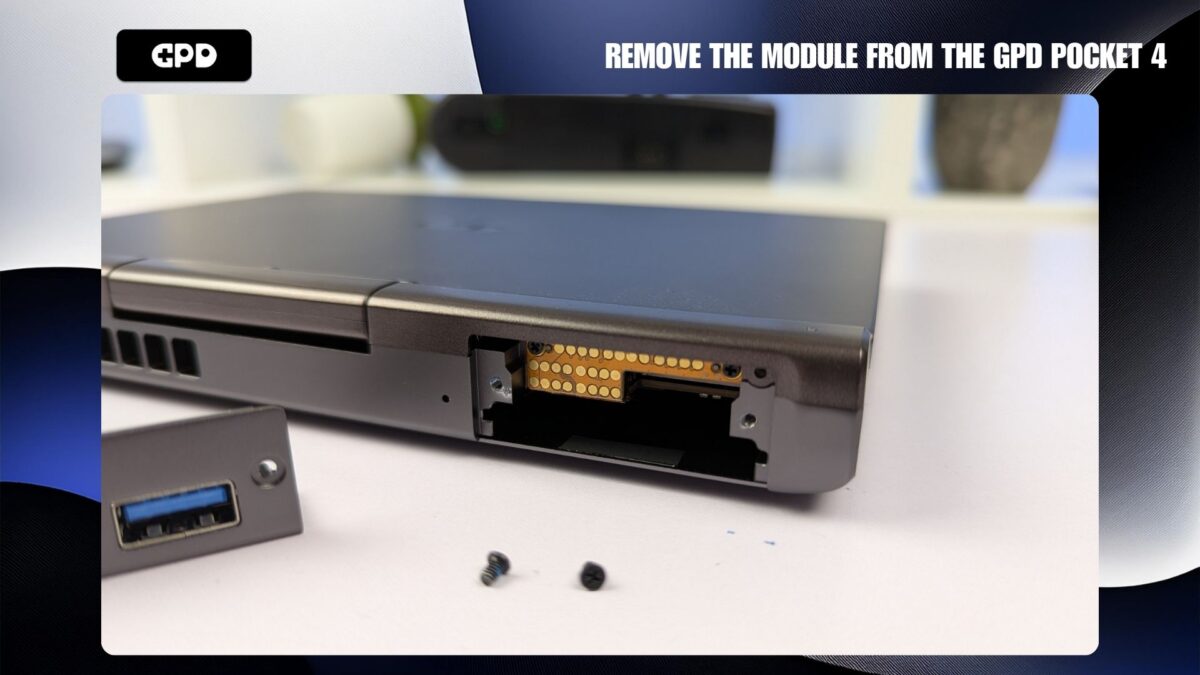
これでモジュールをスライドさせて取り外すことができます。モジュールは底部からつかむことができます。
モジュールは一方向にしか挿入できず、完全に挿入されるとGPDポケット4とほぼ同じ高さになるはずです。
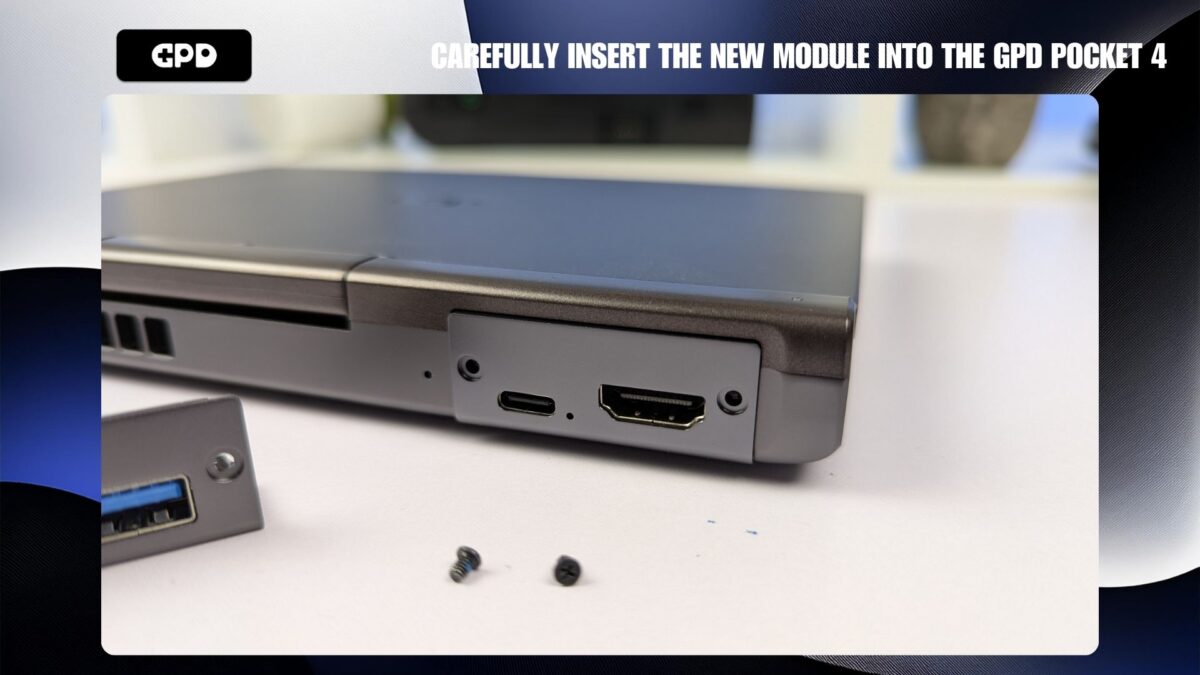
モジュールの両側にある2つのネジを再度取り付けます。しっかりと固定されると、モジュールはGPDポケット4と同じ高さになります。
GPD Pocket 4のモジュラーポートの詳細については、それぞれのURLをご覧ください:KVM、RS-232、4G LTE、マイクロSDカード。
この記事は役に立ちましたか?
ブログより
すべて見る
このガイドへの質問
2件の回答
Q
dolphin12か月前
this link for the KVM info is broken: https://gpdstore.net/gpd-pocket-4-kvm-module/

Dave
GPDStoreサポート
12か月前
Thanks for lettings us know. We have updated the link.
Q
Paul Johnson9か月前
Once the module is installed, how would I use it to connect to another headless computer?
Dave
GPDStoreサポート
9か月前
You can use software such as Open Broadcaster Software (OBS) https://obsproject.com/ or VLC https://www.videolan.org/ to view the other device.