How to replace the fan on the GPD Pocket 4
This guide available in both video and text will show how to replace the fan on the GPD Pocket 4.
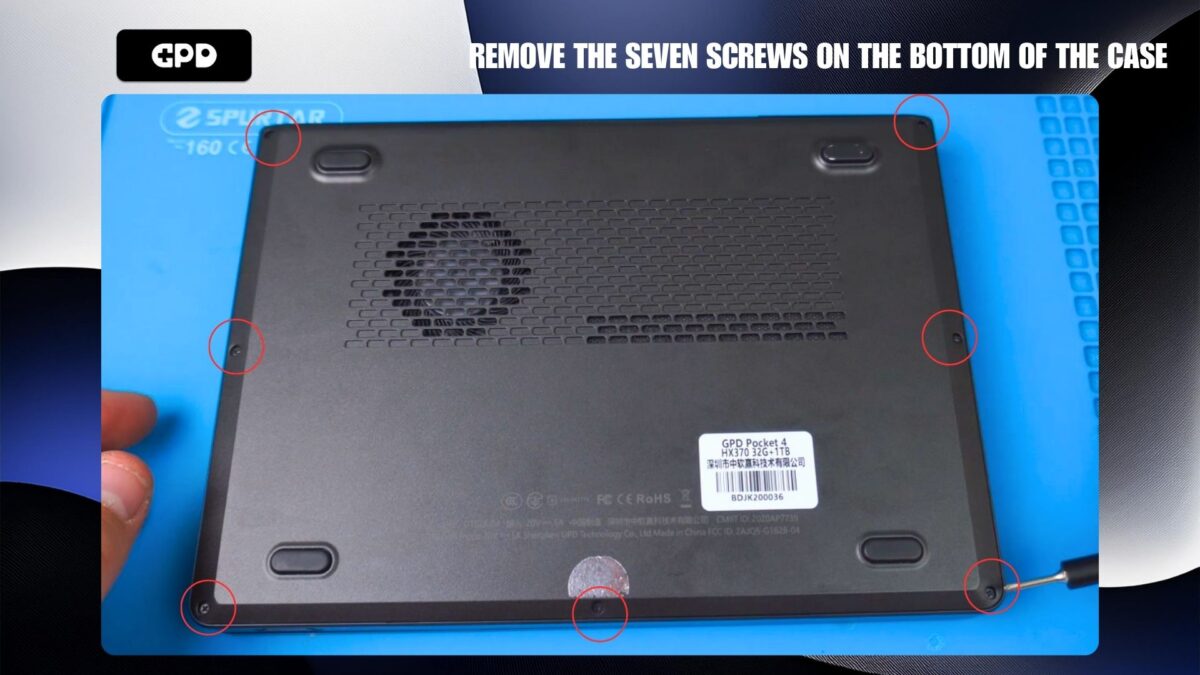
Remove the seven screws on the bottom of the GPD Pocket 4
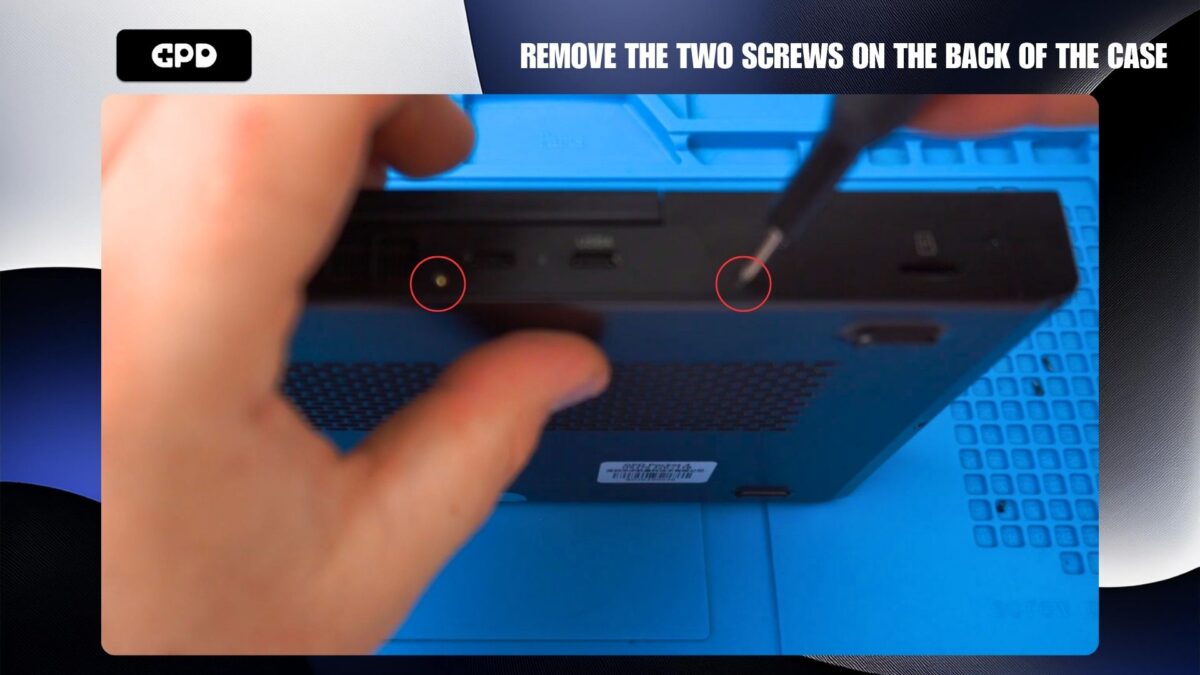
Remove the two screws on the back side of the mini laptop case.
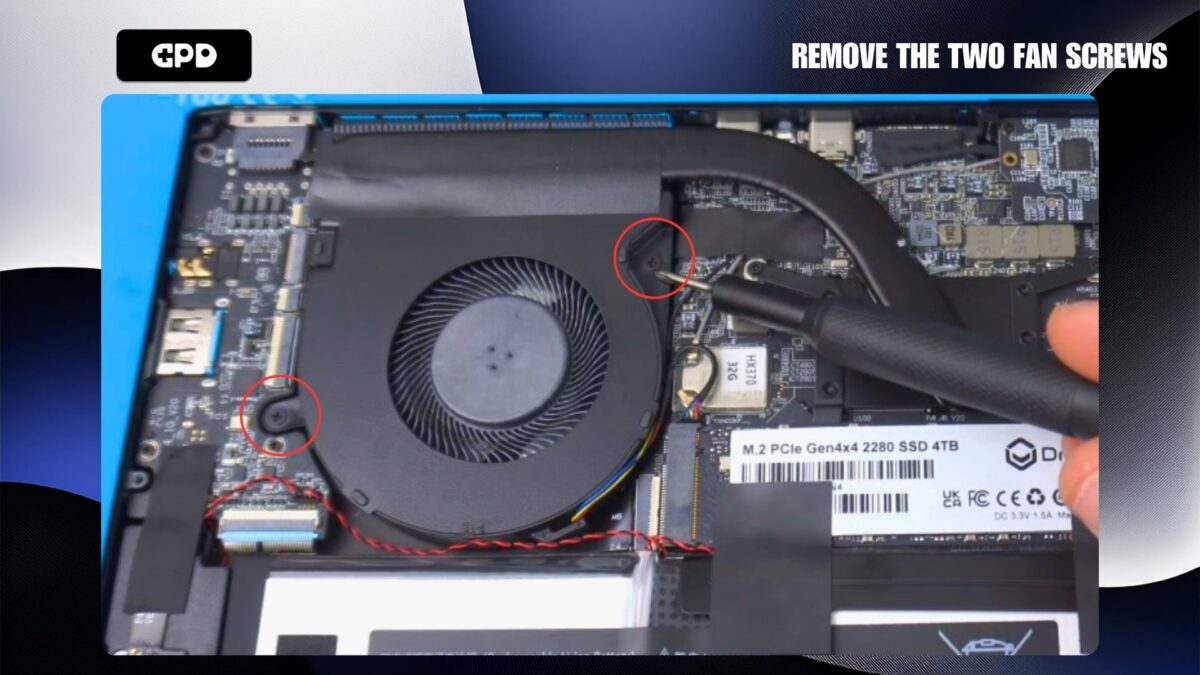
Remove the two screws holding the fan in place
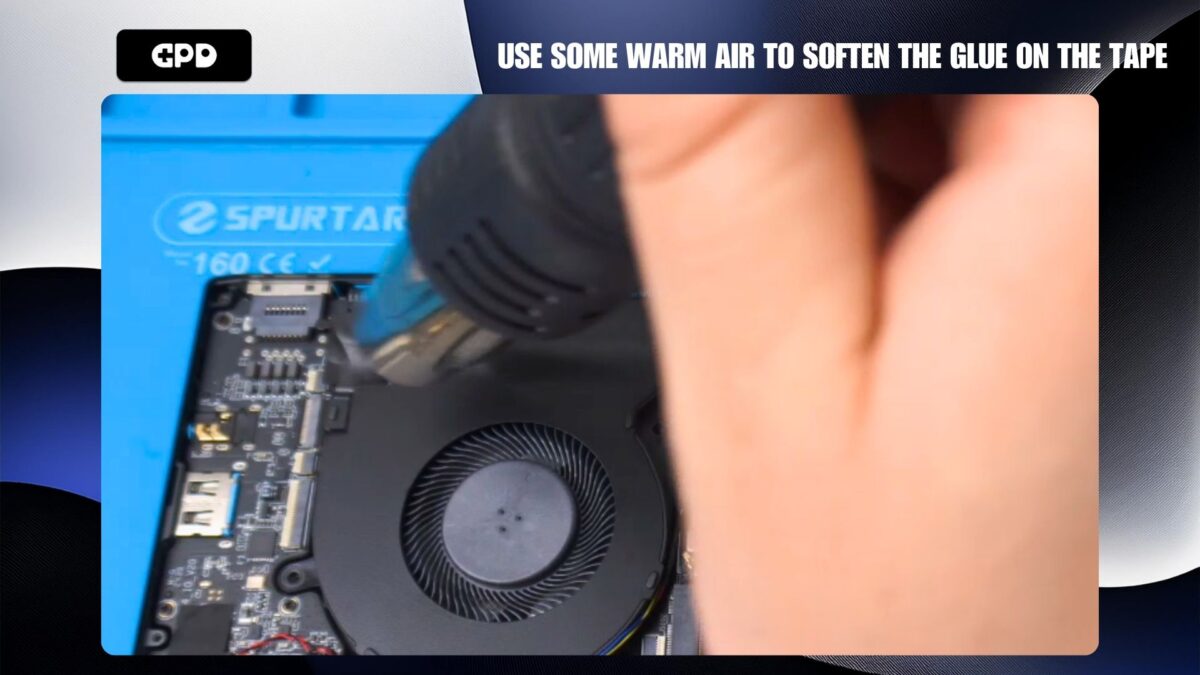
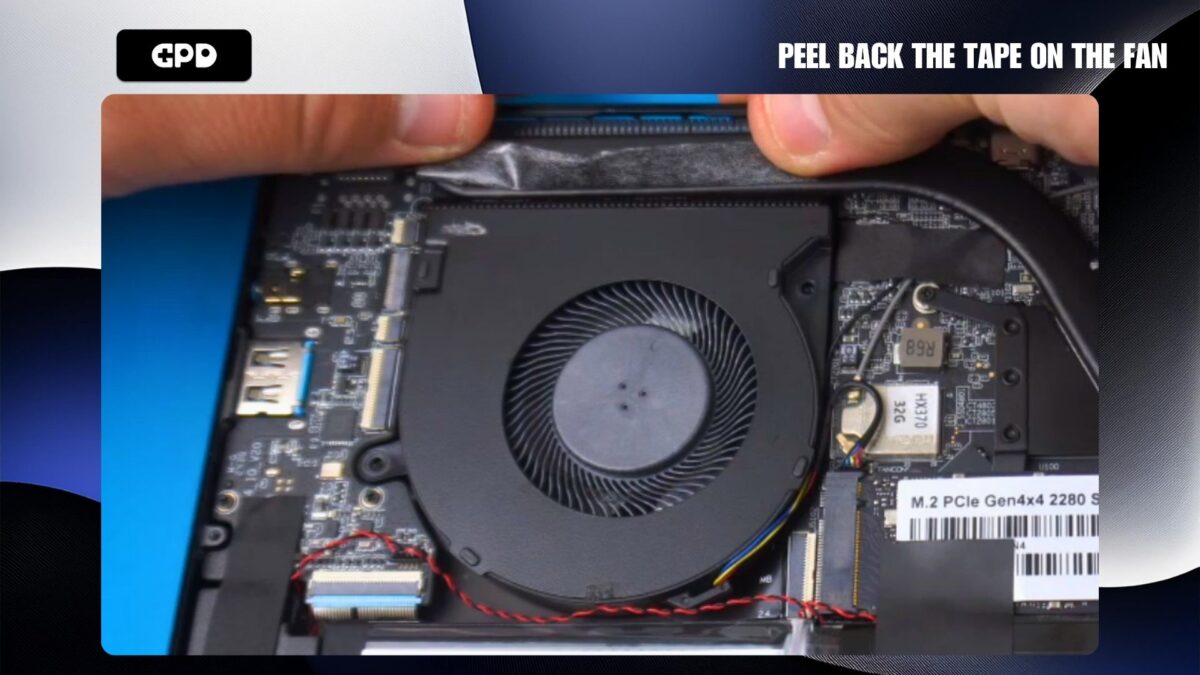
We recommend using some warm air to warm up and soften the glue to make it easier to peel back the tape.
Peel back the tape on top of the fan
Use tweezers to disconnect the fan cable from the board
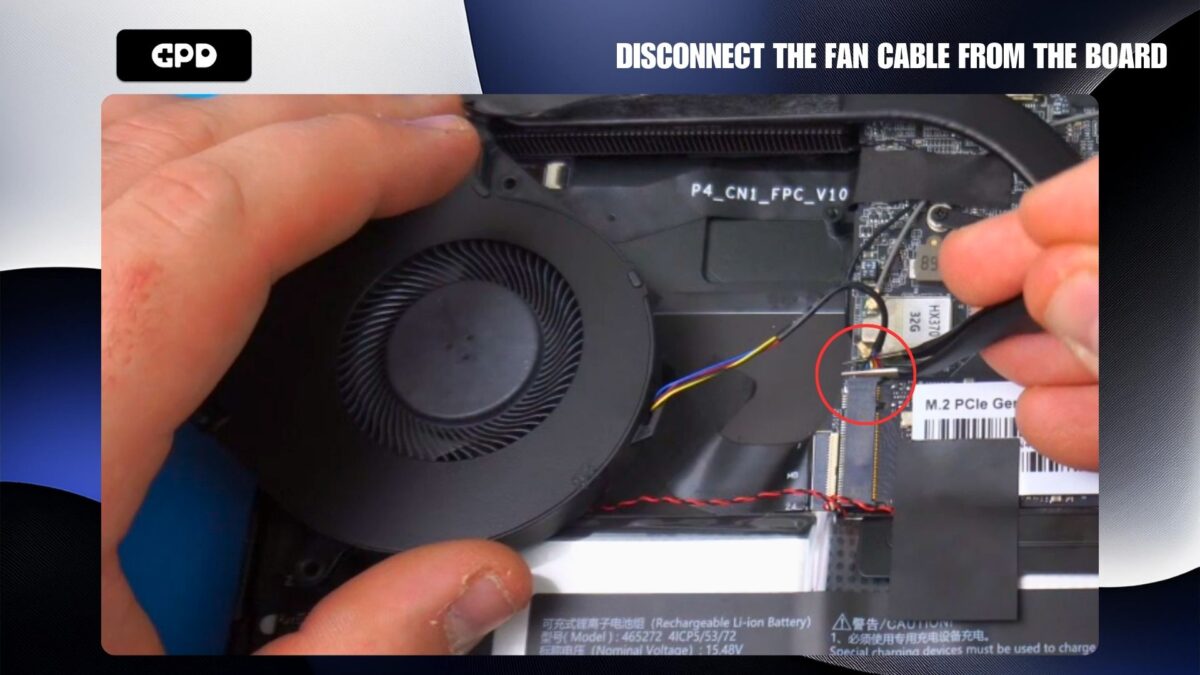
You can now fit the replacement fan, connect the cable, stick the tape back down, fit the fan screws. Then fit the case and fit the screws on the back and bottom.
 GPD Pocket 4 Review: The Ultimate Ultra-Portable Notebook
December 5, 2024
GPD Pocket 4 Review: The Ultimate Ultra-Portable Notebook
December 5, 2024
 Maximizing Productivity on the Go: How the GPD Pocket 4 Fits into Your Workflow.
November 1, 2024
Maximizing Productivity on the Go: How the GPD Pocket 4 Fits into Your Workflow.
November 1, 2024
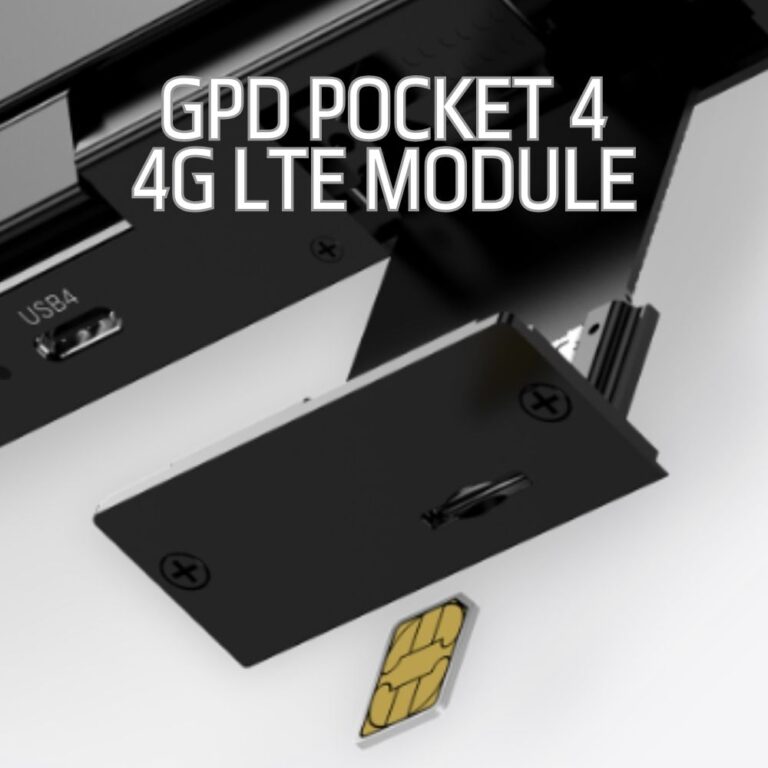 Staying Connected Anywhere: GPD Pocket 4 4G LTE Module and Network Flexibility.
November 1, 2024
Staying Connected Anywhere: GPD Pocket 4 4G LTE Module and Network Flexibility.
November 1, 2024
 A Laptop or Tablet When You Need It: How the GPD Pocket 4 2-in-1 Design Boosts Productivity
November 1, 2024
A Laptop or Tablet When You Need It: How the GPD Pocket 4 2-in-1 Design Boosts Productivity
November 1, 2024
Questions on this guide
1 answeredI would like to purchase the fan for Pocket $.
Please let me know how to do it.
Thank you for your reply.

We do not sell spare parts unfortunately. But if you did purchase the GPD Pocket 4 from us, please contact [email protected] with your order number and our customer service will be able to assist.