



 Doc Summary

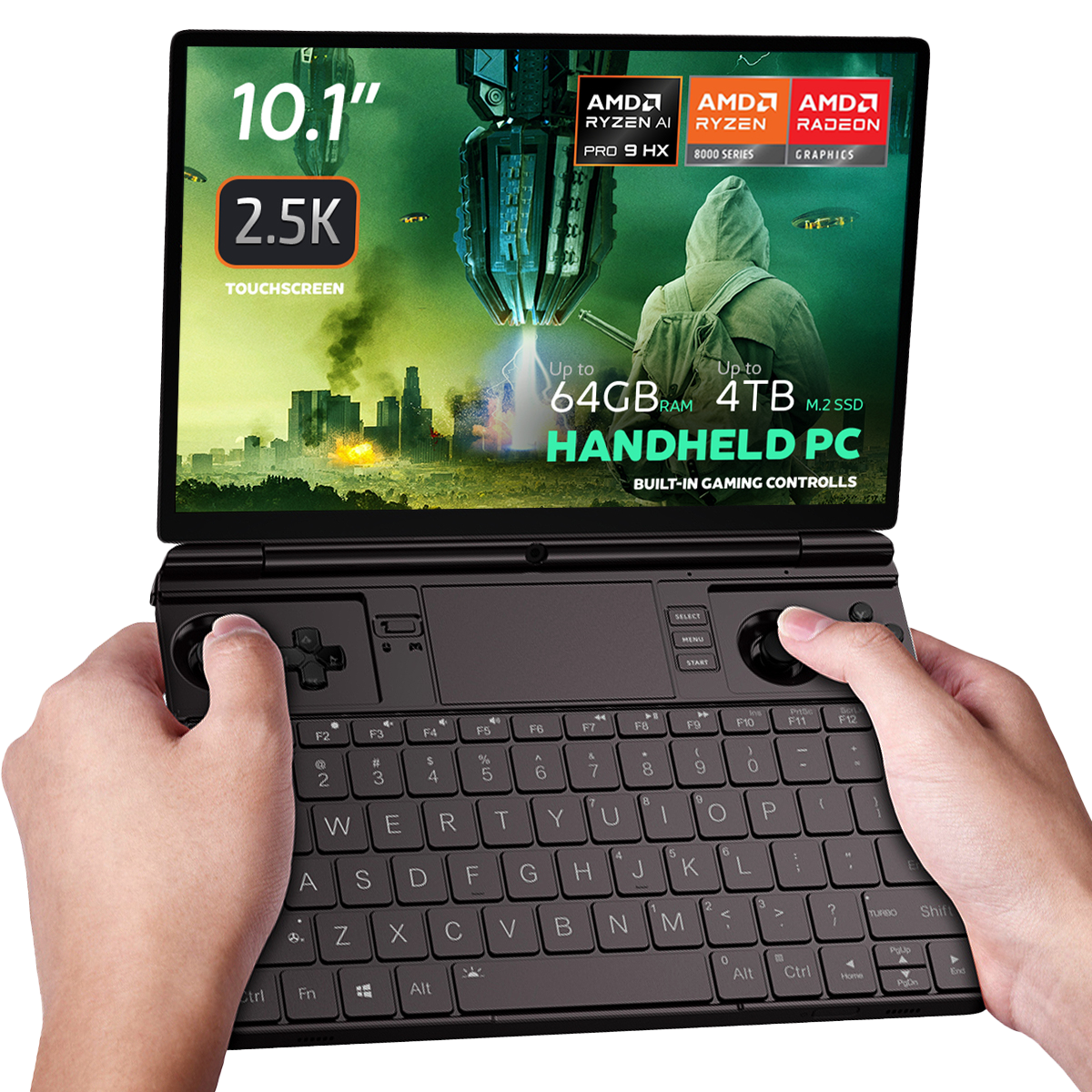
GPD WIN MAX 2 2024 및 2025에서 오른쪽 트리거를 수리하고 배터리를 교체해야 했습니다. 이에 대한 프로세스를 보여주는 동영상을 제작하고, 요청이 많은 SSD 교체도 함께 진행했습니다.
고객이 직접 수리하는 것은 허용되지만, 그 과정에서 발생한 손상에 대해서는 보증이 적용되지 않습니다( 여기에서 전체 서비스 약관 참조). 기술적인 능력에 자신이 있는 경우에만 수리를 진행하는 것이 좋습니다. 복잡성을 가늠하려면 시작하기 전에 동영상 전체를 시청하시기 바랍니다.
GPD WIN MAX 2 2025 SSD, 오른쪽 트리거 및 배터리 교체하기 #
00:00 GPD WIN MAX 2 2025 열기
01:34 팬 제거하기(SSD 및 배터리 분리에 필요)
02:15 SSD 교체하기
02:33 오른쪽 트리거 교체하기
04:58 배터리 교체하기
11:39 다시 모든 것을 다시 조립하기
Battery icon is not showing up in windows, runs without being plugged in, but does not show battery in device manager, and all battery options are gone in settings, created another account same issue, not sure what to do
Please first try updating the AMD Graphics drivers to the latest version, you will also be able to update the general AMD chipset drivers which you should do. Some earlier versions of drivers had an issue where the battery would not display. The newer and latest versions will fix this. You can download the autodetect AMD graphics driver updater at https://www.amd.com/en/support/download/drivers.html