
DroiX
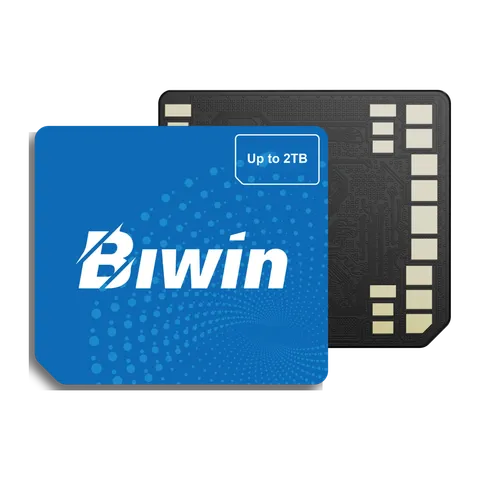
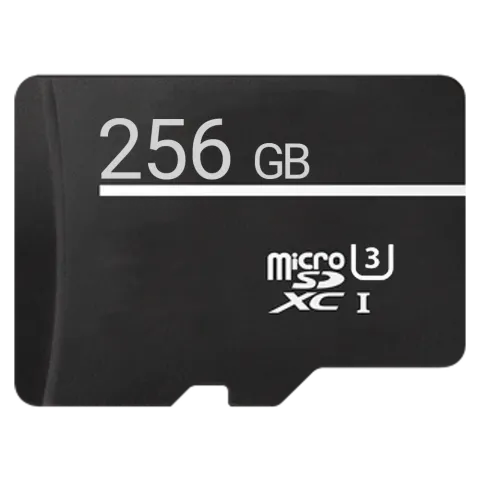
Micro SD Card SDXC UHS-3 TF Flash Memory Card
재고 있음
₩13454 - ₩117178부가가치세 포함
₩77,827부가가치세 포함
 eGPU
The official GPD WIN 4 docking station transforms your handheld gaming PC into a desktop PC with a convenient dock with plenty of user ports.
The GPD WIN 4 docking station features three USB 3.2 Gen 2 Type-A ports up to 10Gbps which can be used to connect a variety of peripherals including keyboard and mouse, and high speed external hard drives or USB sticks.
The USB 3.2 Gen 2 Type-C port is used for charging and supports high powered chargers for fast charging.
The HDMI 2.0 port provides video output to a monitor or TV. You can continue to use the GPD WIN 4 display as a mirrored or second display.
The 1Gbps RJ45 Ethernet port provides high speed and secure data transfer to and from the GPD WIN 4 docking station.
Measuring around 3.4 x 5.6 x 3.2 inches (8.7 x 14.2 x 8.2 cm) the GPD WIN 4 docking station is small and unobtrusive on your desktop. The GPD WIN 4 easily connects to the dock and is supported by a detachable back which makes it convenient when carrying it. At only 224g, the dock is very light weight and portable, easily fitting into a small bag.
The GPD WIN 4 dock leaves the second USB Type-C located at the top of the GPD WIN 4 free, it can continue to be used for connecting to high performance peripherals such as an eGPU for example.
Pros:
Cons:
A docking station is a device that allows you to connect your laptop to multiple peripherals such as a monitor, keyboard, mouse, and other devices with just one cable. It can help you declutter your workspace by reducing the number of cables you need to connect to your GPD WIN 4. It can also help you increase your productivity by allowing you to use two displays at once, which can help you multitask more efficiently. Additionally, it can help you extend the life of your GPD WIN 4 by reducing wear and tear on its ports since you only need to connect and disconnect one cable instead of multiple cables every time you use it.
SKU: GPD-WIN_4-DOCKING-STATION카테고리: Accessories, Gaming Accessories
GPD Store 블로그의 GPD WIN 4 Docking Station 리뷰, 가이드 및 소식입니다.
글 2개 모두 보기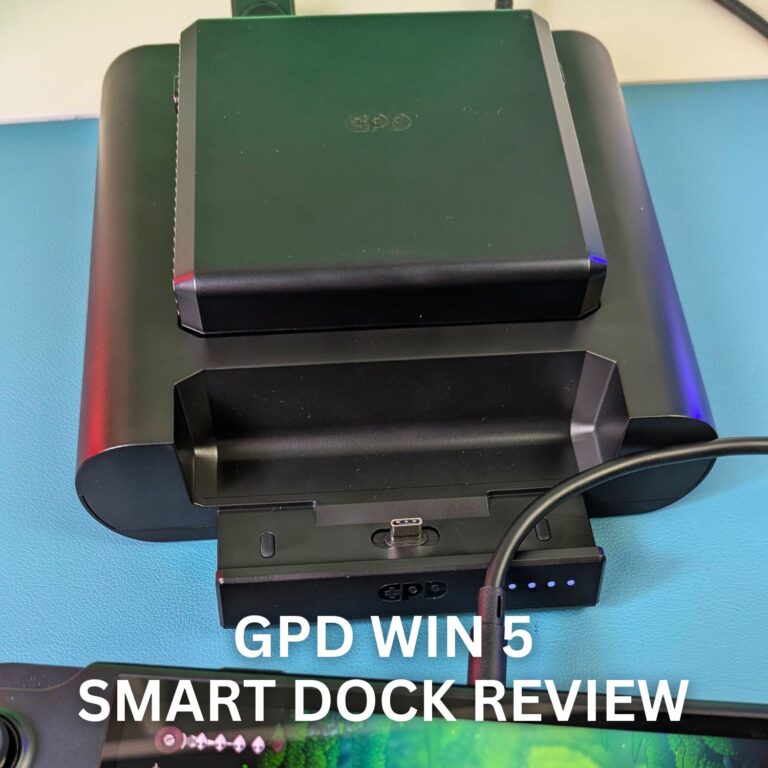 2025년 11월 20일GPD WIN 5 도킹 스테이션 리뷰: 공식 액세서리 살펴보기공식 도킹 스테이션은 업그레이드할 가치가 있을까요? GPD WIN 5 도킹 스테이션 리뷰에서 독특한 디자인, 전력 제한, 타사 허브와의 비교를 살펴보세요. 여러분의 핸드헬드 게임 요구에…2025년 11월 20일GPD WIN 5 Docking Station review: Exploring the Official AccessoryIs the official dock worth the upgrade? Our GPD WIN 5 Docking Station review explores its unique design, power limitations, and how it compares…
GPD Store 지식 베이스에서 제공하는 GPD WIN 4 Docking Station 단계별 가이드입니다.
가이드 8개 모두 보기₩77,827 주문 금액을 무이자 또는 더 긴 기간에 걸쳐 나눠 결제하세요. 결제 시 제공업체를 선택하세요. 옵션을 확인해도 신용 점수에는 영향을 주지 않습니다.

3 payments of ₩25,942.33
0% interest · one third today, then every 30 days

Flexible financing available
이용 자격과 조건은 결제 시 확인됩니다
18+, T&Cs apply. Credit subject to status & affordability checks. DROIX Ltd acts as a credit broker, not a lender, and offers finance from a panel of lenders. Choose your provider at checkout.
DroiX
재고 있음
₩13454 - ₩117178부가가치세 포함
BiWin
재고 있음
₩285541 - ₩1113829부가가치세 포함
GPD
재고 있음
₩15017부가가치세 포함
GPD
재고 있음
₩40512부가가치세 포함