Computer Accessories

21 produkRp 80.517,31–Rp 15.103.620,244,7 (92 ulasan)

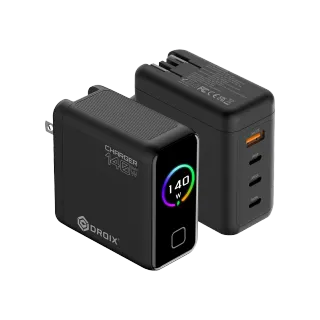
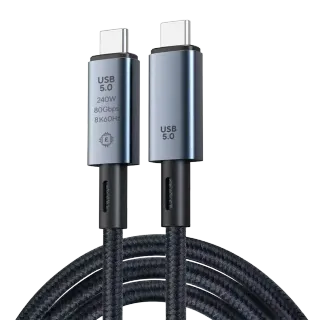
Computer accessories in this category are the cables, chargers, storage and cases that keep handheld gaming PCs, laptops and mini PCs powered, connected and protected. You will find USB-C wall chargers up to 140W, USB 4.0 and 80Gbps USB cables, USB hubs, display adapters, microSD cards, Mini SSDs and device-specific protective cases from DroiX, GPD and BIWIN.

The range suits anyone who travels with a Windows handheld, runs a desk setup from a single USB-C port or simply needs more storage on a device with a card slot. Most items are add-ons rather than internal computer parts, so they work across devices as long as the connector and standard match.

When you compare, check:

  • Standard/Version: USB 4.0, Thunderbolt 5 compatibility or SDXC speed class, which sets the speed and power limits.
  • Connector Configuration and Connector Shape: USB-C, HDMI, Mini HDMI, OCuLink or M.2.
  • Cable Length: shorter for travel and hubs, longer for desks and docks.
  • Case Type: cases are made for one specific device, so match the model name.
Menampilkan semua 2 hasil
Filter aktif:

BiWin

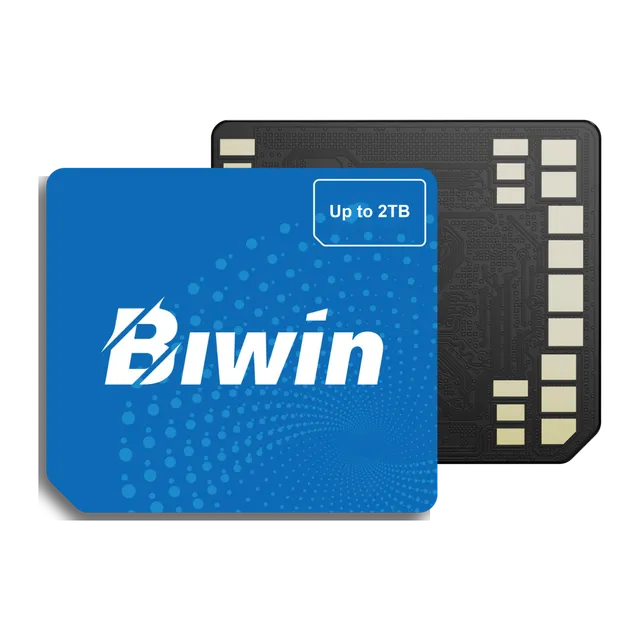
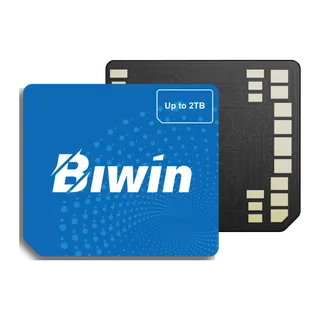
BIWIN Mini SSD

  • Antarmuka: PCIe Gen4x2 dengan Protokol NVMe 1.4
  • Faktor Bentuk: Paket LGA Ultra-Ringkas ( 15,0 mm × 17,0 mm × 1,4 mm)
  • Performa: Baca hingga 3.700 MB/s / Tulis hingga 3.400 MB/s
  • Kapasitas: 512GB, 1TB atau 2TB 3D TLC NAND
  • Daya tahan: Tahan Debu dan Air IP68 / Tahan Jatuh 3 Meter Bertahan Hidup
  • Teknologi: Dinamis SLC Caching dan Perataan Keausan.

Mulai dariRp 3871965termasuk PPN

Tersedia
Pilih dari opsi

BiWin

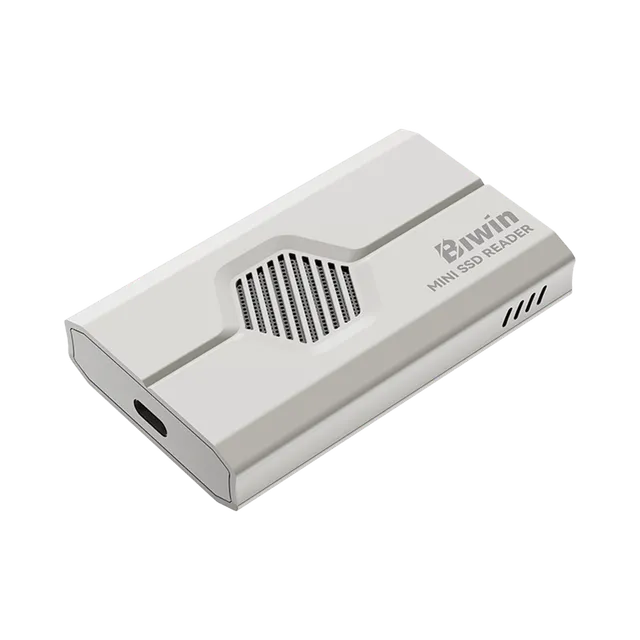
Pembaca SSD Mini Biwin RD510

  • Pembaca SSD Mini USB 4.0 Biwin RD510
  • Antarmuka USB 4.0 - Transfer data berkecepatan tinggi hingga 40Gbps
  • 3300MB/s Baca & 3000MB/s Tulis - Dioptimalkan untuk video 8K dan file besar
  • Sistem Pendinginan Aktif - Kipas internal untuk performa puncak yang berkelanjutan
  • Desain Ultra-Portabel - Dirancang secara khusus untuk faktor bentuk Mini SSD

Rp 1160876termasuk PPN

Stok habis
Pilihan terbaik

Computer Accessories terlaris saat ini

Dipilih dari barang yang tersedia dan paling laris di GPD Store, dengan spesifikasi yang penting. Daftar ini diperbarui otomatis seiring perubahan penjualan dan stok.

BIWIN Mini SSD

Capacity512GB
InterfaceNVMe PCI-E Gen 4.0
Form factorMini SSD
Read speed3700 MB/s
Mulai dari
Rp 3.871.965termasuk PPN

Tersedia

Lihat barang
Questions and answers

Computer accessories: frequently asked questions

What are some cool PC accessories?

Useful PC accessories for a portable setup include an 80Gbps USB cable that handles 240W charging and 8K 60Hz video, a clear USB hub, a 140W USB-C charger and a Mini SSD for removable storage. For handheld gaming, earphones and a protective case are worth adding too.

Is this a computer accessories store for handhelds and mini PCs?

Yes, this computer accessories category focuses on add-ons for handheld gaming PCs, laptops and mini PCs, including cables, chargers, hubs, storage and cases. For more add-ons, see the Gaming Accessories and Laptop Accessories categories.

What are the five main hardware components of a computer?

The five core hardware components are the processor (CPU), memory (RAM), storage, the motherboard and the power supply. Accessories such as chargers, cables and microSD cards sit outside these computer parts but extend what they can do.

What are 20 examples of computer hardware?

Common examples are the CPU, GPU, RAM, SSD, hard drive, motherboard, power supply, case, cooling fan, monitor, keyboard, mouse, speakers, headphones, webcam, microphone, printer, USB hub, docking station and memory card. The internal items are usually called PC components, while the rest are peripherals and accessories.

What are the 10 types of computer devices?

Commonly listed types are desktops, laptops, mini PCs, handheld gaming PCs, tablets, smartphones, all-in-ones, workstations, servers and wearables. The accessories in this category are aimed mainly at laptops, mini PCs and handheld gaming PCs.

Can I use these accessories with non-gaming laptops?

Yes, cables, chargers, hubs and storage cards follow USB, HDMI and SD standards, so they work with most laptops that have matching ports. Device-specific cases and the fan module fit only the model they are named for, and an eGPU dock needs a compatible high-speed port, so check your device first.

Is a USB-C hub different from a docking station?

Yes, a USB-C hub mainly adds extra ports in a compact body, while a docking station is usually built for a fixed desk setup. In this category the NT8 and NH8 are hubs, with the NH8 adding an NVMe drive slot, and the SD1 is a docking station.

Do I need a microSD card if I already have SSD storage?

A microSD card is not required, but it is a quick and flexible way to add or swap storage for games, videos or backups. It is especially useful on handheld PCs where replacing the internal SSD is difficult.

What is the benefit of an eGPU dock?

An eGPU dock adds extra graphics power to a laptop or handheld, which helps with demanding games, design software and video editing at a desk. You keep the portable device light for travel and connect to the dock when you need more performance.

What is OCuLink, and why does it matter?

OCuLink is a cable connection that carries PCIe lanes directly, without the protocol tunneling used by USB4 and Thunderbolt. That makes it a popular choice for external graphics, and the OCuLink SFF8611 cable with M.2 8612 adapter card in this category adds such a link to devices with a suitable M.2 slot.