



 Doc Summary

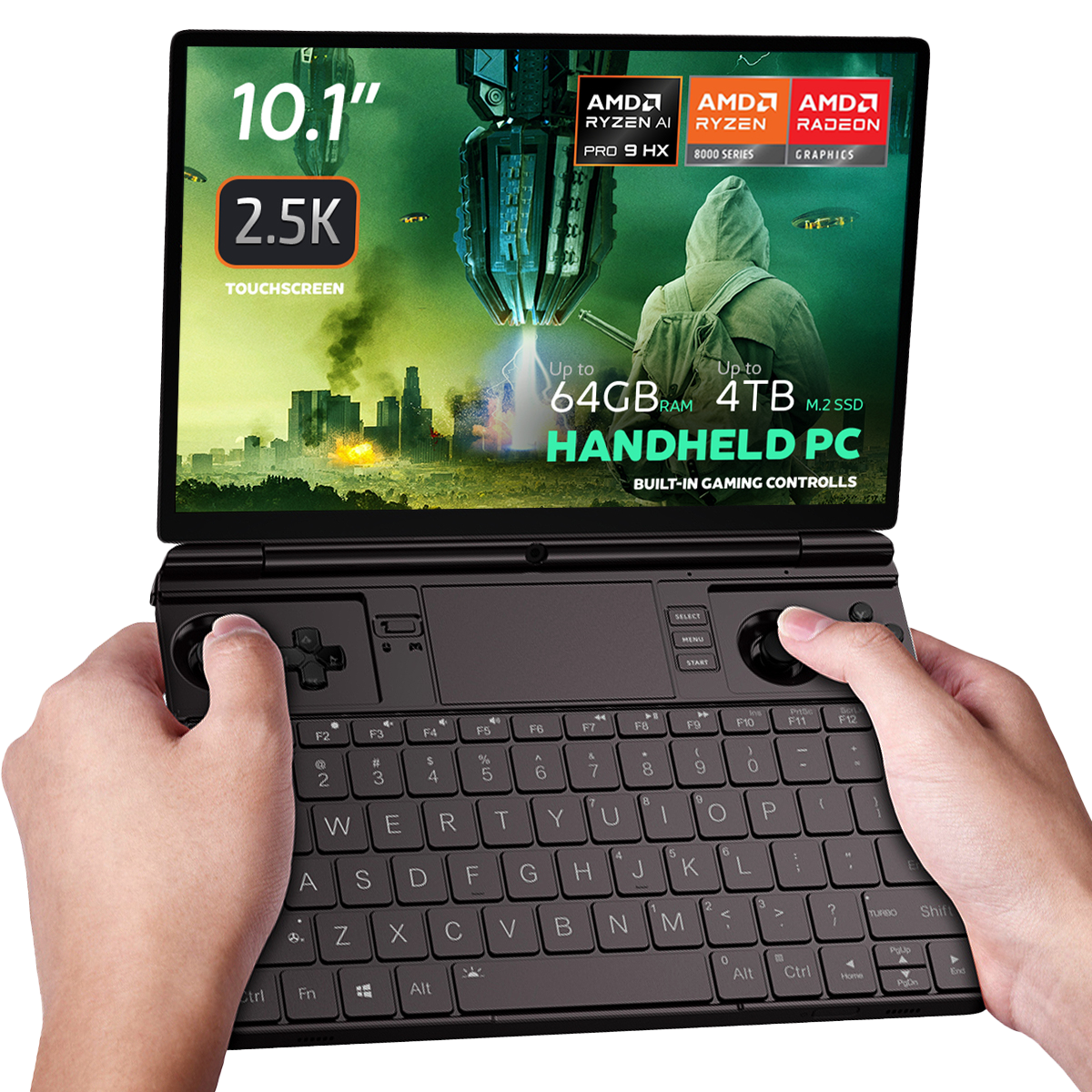
We had to repair a right trigger and replace the battery on a GPD WIN MAX 2 2024 & 2025. We thought we would create a video showing the process for these, as well as replacing the SSD as it is a popular request.
Please be advised that while we permit customers to perform their own repairs, our warranty does not cover any damage incurred during the process (see full Terms of Service here). We recommend you only proceed if you are confident in your technical abilities. To gauge the complexity, please watch the video in its entirety before beginning.
Replacing the GPD WIN MAX 2 2025 SSD, Right Trigger and Battery #
00:00 Opening the GPD WIN MAX 2 2025
01:34 Removing the fan (Required for SSD & Battery disconnect)
02:15 Replacing the SSD
02:33 Replacing the Right Trigger
04:58 Replacing the Battery
11:39 Put everything back together again
Battery icon is not showing up in windows, runs without being plugged in, but does not show battery in device manager, and all battery options are gone in settings, created another account same issue, not sure what to do
Please first try updating the AMD Graphics drivers to the latest version, you will also be able to update the general AMD chipset drivers which you should do. Some earlier versions of drivers had an issue where the battery would not display. The newer and latest versions will fix this. You can download the autodetect AMD graphics driver updater at https://www.amd.com/en/support/download/drivers.html