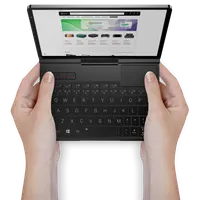
How to change the module on the GPD Pocket 4
The GPD Pocket 4 has a modular port that allows you to interchange between modules which expands its connectivity. The actual changing process is very easy and takes just a few moments. This guide will show how to change the module on the GPD Pocket 4.
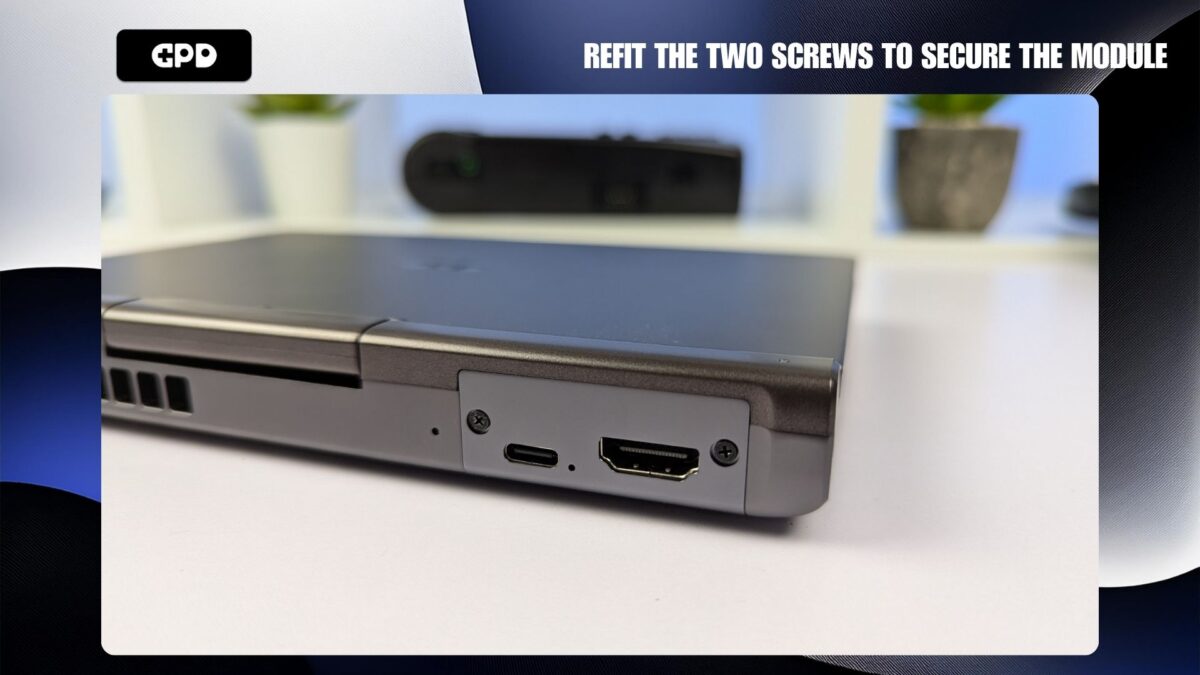
Remove the two screws on either side of the module port
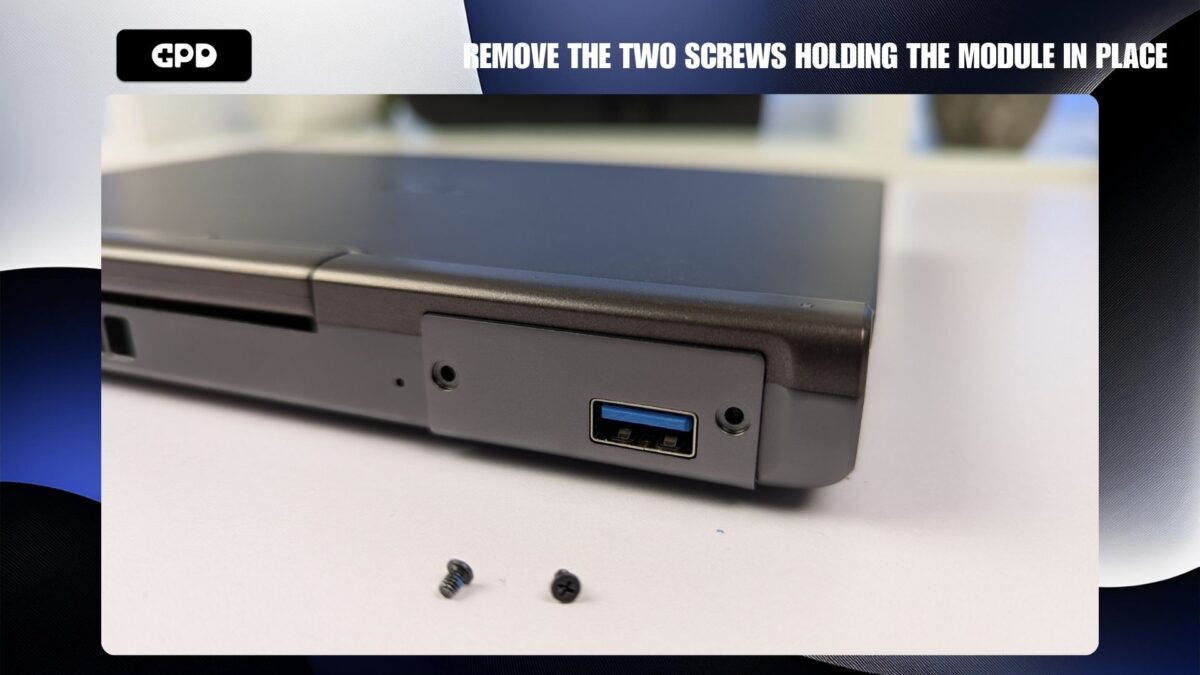
You can now remove the module by sliding it out. You can get a grip of the module from the bottom.
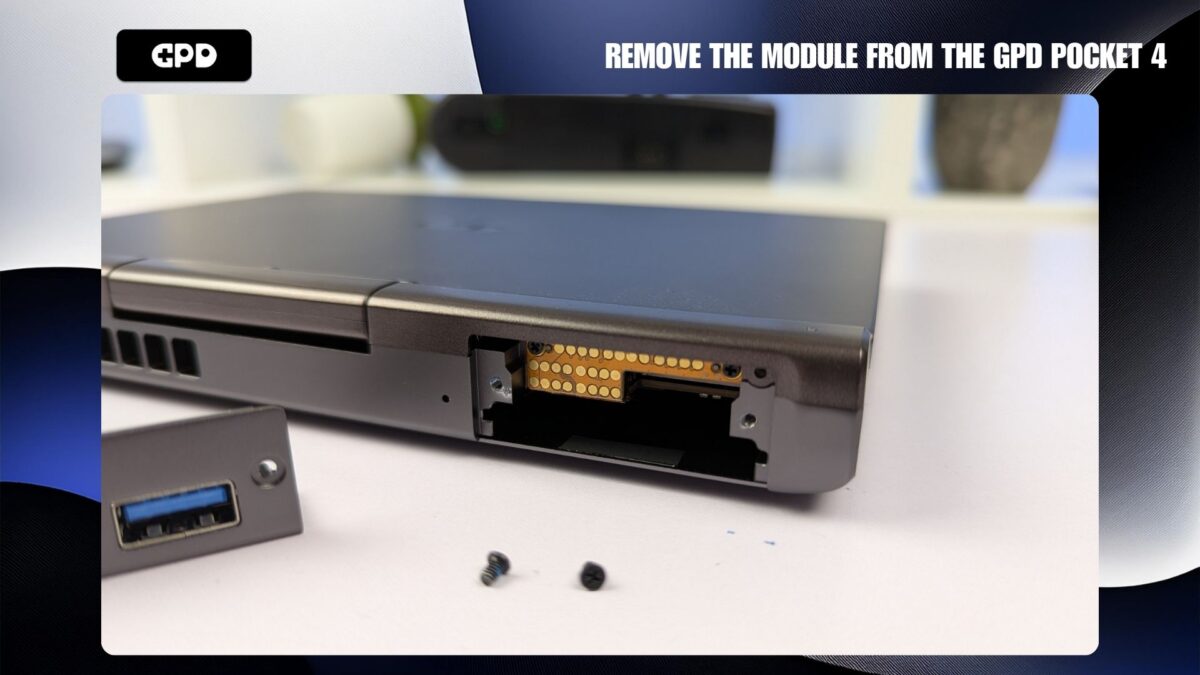
You can now insert the module, it can only go in one way and once fully inserted should be almost flush with the GPD Pocket 4.
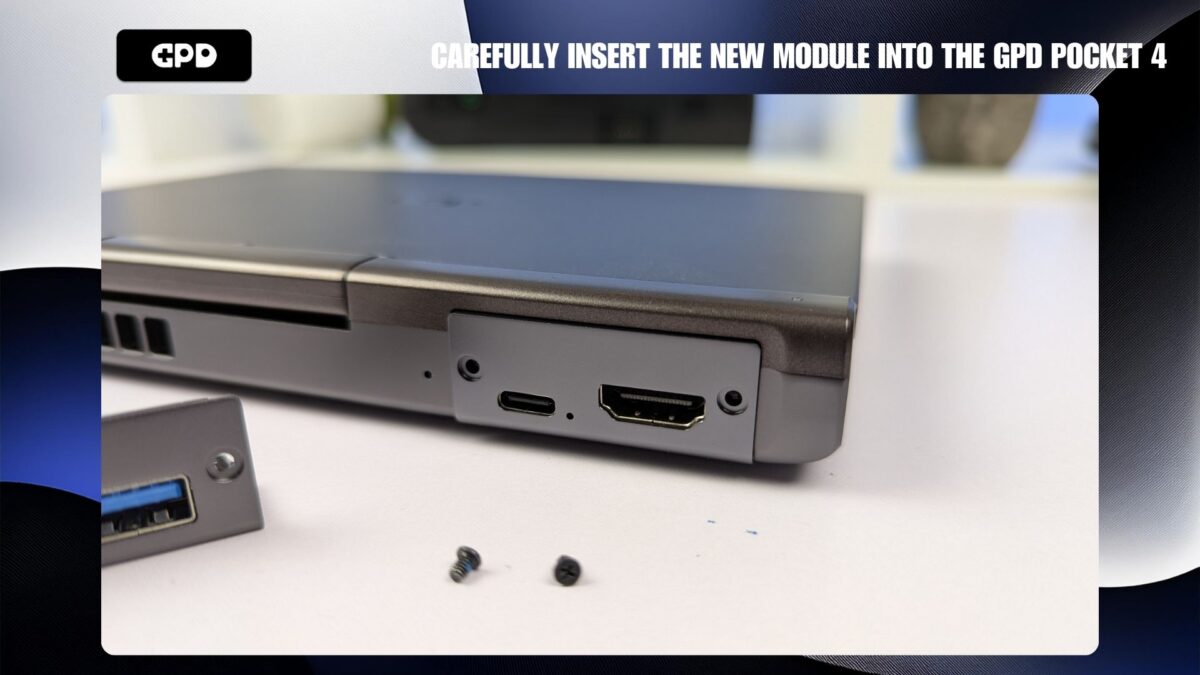
Refit the two screws to either side of the module. Once securely in place, the module will be flush with the GPD Pocket 4.
You can read more about the modular ports for the GPD Pocket 4 on their respective URLs: KVM, RS-232, 4G LTE and Micro SD Card.
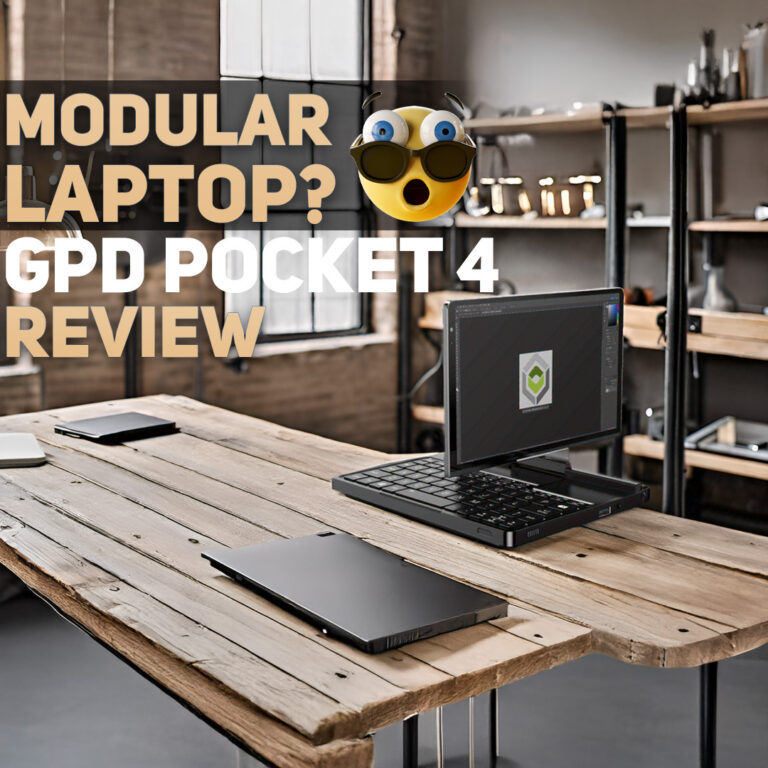 GPD Pocket 4 Review: The Ultimate Ultra-Portable Notebook
December 5, 2024
GPD Pocket 4 Review: The Ultimate Ultra-Portable Notebook
December 5, 2024
 Maximizing Productivity on the Go: How the GPD Pocket 4 Fits into Your Workflow.
November 1, 2024
Maximizing Productivity on the Go: How the GPD Pocket 4 Fits into Your Workflow.
November 1, 2024
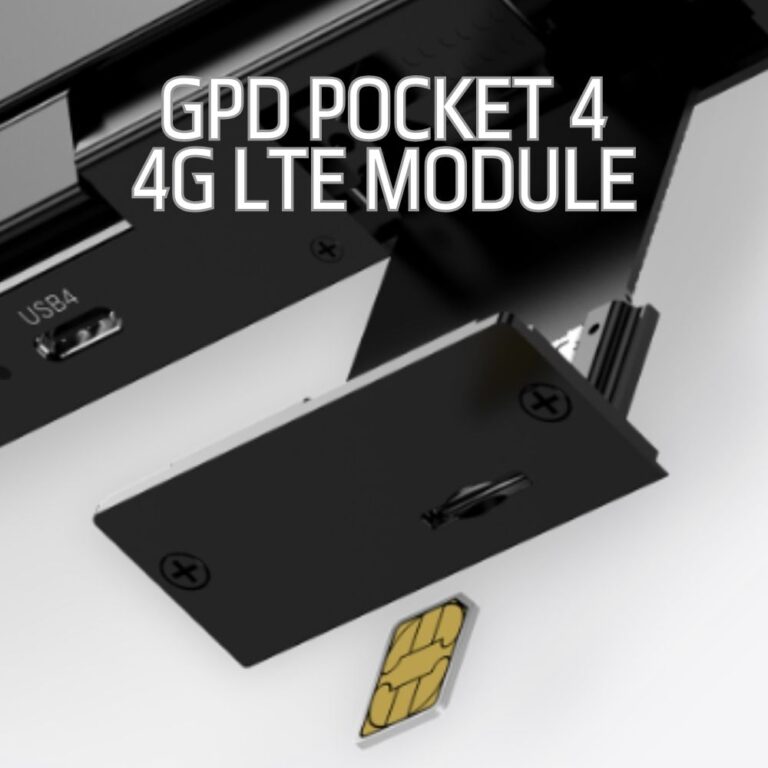 Staying Connected Anywhere: GPD Pocket 4 4G LTE Module and Network Flexibility.
November 1, 2024
Staying Connected Anywhere: GPD Pocket 4 4G LTE Module and Network Flexibility.
November 1, 2024
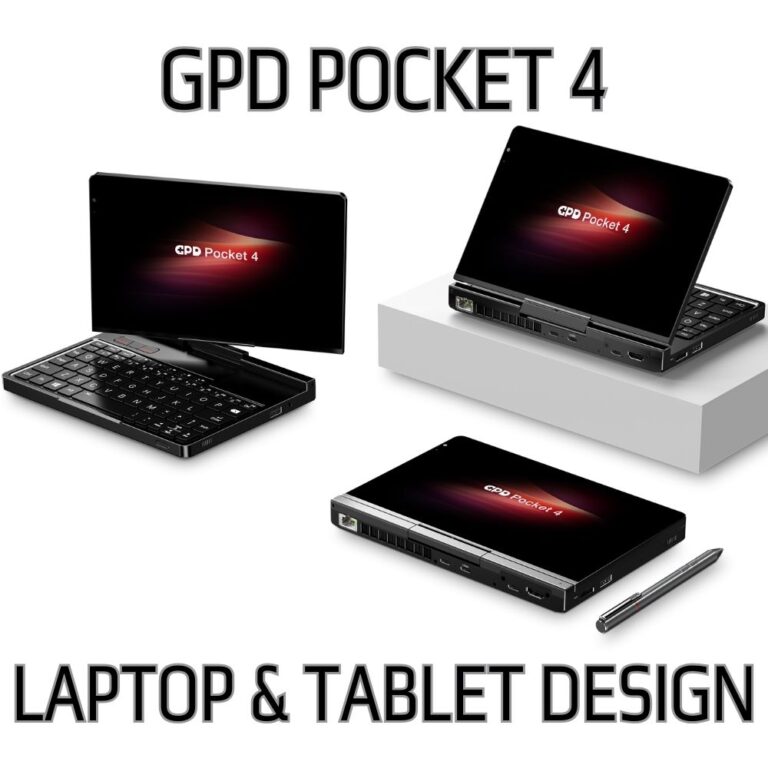 A Laptop or Tablet When You Need It: How the GPD Pocket 4 2-in-1 Design Boosts Productivity
November 1, 2024
A Laptop or Tablet When You Need It: How the GPD Pocket 4 2-in-1 Design Boosts Productivity
November 1, 2024
Questions on this guide
2 answeredthis link for the KVM info is broken: https://gpdstore.net/gpd-pocket-4-kvm-module/

Thanks for lettings us know. We have updated the link.
Once the module is installed, how would I use it to connect to another headless computer?
You can use software such as Open Broadcaster Software (OBS) https://obsproject.com/ or VLC https://www.videolan.org/ to view the other device.