Replacing the GPD WIN 4 display
Learn how to replace the GPD WIN 4 (all models) display with this step-by-step video guide. The essential tools required are a spudger and a heat source, such as a hot air gun or hairdryer, which is needed to loosen the screen’s adhesive. A hot air gun is preferable, but a hairdryer is a suitable alternative if you allow for extra time to soften the glue.
Please be advised that while we permit customers to perform their own repairs, our warranty does not cover any damage incurred during the process (see full Terms of Service here). We recommend you only proceed if you are confident in your technical abilities. To gauge the complexity, please watch the video in its entirety before beginning.
Replacing the GPD WIN 4 display
00:00 Soften the glue
01:50 Removing the display
02:17 Disconnecting the ribbon
02:54 Reconnecting the ribbon
03:43 Test the new display
04:00 Removing the old glue
04:29 Removing the glue covers
05:26 Fitting the new display
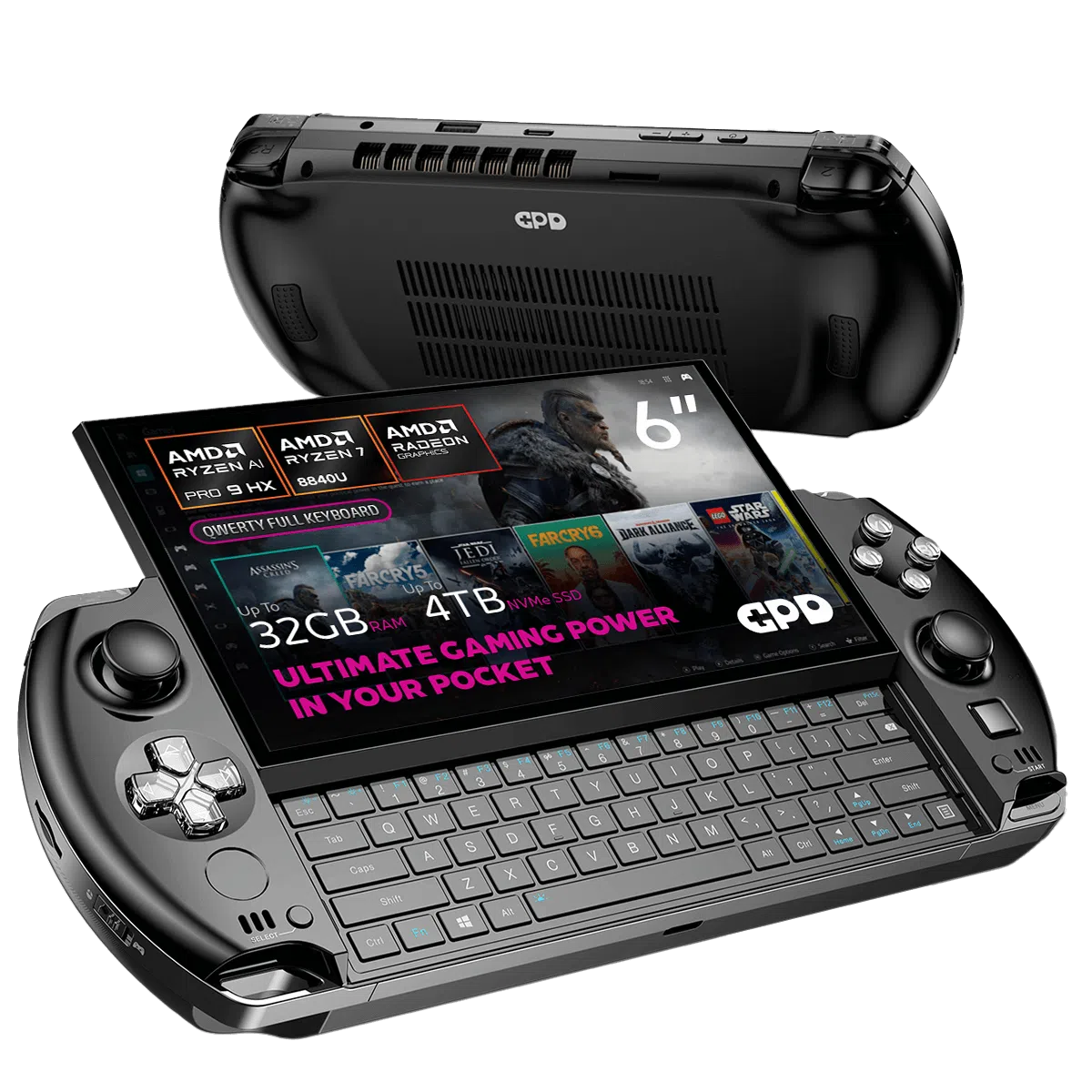
GPD WIN 4 2025 Gaming Handheld PC
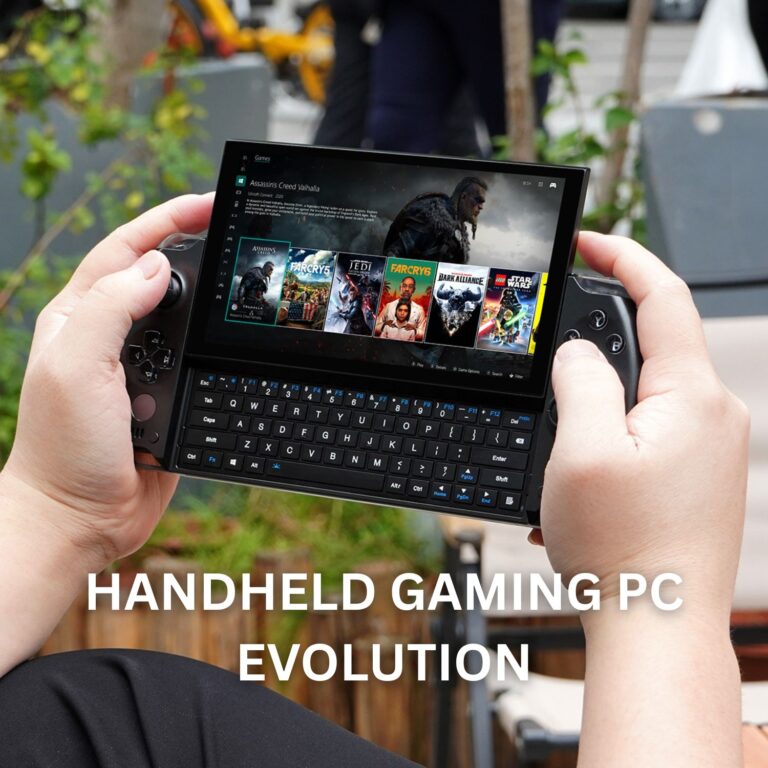 GPD’s Discreet Ascent: The GPD handheld gaming PC evolution
June 9, 2025
GPD’s Discreet Ascent: The GPD handheld gaming PC evolution
June 9, 2025
 Your Expert Guide to GPD Handheld Gaming Battery Life Optimisation
May 6, 2025
Your Expert Guide to GPD Handheld Gaming Battery Life Optimisation
May 6, 2025
 The Perfect Grip: Mastering GPD Handheld Gaming Ergonomics for Ultimate Comfort
May 6, 2025
The Perfect Grip: Mastering GPD Handheld Gaming Ergonomics for Ultimate Comfort
May 6, 2025
 GPD WIN 4 2025 vs GPD WIN Mini 2025 – Which is best for you?
April 17, 2025
GPD WIN 4 2025 vs GPD WIN Mini 2025 – Which is best for you?
April 17, 2025