
 Doc Summary

Users may find that the optical sensor on the GPD WIN 5 is overly responsive, occasionally registering cursor movement even without direct contact. This firmware patch is designed to optimise the sensitivity settings and prevent these unintended inputs from occurring.
Standard safety procedures apply: please verify that your handheld is plugged into a power source before starting the installation. It is critical that the device remains powered on throughout the entire operation. This file is intended exclusively for the GPD WIN 5; do not attempt to use it on other hardware. Please be aware that GPDSTORE assumes no liability for errors resulting from misuse or failed installations.
First, download the GPD WIN 5 Optical Finger Mouse firmware pdate here and unzip the contents.
Open the file named WIN5_OFN_20251127A.exe; the utility will briefly analyse your hardware state before automatically starting the upgrade. The entire sequence is expected to last approximately 20 to 30 seconds.
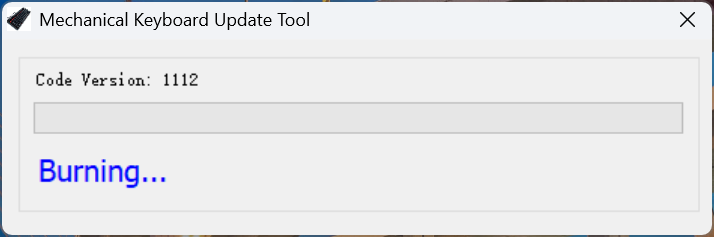
When the process concludes, the tool will verify the result, and the text PASS will appear on the screen to indicate success.
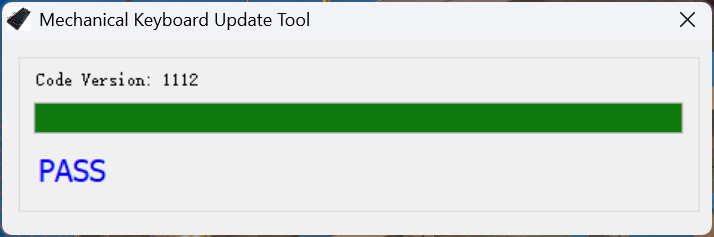
You may now exit the application and restart your GPD WIN 5 to finalise the installation. After the reboot, your device will be ready to use as usual.