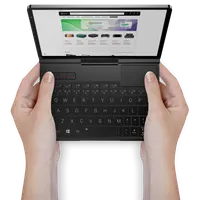
How to Update Windows and Drivers for your GPD
Windows OS is regularly updated with fixes, improvements, and new features. We highly recommend updating Windows as soon as updates are available, as they often include essential security, stability, and compatibility enhancements for your GPD handheld gaming PC and mini laptops.
Checking for Updates
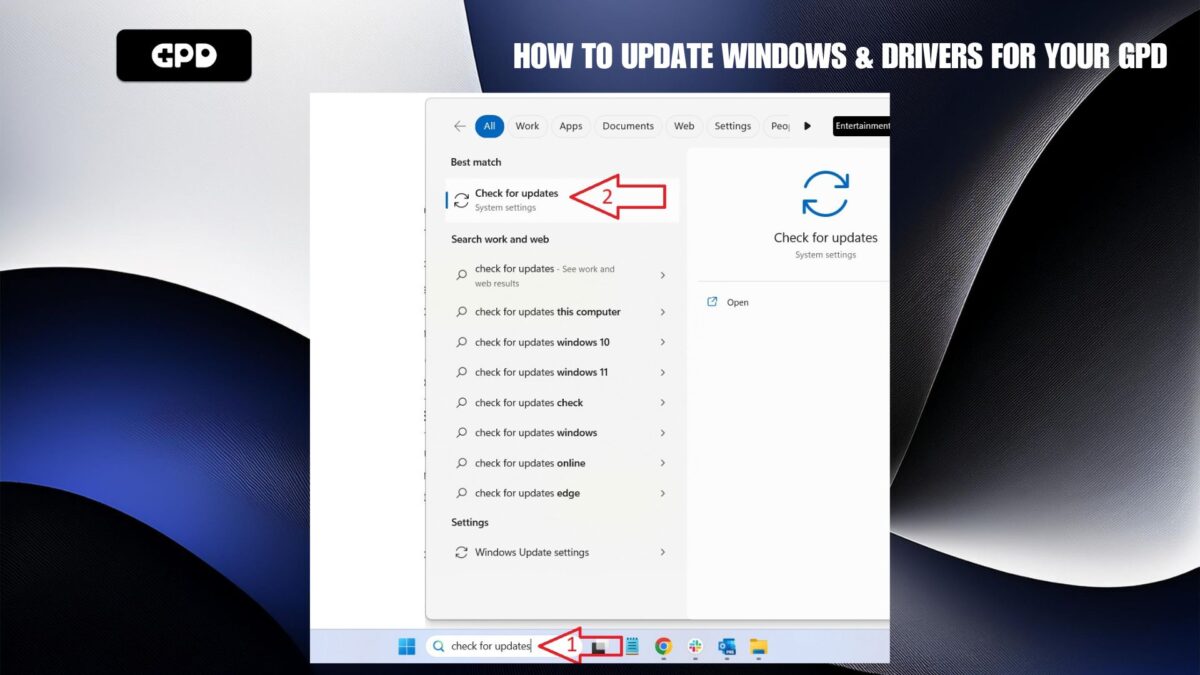
In the search bar, type “Check for updates” (Step 1), and then select “Best match – Check for updates” (Step 2).
Once on the updates screen, click on “Check for updates” and wait while it checks for any available updates.
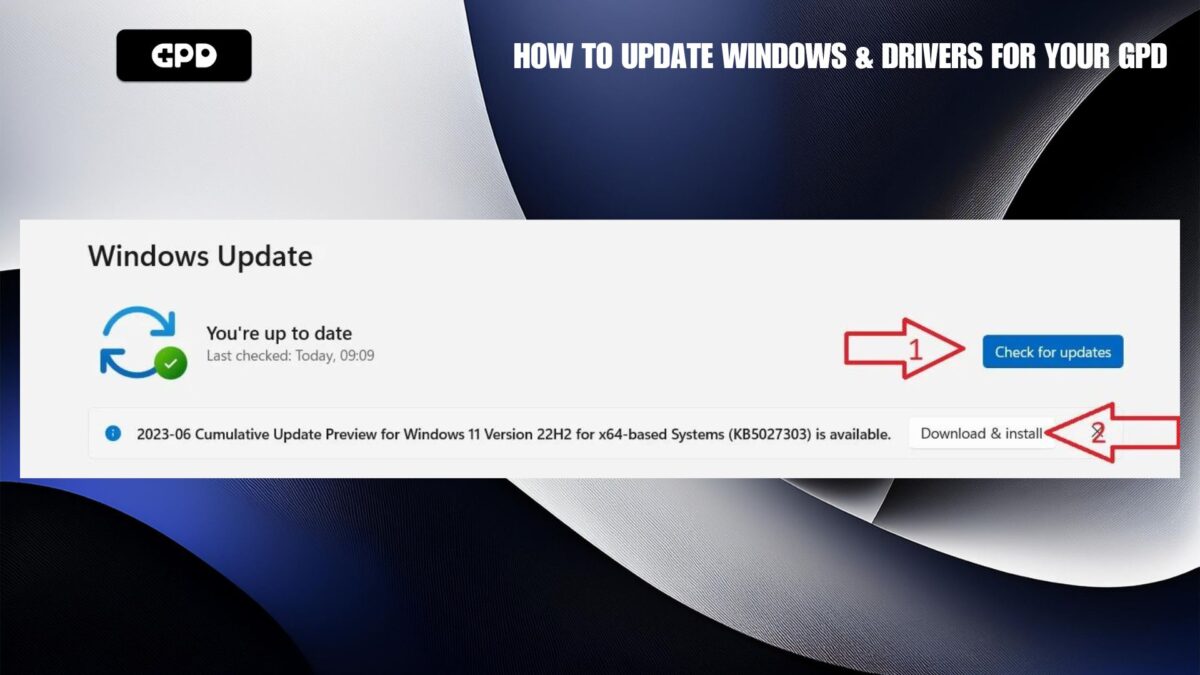
If updates are found, select “Download & Install”, and allow the system to complete the update process. Once finished, reboot your device.
Sometimes, smaller updates may become available after a large update. It’s a good idea to check again for any additional updates and install them as needed.
Device-Specific Drivers
For firmware and driver updates that are specific to your device, refer to the Getting Started guides on our Knowledge Base for your device.
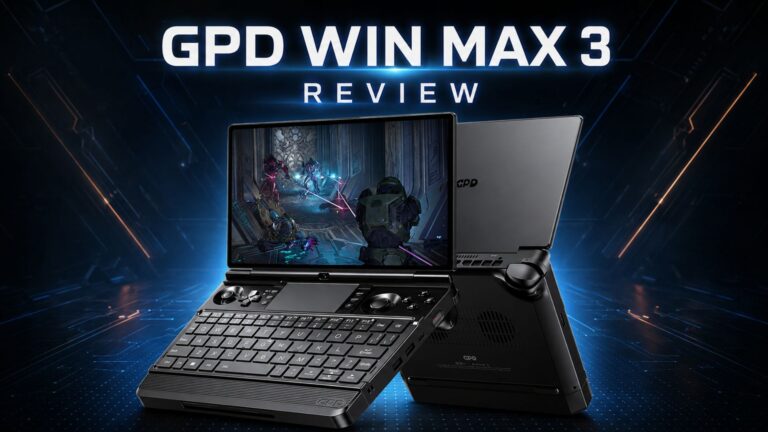 GPD WIN MAX 3 Review – A Powerful Handheld Laptop for Gaming and Work
August 28, 2026
GPD WIN MAX 3 Review – A Powerful Handheld Laptop for Gaming and Work
August 28, 2026
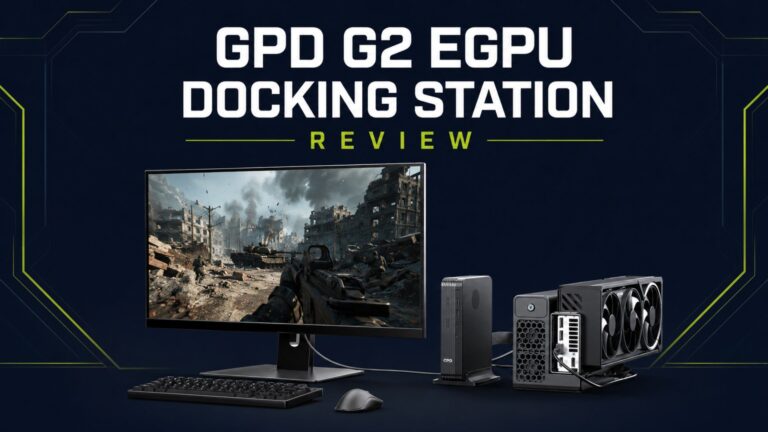 GPD G2 review – A Versatile eGPU Upgrade for GPD Handheld Gaming PCs, mini PCs and Ultrabooks
July 15, 2026
GPD G2 review – A Versatile eGPU Upgrade for GPD Handheld Gaming PCs, mini PCs and Ultrabooks
July 15, 2026
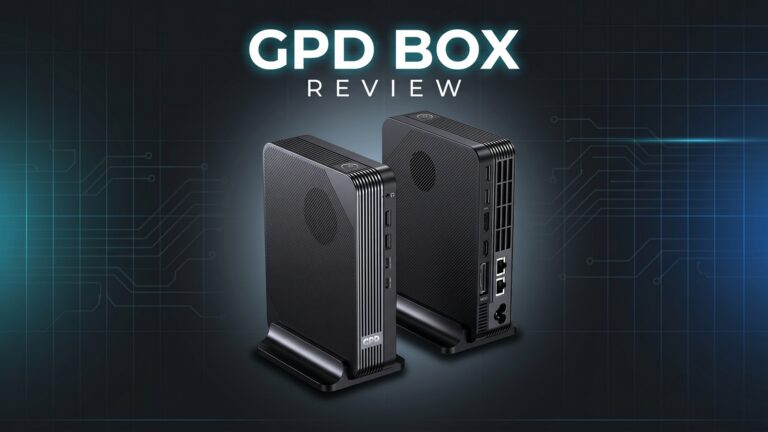 GPD BOX Review: Intel Mini PC Performance, Design, Gaming, Emulation and eGPU Testing
July 8, 2026
GPD BOX Review: Intel Mini PC Performance, Design, Gaming, Emulation and eGPU Testing
July 8, 2026
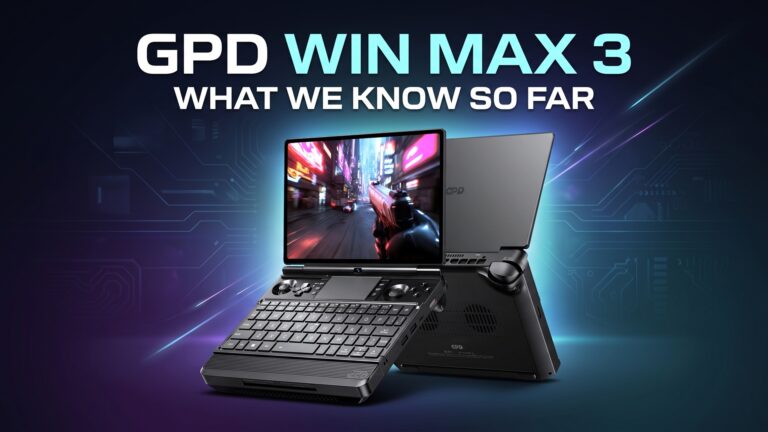 GPD WIN MAX 3 Details Revealed: Ryzen AI Max+ Power, 165Hz AMOLED and Modular Battery Design
June 26, 2026
GPD WIN MAX 3 Details Revealed: Ryzen AI Max+ Power, 165Hz AMOLED and Modular Battery Design
June 26, 2026